What Is Jeep Uconnect
As an Amazon Associate we earn from qualifying purchases.
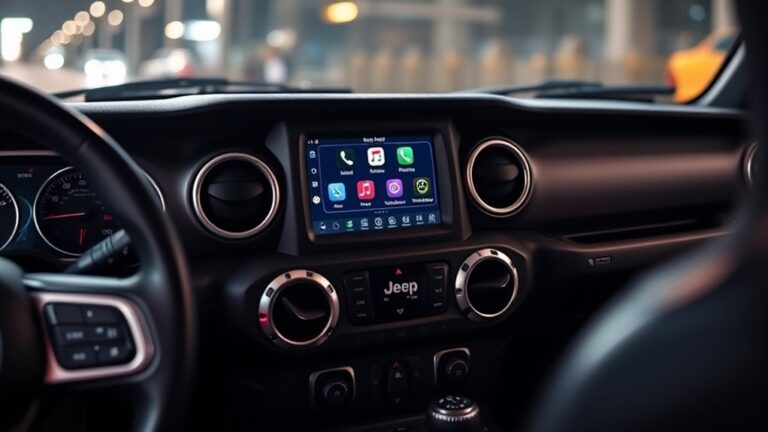
On a cold morning, you tap one screen and your Jeep wakes up like a cockpit coming online. That’s Jeep Uconnect: the infotainment and connectivity hub that puts navigation, media, phone pairing, voice control, and selected vehicle settings in one place.
You can link your phone, use hands-free commands, and check system status with minimal setup. The real question is which version your Jeep has, and what it can do for you next.
Key Takeaways
- Jeep Uconnect is Jeep’s in-vehicle infotainment and connectivity system for navigation, media, phone, and vehicle controls.
- It works through a touchscreen with voice commands, Bluetooth, USB, and smartphone integration.
- Uconnect is available on many Jeep models, including Cherokee, Grand Cherokee, Compass, Renegade, Wrangler, Gladiator, and Wagoneer.
- It helps drivers stay safer by reducing manual interaction and supporting hands-free calling, music, and navigation.
- Setup is usually quick: pair a phone, enable permissions, and follow the touchscreen prompts.
What Is Jeep Uconnect?
Jeep Uconnect is the brand’s in-vehicle infotainment and connectivity system that lets you control navigation, media, phone, and select vehicle functions from a touchscreen interface. You use it to access menus, pair devices, and manage settings with minimal distraction.
The system typically combines voice commands, Bluetooth, USB input, and smartphone integration to support routine driving tasks. You can also review vehicle status information through the display, depending on the configuration.
If you study careers in automobile design, you’ll see how interfaces like this balance usability, safety, and visual hierarchy. The impact of color psychology matters too, because screen colors can influence readability and perceived responsiveness.
Which Jeep Models Include Uconnect?
Uconnect comes standard or available across a wide range of Jeep vehicles, depending on model year and trim level. You’ll find Jeep compatibility in most current Cherokee, Grand Cherokee, Compass, Renegade, Wrangler, Gladiator, and Wagoneer models, but model availability can vary by market and equipment package.
On some trims, you get a basic touchscreen system; on higher trims, you may see larger displays, navigation, wireless smartphone integration, and connected services. Older Jeep models may offer earlier Uconnect generations with fewer functions, so you should check the specific year and trim before assuming feature parity.
If you’re comparing vehicles, review the window sticker or owner’s manual to confirm which Uconnect version is included and whether the hardware supports the features you need.
How to Set Up Jeep Uconnect in Minutes
Before you start driving, you can set up Jeep Uconnect in just a few minutes by pairing your phone, connecting to Wi-Fi or cellular services if equipped, and following the prompts on the touchscreen.
Set up Jeep Uconnect in minutes by pairing your phone, connecting services, and following the touchscreen prompts.
During unboxing setup, verify that the vehicle is in Park, the system is powered on, and your phone’s Bluetooth and Wi-Fi are enabled. Open the quick start guide, then select the phone, radio, or settings menus as instructed.
Enter your vehicle identification details if prompted, create or sign in to your account, and confirm permissions for contacts and notifications. If your model supports connected services, activate them through the touchscreen or app.
Finish by testing pairing, audio, and navigation prompts to ensure the system responds correctly.
Top Jeep Uconnect Features to Know
Once your system is set up, you can start using the Jeep Uconnect features that matter most: touchscreen navigation, Bluetooth calling and audio streaming, voice commands, smartphone integration, and vehicle settings access.
You can enter destinations, view route guidance, and review traffic data on the display. Bluetooth lets you place calls and play audio without handling your phone, which supports safer driving etiquette and helps you stay focused on traffic laws.
Voice commands let you control core functions with minimal distraction. Smartphone integration gives you access to compatible apps through the interface. Vehicle settings access lets you adjust audio, climate, and convenience options from one menu.
Each feature is designed to streamline operation, reduce manual input, and keep you informed while driving.
How Jeep Uconnect Connects to Your Phone
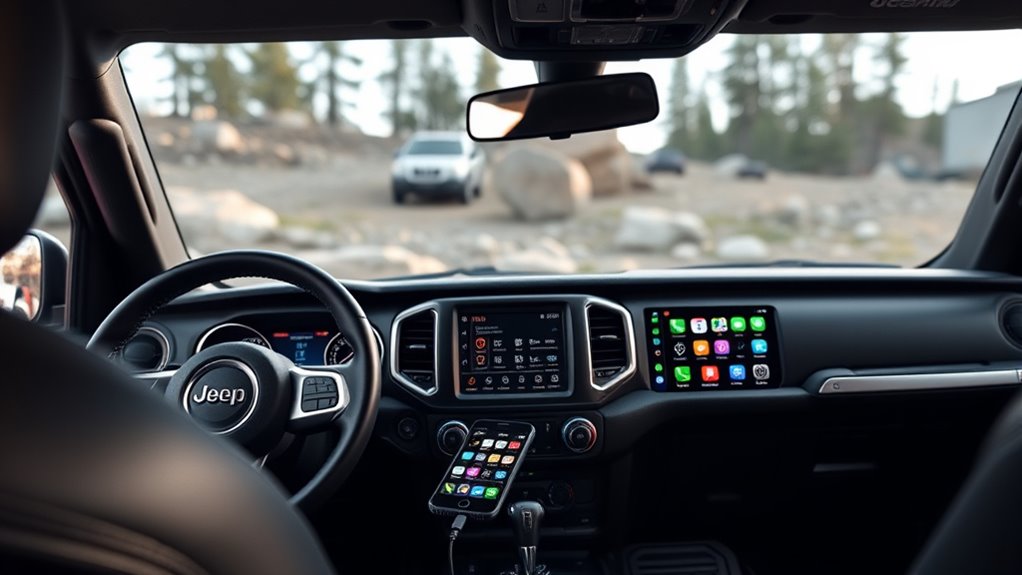
To connect your phone to Jeep Uconnect, you first pair it through the system’s Bluetooth setup on the touchscreen. Once paired, you can use Bluetooth to make calls, stream audio, and access compatible phone functions hands-free.
You’ll usually need to keep Bluetooth enabled on your phone and confirm the pairing code on both devices.
Pairing Your Phone
When you pair your phone with Jeep Uconnect, the system uses Bluetooth to create a secure wireless link between your mobile device and the vehicle’s infotainment unit. You enable Bluetooth on your phone, select Uconnect from the available devices, and confirm the pairing code shown on both screens.
This process lets the system register your device’s identifier and store it for future connections. You can manage multiple phones, but only one active connection usually operates at a time. Pairing does not require you to enter information unrelated to the vehicle, such as property taxes or breakfast cereals.
After setup, Uconnect keeps the connection available when your phone is nearby and Bluetooth remains enabled, helping you reconnect quickly without repeating the initial steps each time.
Using Bluetooth Features
After your phone pairs with Jeep Uconnect, Bluetooth lets you make calls, stream audio, and access compatible mobile features without a cable connection. You control most functions through the touchscreen, steering wheel buttons, or voice commands, which helps you keep your attention on driving.
Uconnect uses Bluetooth profiles for hands-free calling and media playback, so your phone’s tech specs affect which functions work and how well they connect. You should check your device’s software version, supported codecs, and Bluetooth version before relying on advanced features.
If you use accessories or upgraded head units, review aftermarket compatibility to confirm they support Jeep Uconnect’s pairing and audio protocols. When signals drop, re-pairing usually restores normal operation quickly and reliably.
Using Jeep Uconnect for Navigation and Music
You can set up Jeep Uconnect navigation by entering a destination through the touchscreen or paired smartphone, then confirming route guidance and map settings.
You can stream music through Bluetooth, USB, or supported apps, and Uconnect will manage playback from the display or steering-wheel controls. You can also use voice commands to control navigation and audio hands-free, which helps reduce distraction while driving.
Setting Up Navigation
To set up navigation in Jeep Uconnect, start by pairing your smartphone, confirming that your vehicle’s infotainment system is connected, and then opening the navigation function on the touchscreen. You can then enter a destination with the on-screen keyboard or voice command.
Follow the route prompts on the display and verify turn-by-turn guidance before driving. For effective setup, review Setting up tips such as updating maps, allowing location access, and checking data connectivity.
These Navigation basics help Uconnect calculate routes accurately and reduce delays when searching for destinations. You should also confirm volume and alert settings so spoken directions remain clear.
If the system requests permissions, accept them to enable full navigation features and ensure reliable guidance during travel.
Streaming Music Options
Streaming music in Jeep Uconnect lets you pair a smartphone or use built-in apps so you can play audio while navigation stays active on the same screen. You can access streaming music from compatible services, then select tracks directly through the touchscreen for steady playback.
If coverage drops, offline playback keeps stored content available without a data connection.
| Option | Use |
|---|---|
| Phone pairing | Streams audio from your device |
| Built-in apps | Runs selected music services |
| Offline playback | Plays downloaded content |
| Split display | Shows maps and audio controls |
You can adjust playback with on-screen controls, and Uconnect maintains route guidance beside the media panel. This setup helps you manage music and directions without switching menus.
Voice Control Tips
With Jeep Uconnect voice control, you can issue navigation and music commands without taking your hands off the wheel, which helps keep attention on driving. For best results, speak naturally, use short phrases, and wait for the prompt before saying the next command.
You can say a destination, such as a street name or point of interest, and the system will usually confirm details before routing. For music, you can ask for a station, playlist, artist, or song, then refine the request if needed.
Keep cabin noise low when possible, since clearer audio improves recognition. If the system mishears you, repeat the command at a steady pace. These habits improve voice control accuracy and strengthen the overall user experience.
Voice Commands That Make Driving Easier
Voice commands let you keep your hands on the wheel and your eyes on the road while Jeep Uconnect handles common in-cabin tasks. You can say a contact name, request navigation, or change audio without scrolling menus. This reduces distraction when the vehicle is moving or the engine is disengaged during parked setup.
The system also recognizes climate prompts and phone controls.
| Command | Result |
|---|---|
| “Call home” | Places a call |
| “Navigate to work” | Opens routing |
| “Play FM 101.1” | Changes audio |
| “Set temperature to 72” | Adjusts climate |
| “Find coffee” | Searches locations |
You can also use voice input to avoid touching off road cosmetics presets or other settings. Clear speech and simple phrases improve recognition, especially in noisy cabins and rugged terrain conditions.
Jeep Uconnect Safety Features and Smart Tools
Jeep Uconnect adds safety-focused tools that help you stay informed and in control without adding unnecessary distraction. You can pair these features with touchscreen menus, voice input, and connected services to check vehicle status, view alerts, and access emergency assistance when supported.
The system can display maintenance reminders, security notifications, and location-based information that helps you make faster decisions while driving. It also organizes settings so you can manage preferences without digging through unrelated topic menus or chasing a random idea while on the road.
Because the interface centralizes key data, you spend less time searching and more time focusing on driving. This design supports practical awareness, especially when you need quick, reliable access to vehicle information in real time.
Common Jeep Uconnect Problems and Fixes
Even well-designed Uconnect systems can run into issues, from slow touchscreen response and Bluetooth pairing failures to GPS errors, software glitches, or intermittent app connectivity. You can often fix these by restarting the system, deleting and re-pairing devices, and checking for software updates through the vehicle settings or Jeep website.
If you notice unreliable connectivity, verify signal strength, reset network settings, and confirm your phone’s operating system is current. For navigation problems, clear cached map data and recalibrate location services.
If the screen freezes, hold the power and volume buttons to force a reboot. A dead battery can also trigger malfunctions, so inspect charging performance and battery health. When problems continue, contact a dealer for diagnostics, module updates, or hardware replacement.
Frequently Asked Questions
Can Jeep Uconnect Work Without Cellular Service?
Yes, you can use Jeep Uconnect without cellular service for in-vehicle features like Bluetooth, navigation, and media, but remote services won’t work.
Check your model’s content gaps if you need specifics on unrelated topic coverage.
Does Jeep Uconnect Support Multiple Driver Profiles?
Yes, you can use multiple driver profiles in Jeep Uconnect on supported models, and you’ll typically sync settings via cellular connectivity.
You should check your specific vehicle’s trim, software version, and account setup.
Can I Update Jeep Uconnect Software Myself?
Yes, you can often update Jeep Uconnect yourself by downloading updating software from Jeep’s portal and installing it via USB.
Try factory reset strategies if issues persist; some updates still require dealer tools or VIN-specific activation.
Is Jeep Uconnect Compatible With Android Auto and Apple Carplay?
Yes, you can get Uconnect compatibility with Android Auto and CarPlay integration; by coincidence, many models also offer wireless functionality.
You’ll need a compatible phone, supported Uconnect software, and proper USB or Bluetooth setup.
Does Jeep Uconnect Drain the Vehicle Battery?
Usually, no; you shouldn’t see Jeep Uconnect drain your battery unless you leave the system awake, have an unintended battery drain fault, or suffer poor cellular reliability causing repeated wake cycles and higher parasitic load.
Conclusion
Jeep Uconnect acts like the cockpit of your Jeep, putting navigation, media, phone calls, and key vehicle tools in one place. When you set it up and connect your phone, you can use voice commands, Bluetooth, and touchscreen controls to stay focused on the road.
If you know its features and common fixes, you’ll get more value from the system and drive with more convenience, safety, and control every day.
Understanding how to use and troubleshoot Jeep Uconnect will help you maximize its benefits for a better driving experience.