How to Program a Jeep Garage Door Opener
As an Amazon Associate we earn from qualifying purchases.
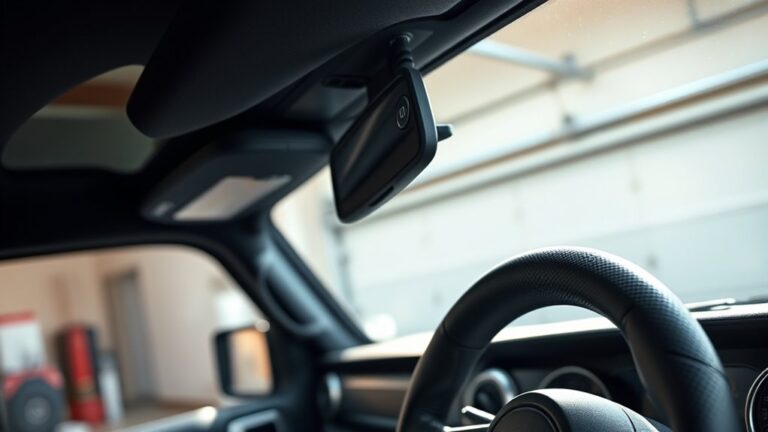
To program your Jeep garage door opener, you’ll first need to identify the HomeLink buttons and confirm your remote has a strong battery. With the ignition on and the engine off, you hold the chosen button while bringing the remote close until the indicator changes.
That’s only the first step, because the garage motor still needs its Learn button pressed at the right moment. This ensures the signal syncs properly between your Jeep and the garage door system. Following these steps carefully will help you program your opener successfully.
Key Takeaways
- Locate the three HomeLink buttons on the Jeep’s overhead console or rearview mirror, and confirm they are easy to reach safely.
- Press and hold the chosen HomeLink button while holding the garage remote nearby until the indicator changes from slow to rapid blinking.
- If needed, clear old codes by holding the two outer HomeLink buttons until the light flashes rapidly, then reprogram the button.
- For rolling-code openers, press the opener’s Learn or Program button within 30 seconds, then press the Jeep button three times.
- Test the door’s opening and closing, and troubleshoot weak signals, low remote batteries, or interference if programming fails.
How Jeep HomeLink Works
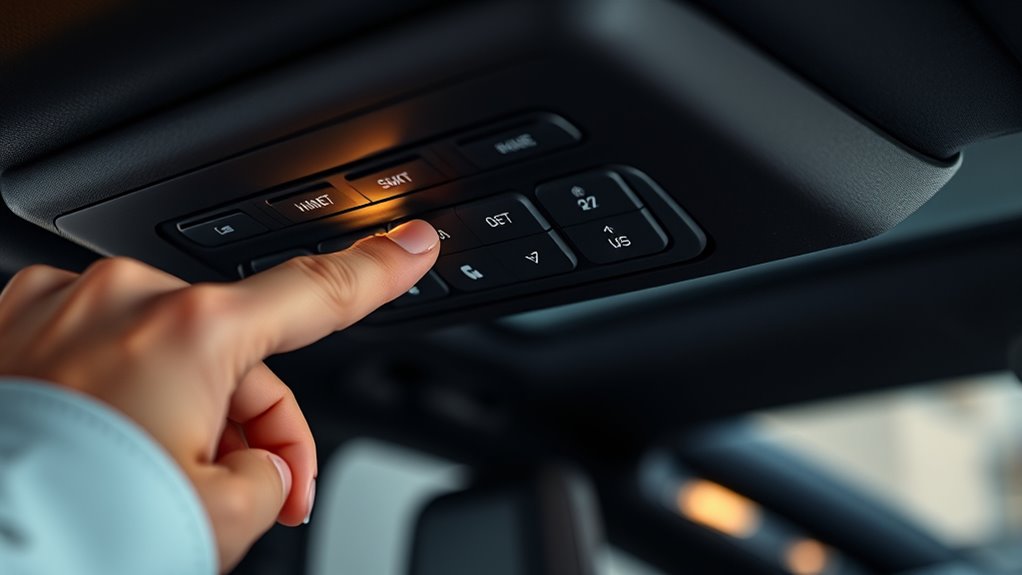
Jeep’s HomeLink system lets you control compatible garage door openers, gate operators, and other RF devices from built-in buttons in the vehicle. You press a button, and the module sends a coded signal on specific radio frequencies that match your device.
This works like how remotes work, but HomeLink uses programmable codes instead of a simple fixed signal. Your Jeep stores the learned signal, so it can repeat the command without the original handheld remote each time.
The system communicates only with devices designed to accept RF control, so compatibility matters. When you understand this process, you can program buttons more efficiently and troubleshoot pairing issues faster.
Keep in mind that the vehicle must learn the correct frequency and code pattern before it can operate the opener reliably.
Find Your HomeLink Buttons
Start by locating the overhead console or rearview mirror area, since Jeep places HomeLink controls in one of those spots. Identify the three HomeLink buttons by their small, numbered icons or indicator lights.
If you don’t see them on the mirror, check the overhead console for the same button layout.
Locate Overhead Console
Next, locate the overhead console so you can find the HomeLink buttons you’ll use to program the garage door opener. Sit in the driver’s seat and look up at the headliner area above the windshield.
You’ll usually see a compact module with map lights, a sunglass holder, and small control switches. Use these landmarks to locate overhead controls quickly and to identify HomeLink within the cluster.
If your Jeep has a mirror-based system, check the rearview mirror housing instead, but keep your focus on the upper interior. Don’t press anything yet; just verify the exact console location and note where the buttons sit.
This step helps you avoid confusing HomeLink with lighting or sunroof controls when you start programming.
Identify HomeLink Buttons
Now identify the HomeLink buttons on the overhead console or mirror housing; they’re usually marked with three small numbered buttons, often labeled 1, 2, and 3. You’ll use these identify buttons to store your garage door signal.
Check the button placement carefully so you can reach them while seated and keep your focus on the road. They should sit in a neat row near the dome light or mirror edge, with no loose switches nearby.
- Three compact buttons
- Clear numeric labels
- Easy thumb access
- Fixed, flush mounting
If the markings are faint, use a flashlight and clean the surface lightly. Confirm you’re pressing the correct button before you continue programming.
Check Mirror Placement
With the buttons identified, check the mirror placement to make sure you can reach the HomeLink controls without stretching or losing sight of the road. Sit in your normal driving position, then verify that your hand lands on the buttons naturally.
If you have to lean, adjust the mirror or your seat before programming.
| Check point | What you verify |
|---|---|
| Reach | You can press the button with one hand |
| View | The mirror still gives a clear rearward view |
| Angle | Your wrist stays relaxed during use |
| Safety | You keep eyes forward while operating |
If the mirror placement feels awkward, reposition your seat first, then recheck the mirror. A correct check mirror setup improves comfort, reduces distraction, and lets you program the opener accurately.
Prepare the Garage Door Remote
Before you start programming, gather the garage door remote and confirm it has a fresh battery, since weak power can interrupt the pairing process. Keep the remote clean, dry, and easy to reach.
Check the battery compartment for corrosion, then reseat the battery so the contacts touch firmly. These remote battery tips help you avoid intermittent signals and protect garage door safety during setup.
Use a stable work area so you can handle the remote without dropping it.
- Remote in hand
- Battery door closed
- Indicator light visible
- Buttons free of debris
Program Your Jeep Garage Door Opener
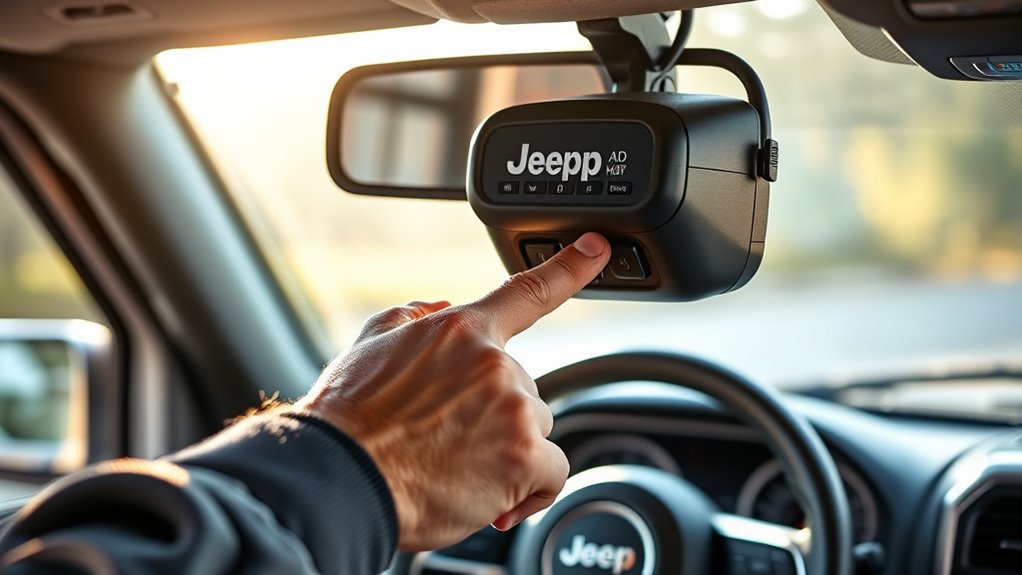
Press and hold the Jeep’s HomeLink button you want to program, then, while holding it, place the garage door remote within a few inches of the HomeLink panel. Keep the remote aligned with the chosen button and wait until the HomeLink light changes from slow to rapid blinking.
Release both buttons, then test the programmed button by pressing it once. If the light doesn’t respond, repeat the hold sequence for a few seconds longer.
For experience tips, stay inside the Jeep with the ignition on but the engine off, and keep your hands clear of moving door components. Safety considerations matter: make sure no one stands under the door during testing, and confirm the remote battery is strong before retrying.
Pair the Jeep With the Garage Door Motor
Locate the garage door motor and note its learn button or pairing indicator. Activate your Jeep’s Homelink system, then hold the selected button until the indicator starts to change.
Match the Jeep’s signal code to the motor’s pairing mode, and wait for confirmation that the link is set.
Locate Garage Motor
Where’s the garage motor? You need to locate garage equipment before pairing. Stand inside the garage and trace the ceiling-mounted rail to the drive unit; that’s the motor adjacency point you’ll use. Confirm the opener housing, antenna wire, and light lens so you’re working at the correct unit.
Look above the center of the door. Find the metal rail connected to the trolley. Identify the motor housing with warning labels. Verify the wall switch controls that same unit.
Once you’ve identified the opener, clear your view of the buttons and stay within range of the system. Use the motor’s location as your reference, since accurate positioning reduces errors and keeps the Jeep’s Homelink setup aligned with the right garage door mechanism.
Activate Jeep Homelink
With the garage motor identified, you can start pairing your Jeep’s HomeLink system to it. Sit in the driver’s seat with the ignition on and the garage remote within reach. Press and hold the desired HomeLink button and the handheld remote button at the same time.
Keep both buttons depressed until the Jeep indicator changes its pattern or confirms storage. Release both buttons, then test the selected HomeLink button to see whether the door responds. If it doesn’t, repeat the pairing step with the remote aimed directly at the overhead console.
Ignore any unrelated topic or random aside while you work; they won’t affect the setup. Use steady pressure and clear line of sight to improve transmission and keep the process efficient.
Sync Signal Codes
Now sync the rolling code so your Jeep can talk directly to the garage door motor. Press the desired HomeLink button for two seconds, then release. Repeat until the indicator shifts from slow flash to rapid flash, which means the sync signal is active.
Move to the motor unit and press its Learn or Program button within 30 seconds. Return to your Jeep and press the same button three times, pausing one second between presses.
The garage light may blink. The door may twitch. The visor display should stay steady. A code mismatch means you need to repeat the steps.
Test the opener from outside the garage. If it works, save the setting and clear any failed pairings before driving away.
Test the Door and Relearn If Needed
Press the remote button and watch the garage door cycle fully open and closed to confirm the Jeep’s opener programming worked correctly. Then test the door from the driver seat and on foot to verify range and response.
If the opener hesitates or stops short, relearn if needed by repeating the sync sequence with the correct button. Keep the vehicle parked close to the door during verification.
| Check | Result |
|---|---|
| Remote press | Door moves |
| Full open | Pass |
| Full close | Pass |
| Range test | Stable |
| Relearn step | Only if needed |
Use these checks to confirm the signal stays consistent, the wall unit responds, and the Jeep transmits the stored code without delay.
Fix Jeep Garage Door Opener Problems
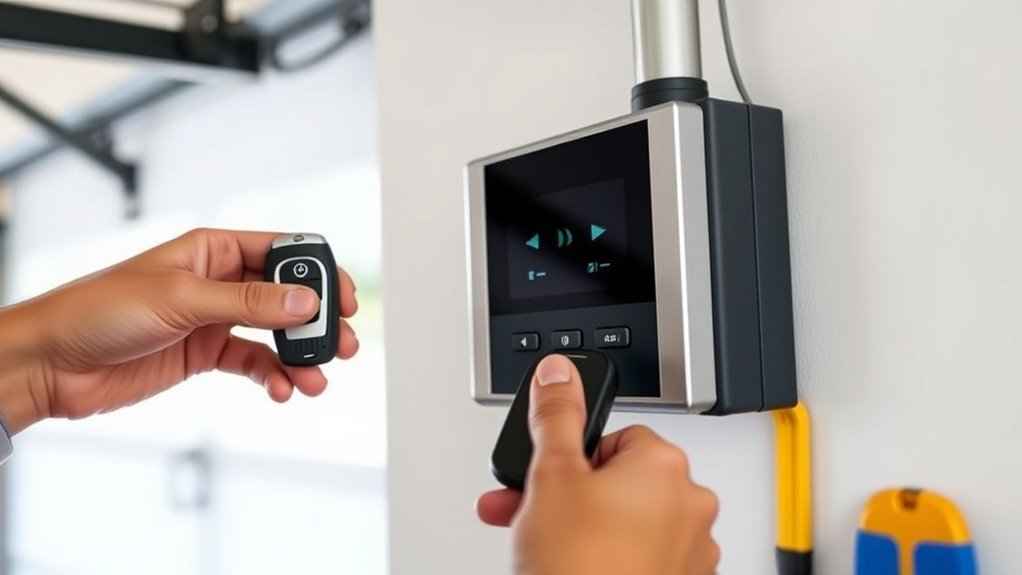
If your Jeep garage door opener doesn’t respond, start by checking the battery in the handheld remote, the distance to the door, and whether the vehicle is still in programming mode. Next, inspect the opener’s indicator light and confirm the wall unit has power.
Keep the Jeep parked within range and aim for a direct signal path. Use idea one if the remote works intermittently: replace weak batteries and retest. Use idea two if the button lights but the door stays shut: clear nearby interference from LED bulbs or other transmitters.
A dim remote LED
A closed garage door track
A glowing opener sensor
A steady, pressed HomeLink button
Reprogram After a Reset
After a factory reset or battery disconnect, you’ll need to reprogram the Jeep’s HomeLink buttons before they’ll sync with your garage door opener again. Start by clearing any stored codes, then hold the two outer buttons until the indicator flashes rapidly.
Next, press and hold the desired HomeLink button and your remote transmitter together until the light changes from slow to rapid flash. Release both, then test the button.
If your opener uses a rolling code, complete the Learn button step on the opener motor within 30 seconds. Follow the same reset guidance if the first attempt fails.
When you reprogram after a reset, keep the Jeep parked outside the garage and check the opener’s compatibility before repeating the sequence.
Frequently Asked Questions
Can I Program Multiple Garage Doors to One Jeep?
Yes, you can program multiple garage doors to one Jeep if your opener supports multi door programming and rolling code compatibility. You’ll usually assign each button to a separate door, then sync each receiver individually.
Does Jeep Homelink Work With Rolling Code Systems?
Yes, your Jeep Homelink usually works with Rolling codes; you’ll need Jeep compatibility and a synced opener. Press Homelink, then the garage unit’s learn button, and confirm the system pairs securely.
How Far From the Garage Should I Park During Setup?
You should park about 2 to 6 feet from the garage door opener during setup. That parking distance helps the signal reach reliably, and the setup timing stays quick when you keep the Jeep aligned.
Will a Dead Jeep Battery Erase Homelink Settings?
No, a dead battery usually won’t erase your HomeLink settings; they’re stored in nonvolatile memory. You’ll still need to verify garage safety after reconnecting power, then test and reprogram only if a reset occurred.
Can I Use Homelink With a Gate Opener Too?
Yes, you can use Homelink with many gate openers if their remote uses compatible radio codes. You’ll need to program it carefully; idea one, check frequency, and idea two, verify rolling-code support.
Conclusion
Now that you’ve programmed your Jeep garage door opener, test the system from outside and confirm the door opens and closes reliably. If it doesn’t respond, clear the failed pairing and repeat the steps with the Learn button timing exact.
Keep your remote battery fresh and your HomeLink settings saved after any reset. With the right setup, you’ve made your Jeep’s convenience feel almost magic—like the garage door listens before you even press the button.
Successfully programming your Jeep garage door opener ensures seamless access and adds a touch of effortless convenience to your daily routine.