How to Connect to Jeep Wrangler Bluetooth
As an Amazon Associate we earn from qualifying purchases.
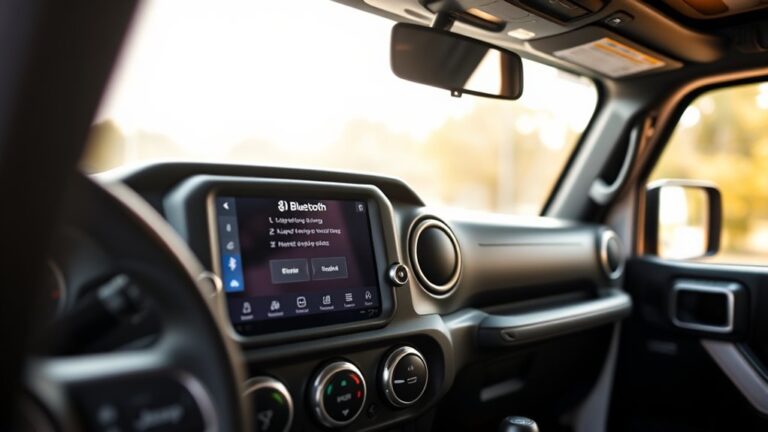
To connect your Jeep Wrangler to Bluetooth, you’ll start in Uconnect and put the system in pairing mode, then match it with your phone’s Bluetooth menu.
You’ll need to confirm the pairing code, allow call and media access, and make sure auto-reconnect is enabled.
If the connection won’t hold, a quick reset or re-pair often fixes it.
The next step is where most setup issues show up.
Key Takeaways
- Turn on the Jeep Wrangler ignition, open Uconnect, tap Phone, then Add Device to start pairing mode.
- Keep your phone’s Bluetooth on, nearby, and free from other active connections before selecting the Jeep’s Uconnect name.
- Confirm the pairing code matches on both screens, then approve the prompt quickly on both devices.
- Choose Call Audio and Media Audio permissions so your phone can make calls and play music through Uconnect.
- If connection fails, restart Uconnect, remove old pairings, and re-pair the phone from scratch.
How Do You Put Jeep Wrangler in Pairing Mode?
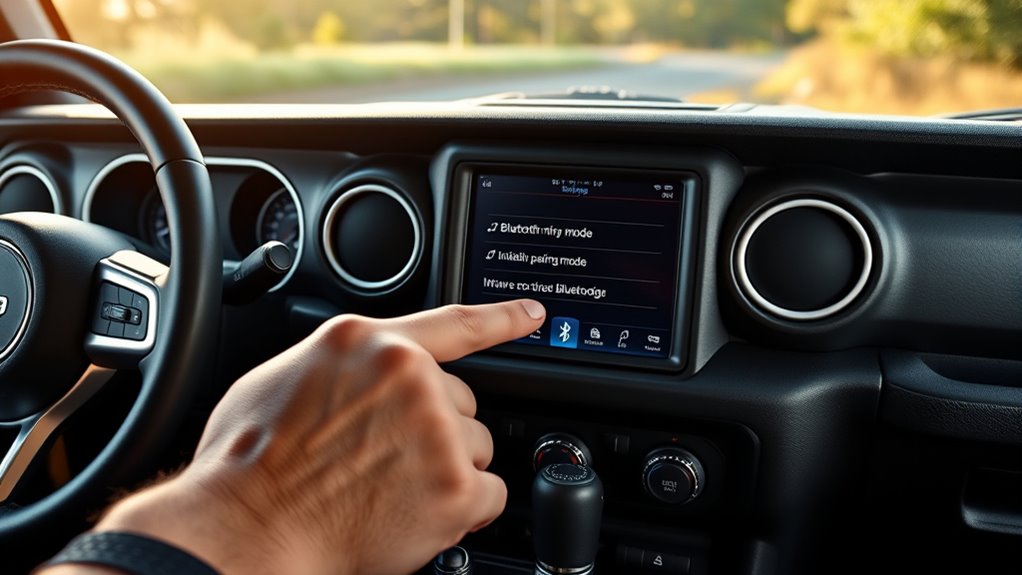
To put your Jeep Wrangler in pairing mode, turn on the ignition and access the Uconnect system on the touchscreen. Then tap Phone, then Add Device, and wait for the system to display its Bluetooth name.
You should keep your phone’s Bluetooth on and nearby, but don’t start the connection yet. If this is your first pairing etiquette, make sure no other phones are actively connected, because that can slow discovery.
For Bluetooth security, confirm the vehicle’s pairing code matches the code on your phone before you approve it. If the screen doesn’t show pairing options, restart Uconnect and try again. Once pairing mode appears, your Wrangler is ready for the next connection step.
Pair Your Phone With Uconnect
On your phone, open Bluetooth settings, select your Jeep Wrangler’s Uconnect name from the list of available devices, and then confirm the pairing code on both screens. Keep the phone close to the dash so the signal stays stable during setup.
Open Bluetooth on your phone, select Uconnect, and confirm the pairing code on both screens.
If your Phone battery is low, plug in a charger first to prevent interruptions. Uconnect may ask for permission to access contacts, recent calls, and messages; allow only what you need.
When Car interior lighting is bright, check the screen carefully to match the code exactly. If the connection fails, turn Bluetooth off and back on, then select Uconnect again.
After pairing completes, your phone should appear in the connected devices list and be ready for hands-free use.
Approve the Pairing Prompt
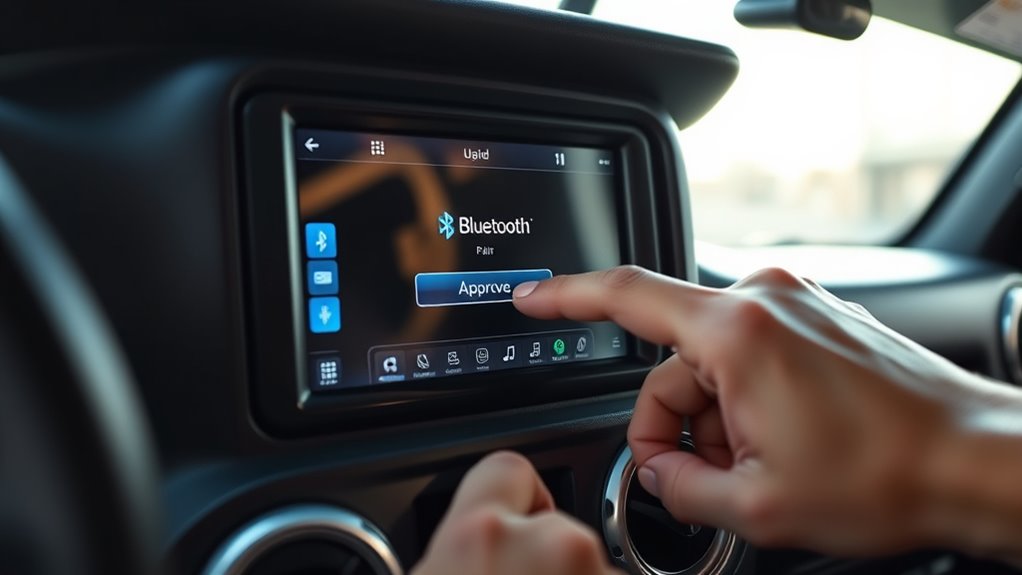
- Verify both screens show the same number.
- Select the approval button on each device without delay.
- Watch for a confirmation message before leaving the menu.
If the prompt disappears or fails, use Bluetooth troubleshooting: toggle Bluetooth off and on, remove any old Jeep connection, and try again from Uconnect. Keep the approval step simple, accurate, and fast.
Set Up Calls and Media Audio
Once your Jeep and phone finish pairing, you can set which audio types play through the system. Open your phone’s Bluetooth audio settings and confirm that Call Audio and Media Audio are enabled for the Jeep Wrangler profile. This lets you route phone calls through the cabin speakers and stream music, podcasts, or navigation prompts.
If your phone shows separate toggles, turn on both options. On the Uconnect screen, select the phone or media source as needed, then test with a short call and a song. Use steering wheel controls or voice commands to answer, hang up, pause, or skip tracks.
If sound doesn’t play, recheck volume levels on both devices and verify that audio output is still assigned to Bluetooth.
Turn On Auto-Reconnect
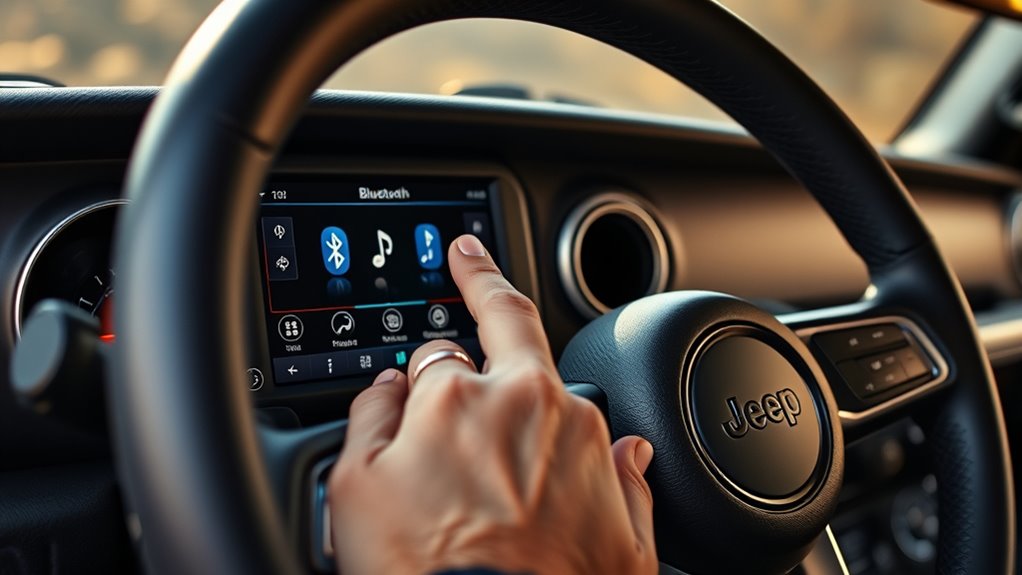
Turn on auto-reconnect so your Jeep Wrangler and phone link automatically when you start the vehicle. Open Bluetooth settings on your phone, tap your Jeep Wrangler profile, and enable automatic connection if your device offers it.
In Uconnect, confirm your phone stays paired and set as a trusted device. This keeps audio and calls ready without extra steps.
- Verify Bluetooth is active before you start the engine.
- Keep your phone near the cabin so signal strength stays stable.
- Ignore unrelated topics and focus on two word ideas like auto reconnect and trusted device.
If connection fails, check saved permissions, then restart both systems. This setup reduces manual pairing and supports faster startup every drive.
Reconnect Your Jeep Wrangler Bluetooth
If your Jeep Wrangler doesn’t reconnect automatically, you can reconnect it manually in a few quick steps. Start your Wrangler, then open the Uconnect Bluetooth menu on the touchscreen. Select your phone from the saved devices list and tap Connect.
If the phone isn’t listed, turn Bluetooth on and make sure it’s visible. On your phone, choose your Jeep from available devices and confirm the pairing code if prompted. Keep the phone close to the cabin for a stable link.
After connection, test audio with a call or media playback. Don’t change unrelated topic settings while pairing, and ignore different vehicle features unless you’re specifically matching them to your Wrangler’s setup.
Fix Jeep Wrangler Bluetooth Problems
When your Jeep Wrangler Bluetooth won’t connect, start by checking the basics: confirm Bluetooth is on, delete the old pairing on both your phone and Uconnect, and restart both devices. Next, use focused Jeep troubleshooting to isolate the fault.
Verify your phone isn’t linked to another car, and keep it within range. Check for software updates on your phone and the Uconnect system; outdated firmware can block pairing. If audio drops, test another phone to confirm whether the issue is in the vehicle or device.
Stay with Bluetooth basics: stable battery power, no interference, and correct permissions.
- Toggle Bluetooth off and on.
- Clear temporary network settings.
- Reboot the infotainment system.
Remove and Re-Pair a Phone
If your Jeep Wrangler Bluetooth connection keeps failing, you can remove the paired phone from the system first. Then re-pair your phone to reset the connection and restore proper syncing.
This process often clears pairing errors and lets you reconnect cleanly.
Remove Paired Phone
Need to remove a phone from your Jeep Wrangler’s Bluetooth pairing list? Use the Uconnect touchscreen to clear it quickly and protect phone privacy and bluetooth security. First, open Phone, then tap Settings or the paired-devices menu.
Next, select the phone you want to delete and choose Delete, Remove, or Forget. Confirm when the system asks.
- Turn on the ignition and keep the infotainment system active.
- Open the Bluetooth device list and locate the paired phone.
- Delete the entry, then verify it no longer appears.
If the phone still shows up, repeat the removal from the phone’s Bluetooth settings too. This keeps your Wrangler’s connection list organized and prevents unwanted access to your contacts and call history.
Re-Pair Your Phone
After removing the old pairing, you can reconnect your phone to the Jeep Wrangler by pairing it again from scratch. Turn on your Jeep, enable Bluetooth on your phone, and open the Uconnect system.
Go to Add Device or Phone Pairing, then make your phone discoverable. In your phone pairing menu, select the Jeep Wrangler when it appears. If prompted, confirm the PIN on both screens.
Allow access to contacts, calls, and messages so the system can sync correctly. If the connection fails, check Bluetooth settings on both devices, then delete any saved Jeep entry and try again.
Keep your phone close during setup, and wait until the display shows connected before you test audio or calling.
Frequently Asked Questions
Can I Connect Multiple Phones to Jeep Wrangler Bluetooth?
Yes, you can pair multiple phones, but your Jeep usually supports only one active Bluetooth connection at a time. Check pairing limits, then manage multi device syncing through your Uconnect settings for seamless switching.
Does Jeep Wrangler Bluetooth Support Wireless Apple Carplay?
You can’t assume wireless Apple CarPlay; your Jeep’s infotainment is the gateway star, and bluetooth compatibility varies.
Check your Uconnect system for wireless CarPlay support, then pair your iPhone through settings or update software.
Can I Stream Music Without Pairing Phone Calls?
Yes, you can stream music while limiting phone calls if your Jeep’s streaming setup lets you disable call access.
Check Bluetooth privacy settings on your phone and head unit, then pair only media audio.
Will Bluetooth Work With an Older Jeep Wrangler Model?
Yes, Bluetooth can work on older Jeep Wrangler models if you add an aftermarket adapter or head unit.
You should check Bluetooth compatibility and Uconnect limitations, since factory systems often restrict pairing and streaming features.
How Many Devices Can Uconnect Remember?
Usually, you can store up to 7 devices in Uconnect, though it varies by system. For an unrelated topic, fresh perspectives help.
Check your owner’s manual, then pair new devices and delete old ones as needed.
Conclusion
Now you know how to connect your Jeep Wrangler Bluetooth the right way. Put Uconnect in pairing mode, select your Jeep on your phone, confirm the codes, and enable call and media audio.
Turn on auto-reconnect so you do not have to repeat the setup every time. If the connection fails, restart Uconnect or re-pair the device.
Follow these steps, and you’ll be back on the road without missing a beat. Connecting to Jeep Wrangler Bluetooth has never been easier.