How to Connect Phone to Uconnect Jeep
As an Amazon Associate we earn from qualifying purchases.
Getting your phone connected to Uconnect in your Jeep can feel like opening the whole dashboard. First, you’ll check compatibility, turn on Bluetooth, and open the Uconnect phone or device menu.
Next, you’ll pair the phone, confirm the code, and allow contact and message access.
If it won’t connect, a few quick resets usually fix it—but the last step is the one that trips most people up.
Key Takeaways
- Turn on Bluetooth on your phone and in Jeep Uconnect, then keep the vehicle in Park with infotainment active.
- On Uconnect, open Phone or Device Manager and choose Add Device or Pair New Device.
- Select your Jeep on the phone, then confirm the pairing code matches on both screens.
- Accept the pairing prompts to save the phone for automatic reconnection on future drives.
- If pairing fails, forget the device on both sides, restart Bluetooth, and try again or use USB for CarPlay/Android Auto.
Check Jeep and Phone Compatibility
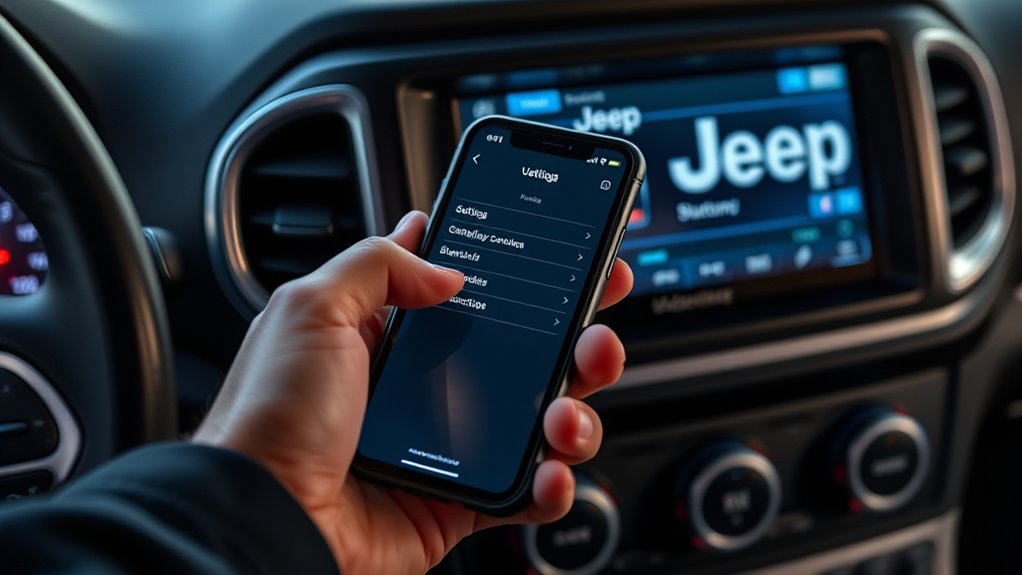
Before you pair your phone, make sure your Jeep and device actually support Uconnect Bluetooth or Apple CarPlay/Android Auto. Check your owner’s manual, Uconnect screen, or Jeep’s VIN lookup to confirm the system version.
Confirm your Jeep and phone support Uconnect Bluetooth or CarPlay/Android Auto before pairing.
Then verify your phone model and operating system against Jeep’s compatibility list, because not every phone model works with every trim or year. Run quick compatibility tests by confirming Bluetooth, USB data, and app support on both devices.
If you use CarPlay or Android Auto, your phone must meet the software and cable requirements for that feature. Update your phone and Uconnect firmware if needed, since outdated software can block pairing.
When the hardware and software match, you can move forward with setup confidently.
Enable Bluetooth in Uconnect
Next, turn on Bluetooth in your Jeep’s Uconnect system so your phone can find it. On the touchscreen, open Settings, then select Bluetooth and make sure the feature is enabled.
If your Uconnect version shows Device Manager or Phone, enter that menu and confirm Bluetooth is active. Keep your phone nearby and leave the ignition on so the system stays awake.
For best results, pause music apps and silence unnecessary alerts to support phone etiquette during setup. If you use wireless charging, place the phone on the pad after Bluetooth is on, not before, so you can verify the connection without distraction.
If Bluetooth seems off, toggle it once more and wait a few seconds for the system to refresh.
Pair Your Phone With Uconnect
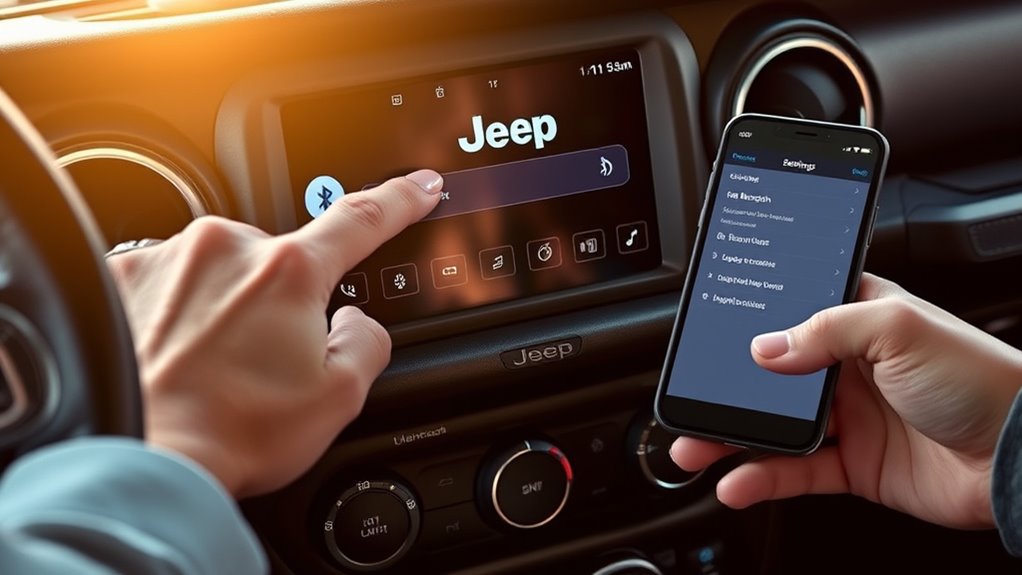
Now pair your phone in Uconnect by opening Phone or Device Manager on the touchscreen and selecting Add Device or Pair New Device. Uconnect will scan for nearby phones, and you should see your device name appear. Tap it, then keep your phone unlocked and Bluetooth on.
Open Phone or Device Manager on Uconnect, select Add Device, then tap your phone name to pair.
If you use phone grips, steady the device so you can tap quickly without fumbling. Follow hands free etiquette by staying parked and avoiding distractions while you connect.
- A Jeep dashboard glowing in the cabin
- A hand holding a phone with Bluetooth on
- A touchscreen showing a phone name ready to connect
Choose your phone, then accept the connection request on both devices if prompted. Once paired, Uconnect can store the device for future drives, making setup faster next time.
Confirm the Pairing Code
Check the pairing code on both your phone and the Uconnect screen, then make sure they match exactly. If the numbers differ, cancel the request and restart pairing from the previous menu. Do not approve a code you can’t verify, because a mismatch can link the wrong device.
Keep the vehicle in Park and glance at the side mirrors only after confirming the display, since you need focus on the screen. If the code disappears, wait a moment and retry; Uconnect may refresh during brief signal delays.
Avoid touching the phone near engine heat from vents or sunlight, which can reduce screen readability. Once the codes match, tap Pair or Yes on both devices to complete the secure connection.
Allow Access to Contacts and Messages
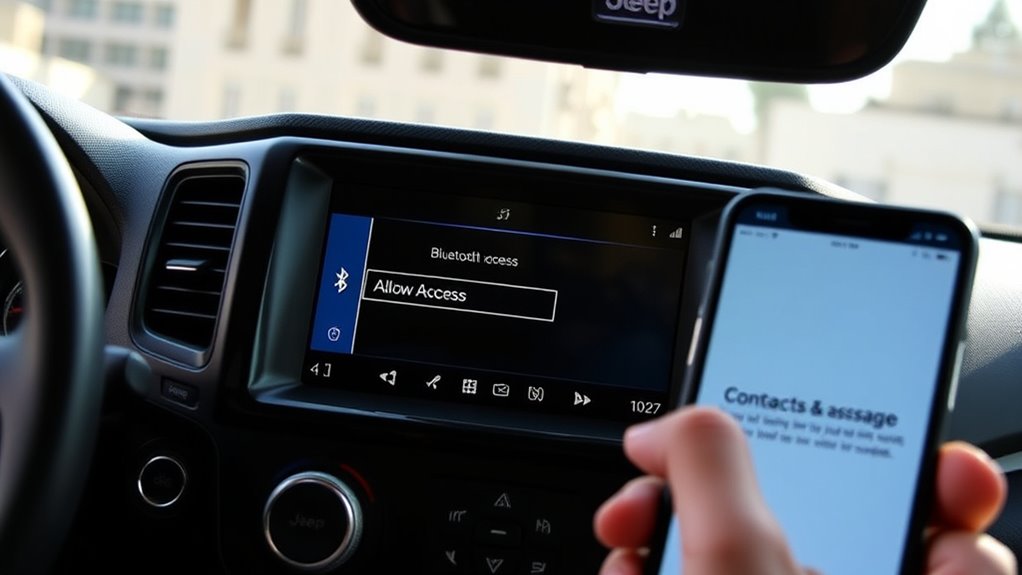
- Picture the dashboard lighting up with familiar names instead of unknown numbers.
- Imagine a text arriving and Uconnect announcing it clearly over the cabin speakers.
- See your contact list syncing smoothly while you drive, keeping your hands on the wheel.
Connect Android Auto or Apple CarPlay
Once your contacts and messages are synced, you can connect Android Auto or Apple CarPlay to bring your phone’s apps, navigation, and media onto the Uconnect display. Plug your compatible phone into the Jeep’s USB port with a certified cable, then unlock the phone and approve any prompts.
If your Uconnect system supports wireless pairing, enable Bluetooth and Wi-Fi, then follow the on-screen setup. Choose Android Auto or Apple CarPlay from the menu, and let the system load your interface.
You can use voice control, maps, music, and calls from the touchscreen or steering wheel buttons. For smooth operation, keep your phone updated and use a direct cable connection when available for stable data transfer and fast response.
Fix Common Uconnect Connection Problems
If your phone won’t connect, first check that Bluetooth is on, your Jeep is discoverable, and no other device is blocking the pairing.
If the link still fails, forget the phone in Uconnect and re-pair it from scratch. You should also update the Uconnect software, since outdated firmware can cause connection errors.
Check Bluetooth Settings
Next, check your phone’s Bluetooth settings to make sure Uconnect can find and pair with it. Turn Bluetooth on, keep your phone visible, and confirm it isn’t in Airplane Mode or Do Not Disturb modes that block discovery.
For phone safety, place the phone where you can reach it without taking your eyes off the road. Review saved device permissions and update any data privacy settings that limit sharing contacts, calls, or media if you want full integration.
- Open Bluetooth and verify Uconnect appears in nearby devices.
- Watch for a spinning scan icon and a bright Jeep dashboard screen.
- Keep the phone close, unlocked, and steady while Uconnect searches.
If connection still fails, check whether another paired device is active and pause it temporarily.
Re-Pair Phone Connection
When Uconnect won’t hold a Bluetooth link, delete the Jeep and phone pairing on both devices, then set them up again from scratch. On your phone, forget the Uconnect profile in Bluetooth settings. On the Jeep screen, remove the device from the paired list.
Restart both systems if the menus still show old entries. Then pair again, confirm the same PIN, and allow contacts, calls, and media access. This tech troubleshooting step clears corrupted pairing data that can block reliable hands-free use.
If the connection drops during setup, move the phone closer and disable other active Bluetooth accessories. A clean re-pair usually restores stable audio, faster reconnection, and better in car comfort without changing your daily driving routine.
Update Uconnect Software
Outdated Uconnect software can cause pairing glitches, dropped Bluetooth connections, and slow response times, so check for available updates in your Jeep’s system settings and install them as soon as possible. When you update Uconnect, you refresh Bluetooth protocols, phone integration, and stability fixes that often solve connection errors.
Before installing, check compatibility with your Jeep model and phone OS, then keep the engine running or battery charged during the process. After the update, restart the system and your phone, then test pairing again.
- A progress bar moving across the Uconnect screen.
- Your phone reconnecting to the Jeep dashboard instantly.
- A stable Bluetooth icon with no warning alerts.
Reconnect Your Phone Automatically
To reconnect your phone automatically, make sure Bluetooth is turned on in both your phone and your Jeep’s Uconnect system, then enable the phone’s auto-connect setting if available. After you pair once, your device should link when you start the vehicle and keep the ignition on long enough for Uconnect to initialize.
If it doesn’t reconnect, open Bluetooth settings, select your Jeep, and confirm it’s set as a trusted device. You should also keep your phone unlocked during the first few seconds after startup. Remove old pairings that can delay connection.
For easier daily use, pair compatible auto accessories only after the phone reconnects. If passengers need to use audio or calls, follow proper roadside etiquette and avoid changing settings while driving.
Frequently Asked Questions
Can I Connect Multiple Phones to Uconnect at Once?
Yes, you can pair multiple phones with Uconnect, but you’ll usually use one actively for calls, media, and texts.
You can switch between paired devices in settings, though only one connects at a time.
Does Uconnect Support Wireless Charging?
Uconnect doesn’t usually support wireless charging; you’ll need a separate pad or USB cable. Check your Jeep’s trim, because features vary.
Don’t confuse that with an unrelated topic or inconsistent terminology in manuals.
How Do I Update My Uconnect System Software?
You can update software like tuning an instrument: check Jeep’s Uconnect site, enter your VIN, download updates to USB, then install in your vehicle.
Keep the engine running, avoid rebooting system interruptions, and follow prompts.
Can I Use a USB Cable Instead of Bluetooth?
Yes, you can sometimes use a USB cable, but it depends on your Jeep’s Uconnect USB compatibility and phone support.
You’ll still need Bluetooth pairing for calls on many systems, though media and charging may work.
What if My Phone Keeps Disconnecting While Driving?
Restart phone pairing, then remove signal interference by moving away from other Bluetooth devices and charging cables.
You’ll protect driving safety and hands free compliance by updating Uconnect, checking battery settings, and re-pairing your phone.
Conclusion
Now you’ve got your phone connected to Uconnect, so you can keep your drive simple and hands-free. If the pairing doesn’t stick, check Bluetooth, restart both devices, and re-add your phone.
Once you allow contacts, messages, and media access, Uconnect becomes the bridge between your Jeep and your phone’s features. Keep it updated, and you’ll avoid most connection issues.
With a solid setup, every drive feels like a well-tuned system, not a guessing game. Mastering how to connect phone to Uconnect Jeep ensures a seamless and enjoyable driving experience.