How to Connect Bluetooth on Jeep
As an Amazon Associate we earn from qualifying purchases.
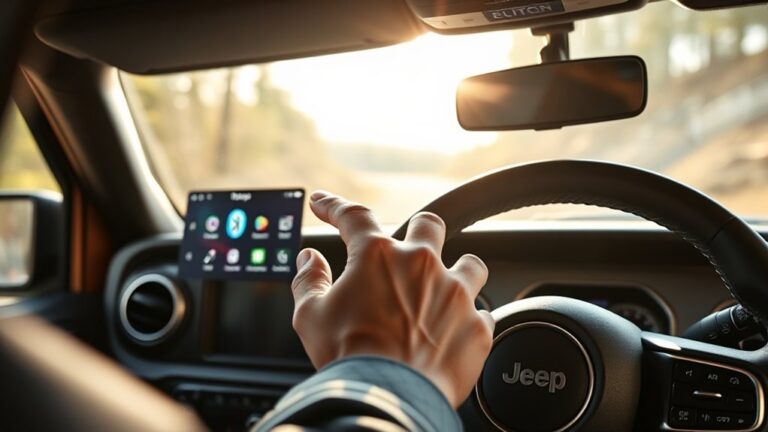
If your Jeep won’t pair with your phone on the first try when connecting Bluetooth on your Jeep, you can usually fix it in a few steps.
You turn on Bluetooth, enable Uconnect permissions for contacts and calls, then start pairing from the Jeep touchscreen under Phone or Settings > Add Device.
Once the phone appears, confirm the code on both devices and test a call or song. If it still fails, the next setting often decides it.
Key Takeaways
- Turn on Bluetooth on your phone and keep it close to the Jeep during setup.
- On the Uconnect touchscreen, go to Phone or Settings and select Add Device or Pair Device.
- Choose your phone from the list and confirm the pairing code on both devices.
- Allow access to contacts, call history, and permissions when prompted.
- Test the connection with a call or voice command, and restart pairing if the phone is not recognized.
Pair Your Phone With Uconnect
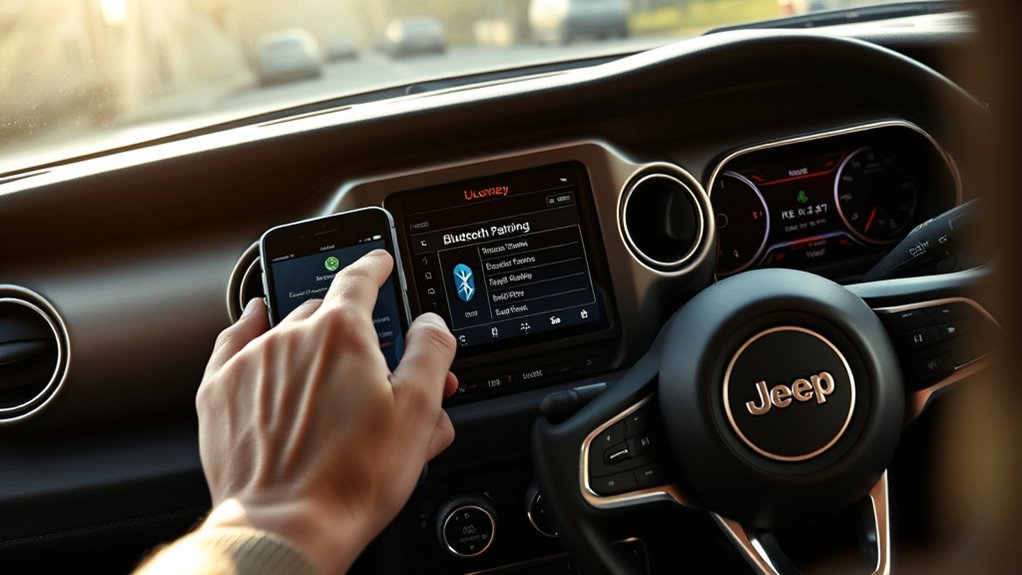
To pair your phone with Uconnect, turn on Bluetooth on your device, then start the pairing process from the Jeep’s touchscreen by opening the Phone or Settings menu and selecting Add Device or Pair Device. Your Jeep will search for nearby phones and display a pairing code.
Select your phone on the touchscreen, then confirm the code on both devices if prompted. When the connection completes, allow contact and call access so Uconnect can support phone pairing features.
Test the link by placing a call or sending a command through voice commands. If your phone doesn’t appear, keep it near the vehicle and wait a few seconds. After pairing, your Jeep should recognize the device automatically whenever you enter the cabin.
Turn On Bluetooth and Permissions
First, make sure Bluetooth is turned on in your phone’s settings and that your Jeep’s Uconnect system has permission to access Bluetooth, contacts, and call history. Then verify these pairing basics to prevent connection errors and missing features. Check that your phone’s Bluetooth is discoverable, and confirm device permissions after any software update or reset.
- Open Settings and enable Bluetooth.
- Allow Uconnect to access contacts.
- Allow Uconnect to access call history.
- Confirm your phone stays nearby during pairing.
If permissions are denied, your Jeep may connect incompletely or fail to sync caller data. Recheck both phone and vehicle settings before retrying. This quick setup keeps your connection stable and supports a clean pairing process without extra troubleshooting.
Adjust Jeep Bluetooth Audio Settings
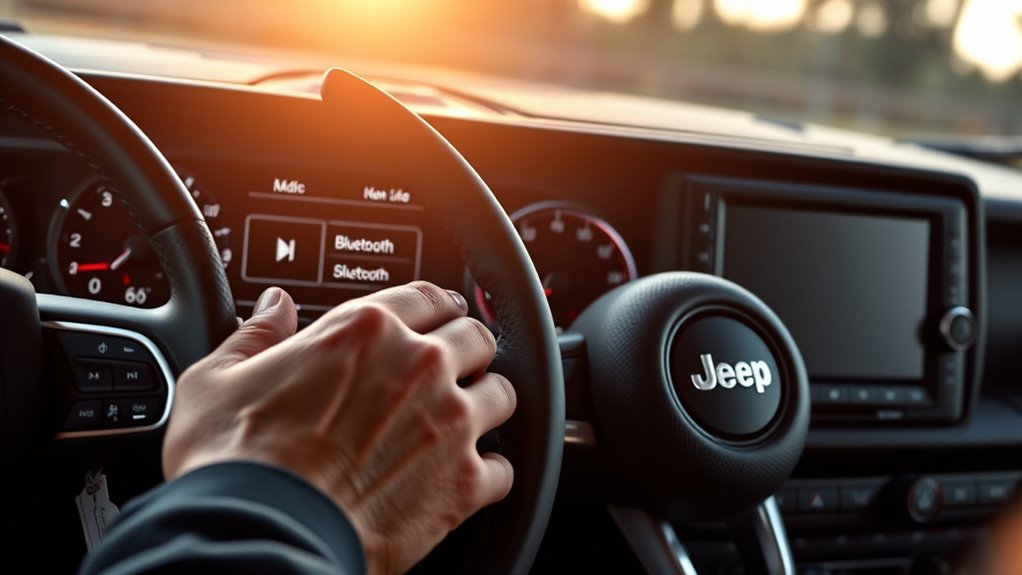
Once your phone is paired, open the Uconnect audio or media menu and select Bluetooth as the active source so Jeep can route sound through the system. Then set phone volume to about 80%, raise Uconnect volume gradually, and confirm balance and fade are centered.
If your Jeep supports call and media levels separately, adjust each so playback stays even. Use the table below to verify common settings:
| Setting | Target | Effect |
|---|---|---|
| Media Volume | 70-90% | Strong output |
| Balance/Fade | Centered | Uniform sound |
| Phone Audio | Enabled | Full routing |
Check Bluetooth security by keeping only trusted devices saved and disabling auto-connect on unfamiliar phones. If you notice audio latency, pause and resume playback, then use a stable, short-range connection. Finish by saving your preferred levels before driving.
Fix Jeep Bluetooth Pairing Issues
If your Jeep won’t pair, start by deleting the phone and vehicle connection from both devices, then restart your phone and cycle the Jeep’s ignition before trying again. Next, check these common pairing pitfalls:
- Confirm Bluetooth is on and discoverable.
- Remove old Jeep profiles that may block new connections.
- Update your phone’s operating system and the Jeep infotainment software.
- Keep the phone within a few feet of the dash during setup.
If pairing still fails, reset the infotainment Bluetooth cache and try pairing one device at a time. Avoid connecting multiple phones until the first link works. If the system accepts the phone but drops it, recheck time, date, and saved permissions.
After a successful connection, revisit audio tweaks so the system stores the correct profile.
Make Calls and Stream Music
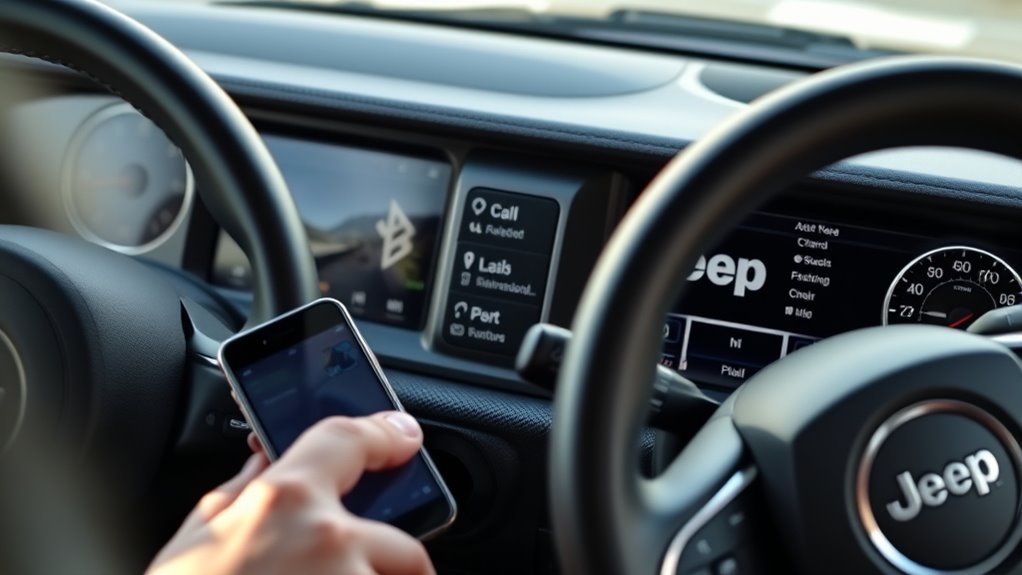
With your Jeep paired, you can use the infotainment system to place hands-free calls and stream audio from your phone. Select Phone on the touchscreen, then choose Contacts, Recents, or Dial Pad to start a call. Use the steering-wheel buttons or voice recognition to answer, end, or redial without taking your hands off the wheel.
For music, open your preferred audio app on the phone, and the Jeep should switch to Bluetooth audio automatically; if it doesn’t, tap Media and select Bluetooth. Adjust volume on the head unit, not the phone, to avoid distortion.
For privacy concerns, mute the mic or disconnect Bluetooth when parked. Keep playback stable by limiting background apps and keeping the phone within range.
Frequently Asked Questions
Can I Connect Multiple Phones to Jeep Bluetooth?
Yes, you can pair multiple phones to your Jeep Bluetooth, but pairing limits apply. You’ll usually connect one device at a time for calls and audio, though some systems store several devices and let you switch.
Does Jeep Bluetooth Work With Older Phone Models?
Yes, your Jeep Bluetooth can work with older phones if you verify device compatibility, but it’s not magic. You’ll need supported Bluetooth profiles, enabled pairing mode, and updated firmware; otherwise, you won’t connect reliably.
Can I Pair a Smartwatch With Jeep Uconnect?
You can’t usually pair a smartwatch with Jeep Uconnect for audio calls or media; Uconnect supports phones, not wrist devices. Use your smartwatch’s app for wireless health monitoring, and connect your phone instead.
How Far Does Jeep Bluetooth Range Extend?
Jeep Bluetooth typically reaches about 30 feet; my phone stayed linked across a driveway, like a leash. You’ll get best Bluetooth range and pairing etiquette by keeping devices close, and checking compatibility with aftermarket devices.
Can I Use Bluetooth While the Jeep Is Parked?
Yes, you can use Bluetooth while your Jeep’s parked, provided ignition power stays on.
You should consider parking safety and battery considerations, since extended audio or calls can drain the vehicle battery.
Conclusion
Once you’ve paired your phone with Uconnect, Bluetooth should work smoothly for calls and music. Keep Bluetooth on, allow access to contacts and call history, and check your Jeep’s audio settings if the sound seems off.
If pairing fails, restart both devices and try again from the touchscreen. When the connection is right, you’ll notice it immediately: your Jeep and phone respond together, almost as if they were waiting to meet all along.
Following these steps will ensure a seamless Bluetooth connection on your Jeep, making your driving experience more enjoyable.