What Is Ford Mykey
As an Amazon Associate we earn from qualifying purchases.
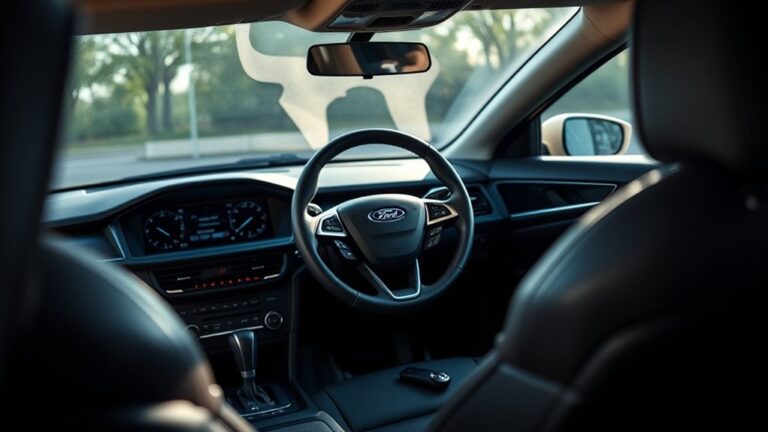
Ford MyKey is like a gatekeeper for your vehicle, quietly setting boundaries before the engine even starts. This feature allows you to assign one key as the admin key and use another to enforce limits such as reduced top speed, lower audio volume, and seat belt reminders.
It’s built to help you manage shared driving safely. However, the setup, reset, and common issues can get tricky fast.
Key Takeaways
- Ford MyKey is a configurable key system that lets owners set driving restrictions for specific keys.
- It helps promote safer driving by limiting speed, audio volume, and some vehicle functions.
- One key acts as the admin key, while another can be programmed as the restricted control key.
- MyKey is useful for family or fleet vehicles because it helps standardize and oversee vehicle use.
- An admin key is required to create, change, or clear MyKey settings in the vehicle menu.
What Is Ford MyKey?
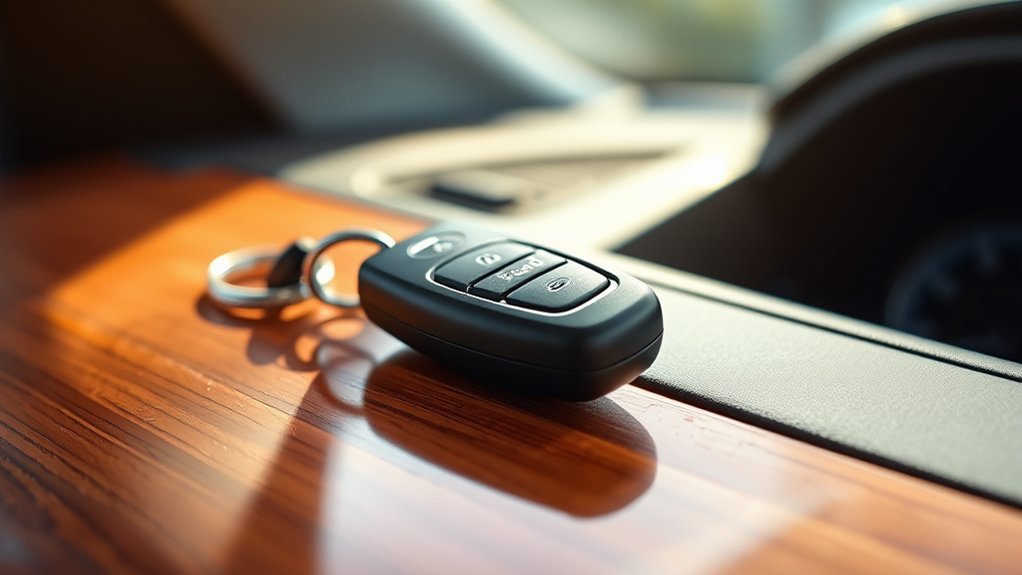
Ford MyKey is a configurable vehicle key system that lets you set driving restrictions to help promote safer operation, especially for younger or less experienced drivers. You use it to assign one key as a programmable control key and another as an admin key.
In compatible Ford vehicles, you can store settings in driver profiles, so each user gets a consistent setup. The system supports new features that help you manage shared vehicle use without constant reconfiguration.
It’s designed to give you a practical safety tool for family vehicles, fleet vehicles, or any situation where you want standardized operation. When you activate MyKey, you’re creating a controlled driving environment that helps you maintain oversight and reduce unsafe vehicle use.
How Ford MyKey Limits Driving Behavior
When enabled, MyKey lets you restrict key driving behaviors to support safer vehicle use by limiting top speed, reducing maximum audio volume, and preventing audio from being turned off when seat belt reminders are active. You can use these feature limitations to reduce aggressive driving behavior and keep cabin alerts audible.
The system also supports additional safeguards, such as restricting traction control deactivation and limiting certain driver-assist adjustments, depending on vehicle configuration. These controls help you maintain a consistent safety profile for designated keys without affecting the standard operation of the vehicle for unrestricted keys.
MyKey doesn’t replace attentive driving, but it does enforce boundaries that encourage responsible use. By constraining selected functions, it helps you manage risk and promote compliance with safe driving expectations.
How to Set Up Ford MyKey

To set up Ford MyKey, you’ll first need an admin key and access to the vehicle’s settings menu through the instrument cluster or central display, depending on your model. Select MyKey, then choose Create MyKey and confirm the current admin key when prompted.
Next, insert or place the key you want to program, then follow the on-screen instructions to assign MyKey restrictions. You can usually enable alerts, speed limits, and audio limits to support safer driving.
After confirmation, test the programmed key and verify the settings appear correctly in the display. If you’re reviewing discussion ideas, keep the focus on safety functions and avoid unrelated topics that don’t affect setup.
Always store the admin key separately so you can manage future changes securely.
How to Turn Off or Reset Ford MyKey
Remove MyKey restrictions through the vehicle’s settings menu by using an admin key, since only the master key can clear or change those limits. Open Settings, select MyKey, then choose Clear MyKey or Reset All. Confirm carefully, because the system restores full access and disables imposed limits.
| Step | Action |
|---|---|
| 1 | Insert admin key |
| 2 | Enter settings |
| 3 | Select MyKey |
| 4 | Confirm reset |
| 5 | Test functions |
After reset, check alternative features like audio and speed settings, and review safety concerns before driving. If you share the vehicle, think about privacy implications from retained preferences. Reapply maintenance reminders only if needed, since they support service tracking without restricting operation.
Common Ford MyKey Problems

Even after you reset Ford MyKey, you may still run into issues that affect how the system behaves. You might see a locked admin key, a missing sensor response, or speed limiter settings that won’t clear.
If you use a worn key or the wrong ignition cycle, the system can fail to recognize your changes. Low battery voltage can also trigger errors, so check the vehicle battery before further diagnosis.
You should verify the key type, reprogram it with the correct master key, and inspect dash warnings for fault codes. Avoid two word discussion ideas and any unrelated topic while troubleshooting, because they distract from safety-critical checks.
If problems continue, consult a Ford technician, since incorrect MyKey operation can limit access to important driver controls and reduce safe vehicle use.
Frequently Asked Questions
Can Ford Mykey Work With All Ford Models?
No, you can’t assume Ford MyKey works with all Ford models; you’ll need to check your vehicle’s trim and year.
It typically controls driving behavior through safety features like speed limits and audio volume.
Does Ford Mykey Affect Insurance Premiums?
Yes, Ford MyKey usually won’t directly change your insurance, but it can support a premium impact if you prove safer driving.
You should ask your insurer; insurance pricing can vary by telematics, claims history, and discounts.
Can I Use Mykey With a Second Key Fob?
Yes, you can use MyKey with a second key fob if your vehicle supports it; check MyKey compatibility first. Like a crown juggling two court jesters, you’ll need proper programming to keep safety settings active.
What Happens if the Mykey Key Is Lost?
If you lose the MyKey, you’ll lose access to its restricted settings until you reprogram a new key. That affects lost key safety and may create insurance implications, so secure a spare and notify your dealer quickly.
Can Mykey Settings Be Customized for Different Drivers?
Yes, you can customize MyKey settings for different drivers by creating separate driver profiles. Your customization options include speed limits, volume limits, and alerts, helping you enforce safer driving habits consistently.
Conclusion
In your Ford, MyKey helps you control how a secondary driver uses the vehicle by setting limits on speed, audio volume, and safety alerts. That matters because the NHTSA says seat belts reduce the risk of death for front-seat passengers by 45%.
You can set up, turn off, or reset MyKey through the vehicle menu, but you’ll need the admin key to change it. If you run into issues, check the key assignment first.
Using these controls can promote safer driving habits, which is why Ford MyKey is an important feature to consider.


