How to Unlock Ford Explorer With Keys Locked Inside
As an Amazon Associate we earn from qualifying purchases.
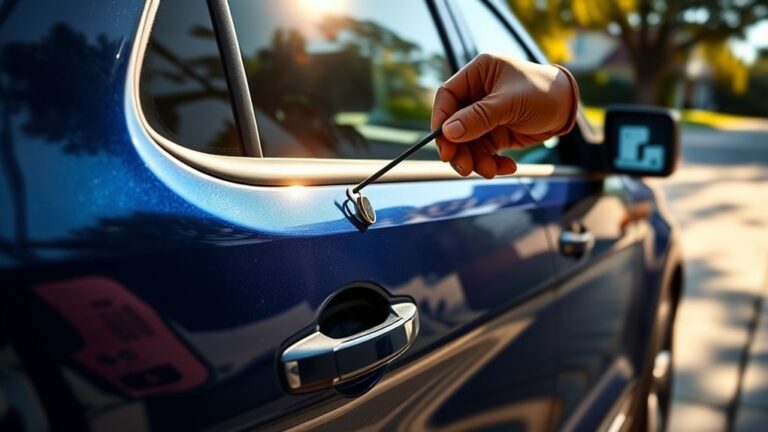
If you’ve locked your keys inside a Ford Explorer, start by confirming every door is actually secured and check for a spare key or a working FordPass unlock. Ensuring you have these options can save time and frustration.
Next, inspect the fob battery and your vehicle’s network connection before you call roadside assistance or a locksmith. A dead battery or connectivity issue might be the simple cause.
Use a wedge only if you understand the risks, since one wrong move can damage the seal, lock, or electronics—and there’s one rear access option that may change everything. Proceed carefully to avoid costly repairs.
Key Takeaways
- First, check whether a hatch release or rear seat fold-down allows access to the keys.
- If you have a spare key, use it and confirm it fits the Explorer’s trim and model year.
- Try FordPass remote unlock if your Explorer is linked and your phone has data service.
- Call roadside assistance or a locksmith for professional entry to avoid damage.
- Avoid forcing the door or using metal tools; use only cautious, minimal intrusion if necessary.
Check for a Spare Key
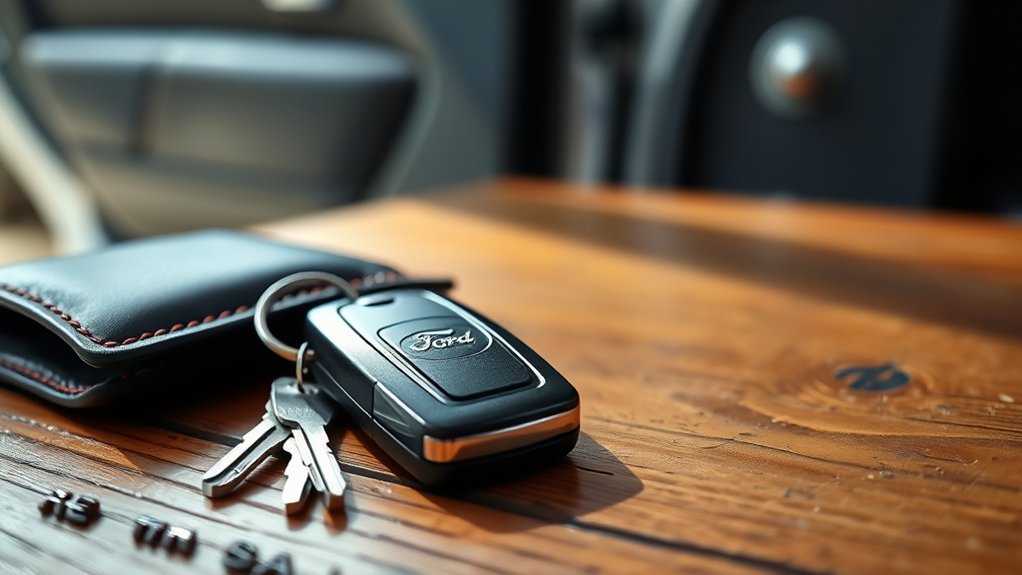
Before you try anything else, check whether you have a spare key available. If you keep one at home, in a wallet, or with a trusted contact, use it first. Confirm it matches your Explorer’s trim and model year, because a miscut key won’t engage the lock.
If your vehicle uses a smart lock or key fob system, verify the backup key is paired and has a working battery. Test the spare key in the driver door, not just the ignition, to confirm it’s functional.
If the spare key opens the door, secure the original keys immediately and inspect the interior for damage or battery issues. If you can’t locate a spare key, move on to the next recovery method without forcing the lock or window.
Try FordPass Unlock
If your Explorer is linked to the FordPass app, you may be able to release it remotely without touching the keys. Open FordPass, verify your account, and select the vehicle’s lock control.
Send the unlock command once, then wait for confirmation before retrying. Keep your phone’s data connection active, because the app needs network access to reach Ford’s servers.
If the command fails, refresh the vehicle status and confirm the Explorer is still enrolled in remote services. Use this method only if you’ve already set up remote access; it isn’t a universal remote for every Ford system.
If you regain entry, store a spare and consider key duplication for future prevention. This option can save time and avoid unnecessary damage.
Check the Key Fob Battery
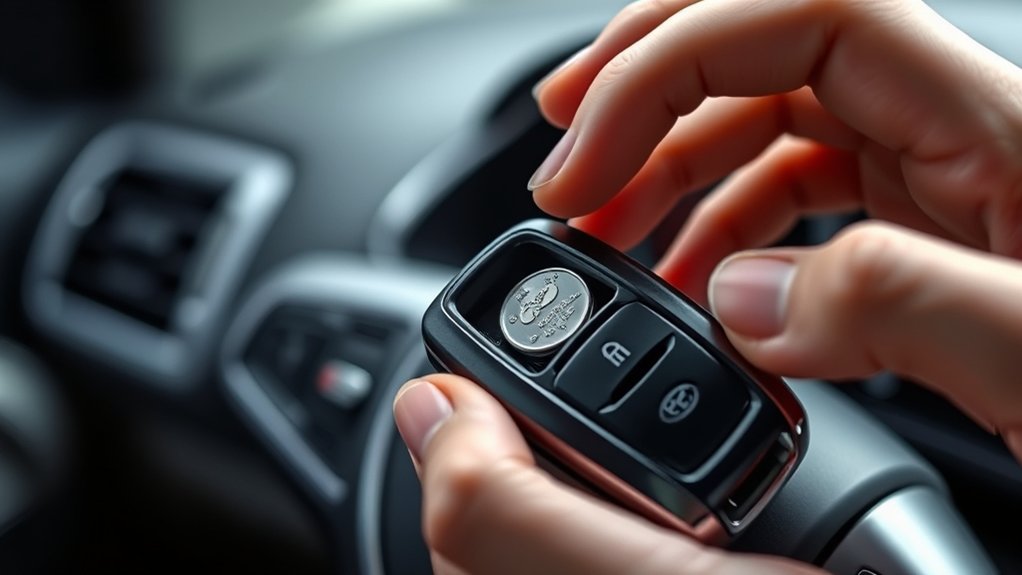
Check the key fob battery if the Explorer still won’t unlock, since a weak cell can cause delayed response or no response at all. You can test the fob by pressing the lock or unlock button and watching for a door response or indicator flash.
If it acts intermittently or not at all, replace the battery with the correct type and retest the fob.
Battery Warning Signs
A weak key fob battery can keep your Ford Explorer from responding to the unlock signal, so look for early warning signs like reduced range, delayed button response, or a dim indicator light. If you notice these symptoms, treat them as part of routine battery maintenance and replace the coin-cell battery before it fails completely.
You should inspect the fob for corrosion, loose battery contacts, or physical damage that can interrupt power delivery. In vehicle diagnostics, a gradual drop in performance often points to low voltage rather than a full system fault.
Use the correct battery type and install it with the proper polarity to restore reliable operation. Don’t ignore intermittent behavior, because it usually gets worse under temperature changes or heavy use.
Test Key Fob Response
Press the unlock button and watch for any response from your Ford Explorer, such as flashing lights, door clicks, or a brief horn chirp. If nothing happens, stand closer to the vehicle and test key operation again, since signal range can drop near interference sources.
Use your spare key fob, if available, to compare behavior and isolate a weak transmitter. Check for delayed or inconsistent reactions, because those symptoms often point to a low battery or worn contacts.
Keep your movements deliberate so you can note each result. For quick two word discussion ideas, think “signal strength” and “fob range.” If the fob still fails, the issue likely sits in the battery circuit, not the vehicle receiver.
Replace Fob Battery
If the fob still won’t respond, replace its battery and retest the remote function. Open the key fob case with a small plastic pry tool, not a metal blade, to avoid damaging the shell.
Note the battery type before removal; most Ford Explorer fobs use a coin cell such as CR2032. Install the new battery with the polarity matching the markings, then snap the case shut firmly.
Press lock and unlock to verify output. If the key battery was weak, the remote should now trigger the door unlock system. Keep the old battery out of the fob to prevent contact corrosion.
If the fob still fails, inspect the contacts, then try your spare key or service the vehicle.
Call Roadside Assistance or a Locksmith
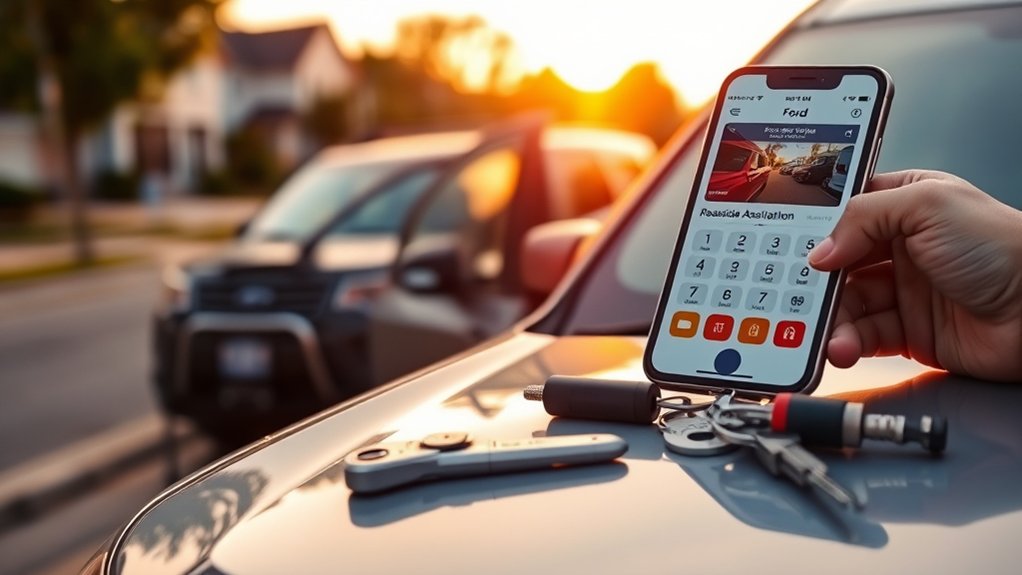
When you can’t unlock the Ford Explorer yourself, call roadside assistance or a qualified locksmith to handle it without damaging the door, lock, or weatherstripping. You’ll get a controlled, noninvasive entry method that protects car care standards and follows safety tips.
Call roadside assistance or a qualified locksmith for controlled, noninvasive entry that protects your Ford Explorer.
Give the operator your exact trim, model year, and location, then confirm your insurance or membership coverage before service starts. Ask the technician to verify ownership and explain the entry method.
- Keep your registration and ID ready.
- Request an estimated arrival time and total cost.
- Inspect the door seal and lock after service.
If the keyless system or mechanical lock still fails, document the issue and schedule repair.
Use a Wedge Tool Carefully
Use a wedge tool carefully to create a small gap at the top of the door frame without bending the sheet metal or tearing the weatherstripping. You should choose a nonmarring plastic or rubber wedge, then insert it near the upper corner where the frame flexes least.
Apply steady pressure, not force, and stop as soon as you can see a narrow opening. Protect the paint with a cloth if needed. Keep the gap minimal so you don’t stress glass, trim, or seals.
This method respects unlocking ethics and vehicle privacy because you’re limiting intrusion to the access needed for an emergency. If resistance increases, back off and reassess; damage will cost more than a call for professional help.
Try a Coat Hanger or Shoelace
If your Ford Explorer has a manual lock knob, you can try a straightened coat hanger to reach the interior lock or handle with controlled, minimal movement. For a vertical lock post, form a small loop in a shoelace, lower it through the door gap, and tighten it around the knob before pulling upward.
Keep the tool aligned with the lock mechanism and use only enough force to avoid damaging the weather seal or trim.
Coat Hanger Method
A coat hanger or shoelace can sometimes reach an opened door latch on older Ford Explorer models, but this method only works if the vehicle has a manual lock mechanism and enough gap at the top of the door. Straighten the hanger, form a small hook, and slide it between the glass and weather stripping without forcing it.
Use controlled movements to feel for the latch rod, then lift gently until the lock releases.
- Protect paint and trim with tape or cloth.
- Keep pressure light to avoid bending internal parts.
- Use this only when lockout etiquette and emergency preparedness justify a careful, non-destructive attempt.
Shoelace Loop Technique
Another simple option is the shoelace loop technique, which can work on older Ford Explorer models with a manual lock knob and a small gap at the top of the door. You’ll need a firm lace with a small loop tied at one end.
Slide it between the weather seal and glass, then lower it over the lock knob. Pull both ends slowly to tighten the loop, then lift the knob upward. Keep steady tension and avoid forcing the seal, since damage can occur.
If the gap is too tight, try a slim coat hanger instead. This method works best when your preparedness planning includes knowing your lock type and maintaining clear key management, including a spare stored securely outside the vehicle.
Try the Rear Hatch if It Unlocks
Check the rear hatch first, because it may still open even when the doors stay locked. If your Ford Explorer’s hatch latch responds, you can reach the cargo area and then access the cabin more safely.
Check the rear hatch first; it may still open, giving you safer access to the cargo area.
Before you act, consider unlocking ethics and legal considerations: only open your own vehicle or one you’re authorized to use. Then:
- Test the hatch handle or release switch firmly.
- If it opens, fold the rear seats to create access.
- Retrieve the keys, then confirm every door locks and unl
Avoid Common Unlocking Mistakes
When you’re trying to get back into a Ford Explorer, avoid forcing the door, prying near the window frame, or using metal tools that can damage paint, weather stripping, or the lock mechanism. Use controlled pressure only if you’re working with a proper wedge and nonmarring tool.
Don’t insert anything deep into the door gap, because you can misalign linkages or trigger an airbag sensor. If you’re using a keyless entry pad, verify the code before repeated attempts.
Keep your focus on the lock cylinder and latch, not trim panels or electronics. If you’re relying on budget charging accessories or carrying rooftop storage gear, make sure cables and straps aren’t blocking access or snagging the handle area.
Prevent Future Lockouts
To prevent future lockouts, you should keep a spare key in a secure, accessible place outside the vehicle, such as with a trusted contact or in a lockbox.
You should also build consistent lock habits, like confirming you have the keys before closing each door and locking the vehicle. If you use keyless entry, verify that your fob is on you before you leave the Explorer.
Spare Key Access
Where should you keep a spare key so you don’t get stranded again? Store a spare key in a secure, separate location you can reach without tools. A magnetic hide box can work only if you test its retention and clearance first.
- Place the spare key with a trusted person near your normal route.
- Use a coded lockbox mounted inside your property boundary.
- Record the key’s location in your phone for fast access.
For roadside safety, keep the spare key away from the vehicle and avoid hiding it under the wheel well or bumper. You want immediate access during a lockout, not a retrieval risk. Verify that the key starts your Ford Explorer before you rely on it, and replace any weak battery in the fob now.
Smart Lock Habits
Build a simple lock routine so you don’t repeat the same mistake. Before you close the door, verify the key is in your hand, pocket, or bag, then confirm the ignition is off and every door is shut.
If your Explorer has a smart lock system, test the settings that auto-lock on exit, and adjust the delay so it doesn’t secure the vehicle before you’re clear.
Keep a dedicated key retention spot at home and use the same pocket or clip every trip. Avoid placing the fob on a seat or console.
If you unload cargo, keep the key on your person until you finish. Make this sequence automatic, and you’ll reduce lockout risk through consistent habit control.
Replace the Key Fob Battery
If your Ford Explorer still won’t unlock after you press the fob, the battery may be weak or dead, so replace it before trying anything more involved. Open the fob case with a small flat tool, noting the battery type and polarity.
Install the new cell exactly as marked, then snap the housing shut. Test both lock and unlock buttons near the vehicle. If the range is still poor, clean the contacts and inspect for corrosion or a cracked circuit board.
- Use the correct replacement battery, usually a coin cell.
- Check the fob for moisture damage.
- Keep unlocking ethics and locksmith safety in mind if you later call a pro.
A fresh battery often restores remote access fast.
Frequently Asked Questions
Can I Unlock a Ford Explorer Without Damaging the Door Seal?
Yes you can unlock it without damaging the door seal if you use proper tools and gentle technique. Consider unlocking ethics and legal concerns, and call a locksmith if you’re unsure or the vehicle’s locked securely.
Does the Ford Explorer Have Hidden Manual Unlock Points?
Yes, you’ll usually find no hidden pockets for manual access; the Explorer relies on electronic locks. You can check the driver’s door, rear hatch, and underbody service points, but don’t expect secret release levers.
Will the Alarm Sound if I Try to Unlock It Myself?
Yes, it might. You can avoid it by using the keyless entry, remote app, or a locksmith.
For how to retrace steps, check common lockout myths; you’ll often find an easier, quieter fix.
Can Extreme Cold Affect the Door Locking System?
Yes, extreme cold can stiffen lubricant, contract parts, and slow door locking actuators. You should warm the vehicle, check the battery, and inspect seals. Oddly, the lock may fail just when you need it most.
Is It Safe to Use a Slim Jim on a Ford Explorer?
No, you shouldn’t use a slim jim on your Ford Explorer; you can damage airbags, wiring, and rods. Call unrelated locksmiths instead, not irrelevant auto hacks.
They’ll use proper tools and protect your lock system.
Conclusion
If you’re still locked out of your Ford Explorer, stop forcing the issue and use the safest path available. Try a spare key, FordPass Unlock, or a trusted contact. If those fail, call roadside assistance or a licensed locksmith with your registration and ID ready.
Check your key fob battery now, so you don’t repeat the problem. One small delay can save major damage. Don’t treat a modern lockout like a horse-and-buggy problem.
Remember, knowing how to unlock Ford Explorer with keys locked inside can save you time and prevent costly damage.


