How to Replace Battery Ford Flex Limited 2018
As an Amazon Associate we earn from qualifying purchases.
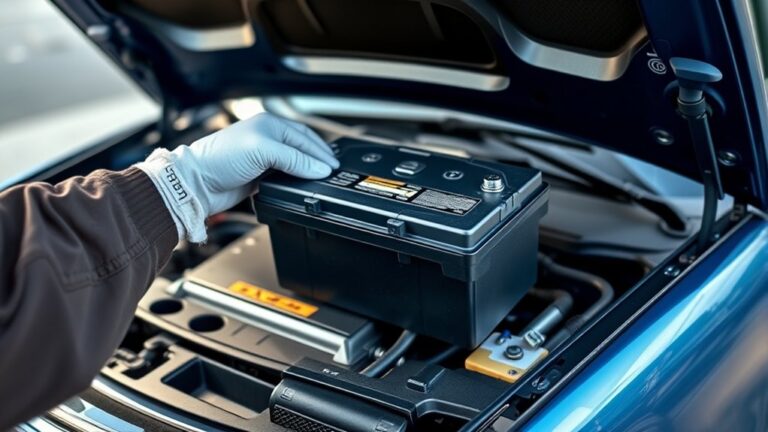
If your 2018 Ford Flex Limited battery is failing or your vehicle is slow to crank, you can replace the battery yourself by following the right steps and using a proper Group 65 unit.
You’ll need to work under the hood, disconnect the terminals in the correct order, and remove the hold-down before lifting the old battery out. The process is straightforward, but one wrong connection can create new electrical problems, so the next steps matter.
Key Takeaways
- Use a Group 65, 12-volt battery with proper CCA and an AGM or quality flooded lead-acid design.
- Park safely, shut off ignition, open the hood, and remove the passenger-side battery cover.
- Disconnect the negative cable first, then the positive cable, and remove the hold-down bracket.
- Install the new battery in the same orientation, secure it firmly, then reconnect positive first and negative second.
- Start the engine, check for warning lights, and verify charging voltage, clock, radio, and module relearn settings.
Spot the Signs of a Failing Battery
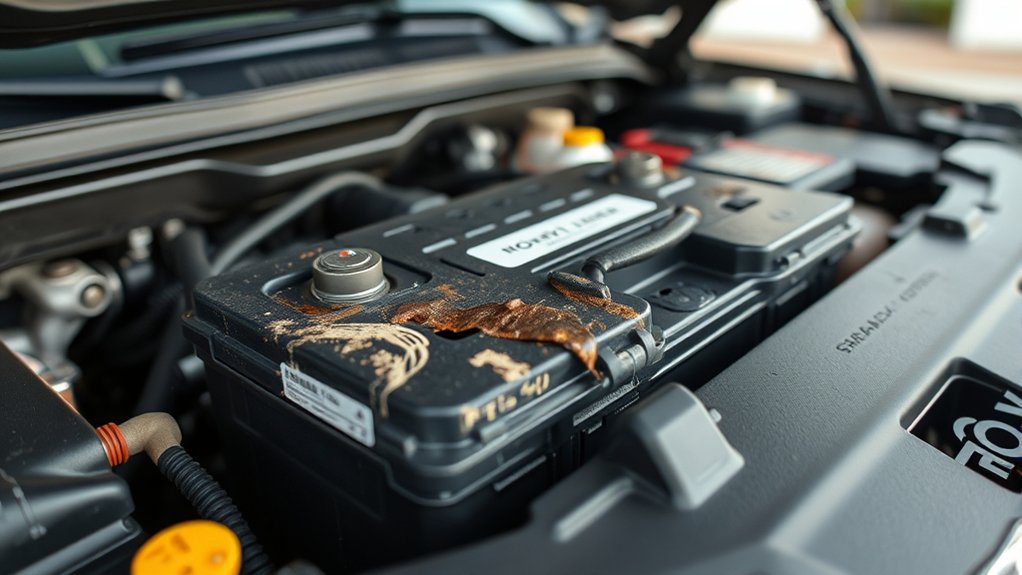
Before you replace the battery in your 2018 Ford Flex Limited, check for the common warning signs of battery failure. You may notice slow engine cranking, dim interior lights, or a dashboard battery warning icon.
Check for slow cranking, dim lights, or a battery warning icon before replacing your 2018 Ford Flex battery.
If the vehicle needs repeated jump-starts, the battery likely can’t hold a charge. Corrosion on the terminals, a swollen case, or a rotten-egg odor also indicates trouble.
Test the battery only after the engine has cooled, and compare voltage against Ford’s specifications. Don’t rely on battery charging myths that suggest every weak start means a bad alternator; inspect the battery first.
If you’re planning battery disposal, handle the old unit carefully, but save that step until after you confirm the failure.
Choose the Right Ford Flex Battery
What battery should you choose for a 2018 Ford Flex Limited? Select a Group 65 battery that matches OEM specifications, delivers the correct cold cranking amps, and fits the tray without modification. You’ll get better battery performance when you choose a maintenance-free AGM or high-quality flooded lead-acid unit from a trusted brand.
Compare topic ideas like warranty length, reserve capacity, and terminal layout before you buy.
- A battery with clean, corrosion-free terminals
- A rigid case sized for the Flex’s battery tray
- A label showing CCA ratings for your climate
Check the owner’s manual for exact fitment, then confirm the replacement’s voltage is 12 volts. Don’t guess based on price alone; choose a battery that starts reliably and supports your vehicle’s electrical load.
Get Your Tools and Safety Gear Ready
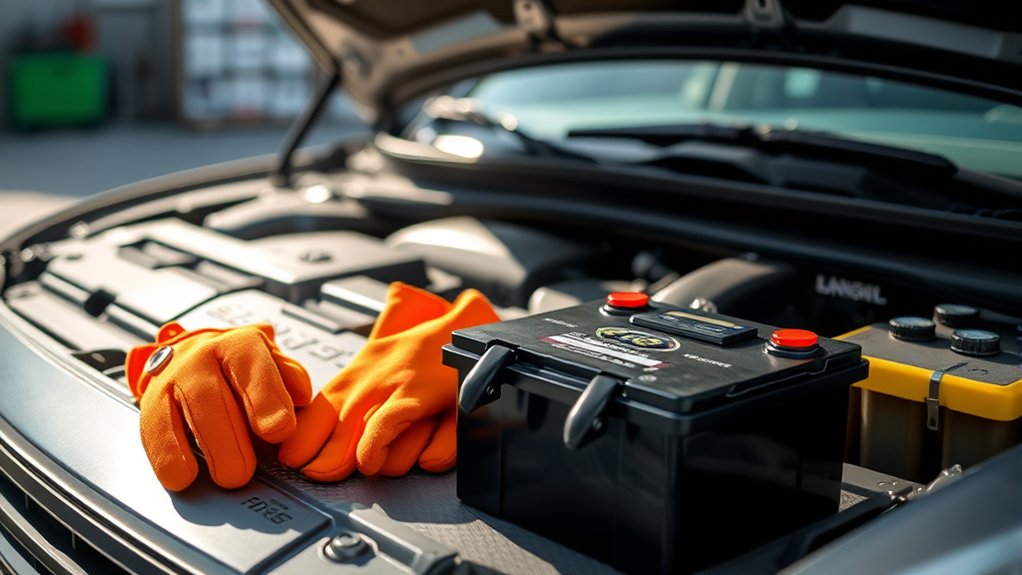
Before you start, gather the required tools: a socket wrench, battery terminal cleaner, and a memory saver if you’re using one. Put on safety gear, including gloves and eye protection, to reduce exposure to acid and accidental sparks.
Then park the Ford Flex on a level surface, turn off the ignition, and clear the area around the battery for safe access.
Gather Required Tools
Gather a few essential tools before you start: a ratchet with the correct socket size, a wrench, a battery terminal puller if needed, gloves, safety glasses, and a memory saver if you want to preserve vehicle settings. Set everything within reach so you can work efficiently and maintain battery safety.
Good car care starts with preparation, and the right equipment reduces delays.
- Ratchet and socket resting beside the battery tray
- Wrench positioned for terminal clamp removal
- Memory saver connected before disconnection
Check that your tools fit snugly and that your workspace is organized. A clean, controlled setup helps you remove the battery without unnecessary force. Keep the hardware together as you work so reinstallation stays straightforward, accurate, and fast.
Wear Safety Gear
With your tools laid out, put on safety glasses and gloves before you touch the battery. You should wear safety gear that protects your eyes and hands from acid splash, corrosion, and accidental shorting.
Use insulated gloves with a firm grip so you can handle the battery case without slipping. Keep loose clothing, jewelry, and long hair secured to reduce contact with terminals.
Inspect the battery label for battery capacity so you know the unit’s size and weight before lifting it. If the case shows swelling, cracking, or leakage, don’t proceed without proper protection.
Keep your tools organized and within reach, but don’t place metal objects on the battery. Good preparation reduces injury risk and helps you work with control.
Prepare Vehicle Area
Next, park the Flex on a flat, well-lit surface and set the parking brake so the vehicle can’t roll while you work. Open the hood fully, secure it, and clear the area around the battery tray.
Gather a ratchet, socket set, battery terminal brush, gloves, and eye protection before touching any components. Check the replacement battery’s material and compare the case size, terminal layout, and battery weight to the original unit. Keep a drain pan nearby for corrosion debris.
- A clean fender cover
- A flashlight for dark corners
- A sealed box for the old battery
Review local disposal rules for the spent battery, and confirm whether your insurance coverage addresses accidental electrical damage during service.
Locate the Ford Flex Battery
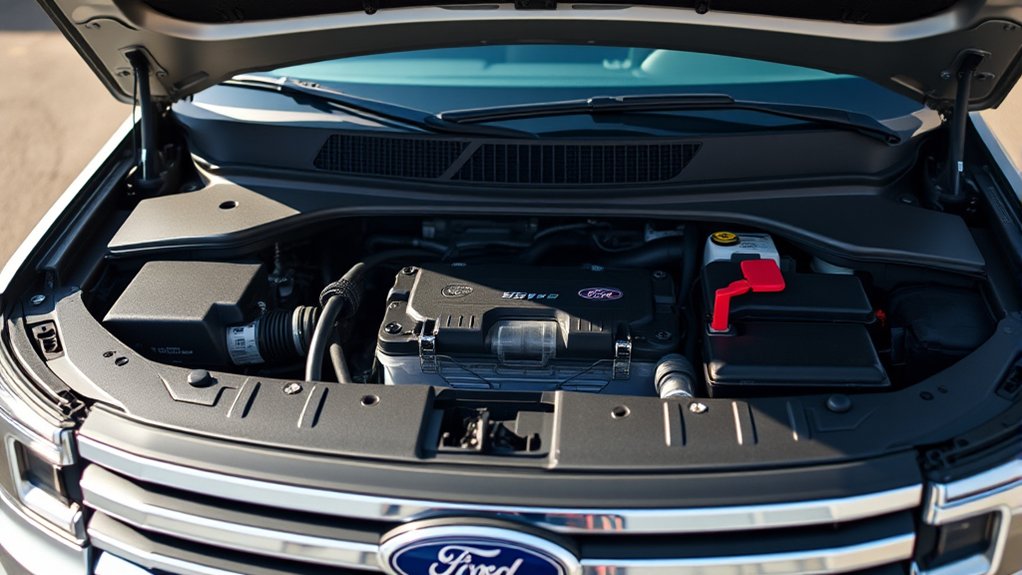
Open the hood safely and secure it before you inspect the engine bay. Find the battery cover on the passenger side, where the Ford Flex battery sits.
Check that area carefully so you can confirm the battery location before removal.
Open Hood Safely
Pull the hood release inside the cabin, then move to the front of the Ford Flex and release the secondary latch under the hood edge. Lift the hood slowly and support it with the prop rod or struts if equipped. Keep your hands clear of pinch points and avoid forcing the panel.
Stand centered at the grille for balance. Raise the hood in a controlled motion. Watch for the latch to disengage fully.
What to avoid: slamming the hood, reaching under an unsecured panel, or twisting the latch. Common mistakes include pulling the release twice, using excess force, and ignoring resistance.
Once the hood stays open securely, you can inspect the battery area from above without risk. Ensure the opening is stable before continuing.
Find Battery Cover
With the hood open, you can now locate the battery cover on the Ford Flex by looking toward the front corner of the engine bay, where the battery sits beneath a protective plastic cover. Identify the cover’s edges and inspect the retaining clips or fasteners before you touch anything.
Use controlled pressure to release the cover without bending it, then lift it straight up to expose the battery. Keep the area clean, since debris can interfere with battery maintenance and charging routines.
If the cover resists, stop and verify that you’ve disengaged every latch. Once removed, set the panel aside on a stable surface so it won’t crack or collect grime. Avoid forcing adjacent components, and keep your hands clear of exposed terminals.
Check Passenger Side
Check the passenger side of the engine bay to confirm the battery’s location on the Ford Flex, since it sits toward that side beneath the protective cover you just removed. You’ll see the case tucked low, near the fender, so check passenger space carefully before you touch any cables.
Identify the terminals and note battery polarity before loosening hardware. Use the following visual cues:
- A rectangular black battery beside the air intake
- Red and black cable ends routed along the edge
- A hold-down bracket securing the battery in place
If the battery isn’t obvious, trace the thick positive cable first, then follow the negative lead. Keep your hands clear of metal tools, and verify you’ve found the correct unit before disconnecting anything.
Remove the Old Battery Safely
Before you loosen anything else, disconnect the negative battery cable first to prevent accidental short circuits. Next, isolate the positive cable and keep both ends clear of the terminals so they can’t touch metal.
Remove any hold-down bracket or clamp that restrains the battery, then lift away covers, if present, to expose the case fully. Grip the battery by its case, not the terminals, and raise it straight up to avoid spilling acid or stressing adjacent wiring.
Keep tools, jewelry, and loose fasteners away from the tray while you work. If corrosion is heavy, stop and clean it later; that’s an unrelated concept to removal.
Inspect the tray for damage once the battery is out, but don’t install anything yet. Place the old battery on a stable, nonconductive surface immediately.
Install the New Battery and Secure It
Set the new battery into the tray with the terminals in the same orientation as the old unit, and make sure it sits fully flat and centered. Lower it carefully so the case doesn’t rub the hold-down bracket.
You should see the battery rest flush in the tray. The terminals should face the cable ends without strain. The top edge should align with the clamping hardware.
Install the hold-down clamp and tighten it until the battery can’t shift under hand pressure. Confirm the posts stay clear of the hood and nearby wiring.
If you removed corrosion, keep the area clean before finishing battery disposal. Follow maintenance tips by checking that the tray is dry and the cables remain untwisted.
A secure fit prevents vibration damage and extends battery life.
Reconnect the Battery and Reset Electronics
Attach the positive battery cable first, then connect the negative cable and tighten both terminals to the manufacturer’s specified torque. Verify each clamp sits flush on the post and that the hold-down hardware stays secure.
Once connected, cycle the ignition to accessory mode, then start the engine to let modules reinitialize. You may need to reset the clock, radio presets, and any personalized settings that lost memory power.
Check the owner’s manual for relearn steps tied to the Ford Flex Limited’s electronics. If you’re tech budgeting, note that preserving settings saves time and avoids unnecessary dealer visits.
Keep warranty considerations in mind by using the correct battery type and recording the installation date. Confirm no warning messages remain on the dash after the system stabilizes.
Test the New Battery for Problems
Now test the new battery for signs of trouble. Start the engine and confirm a strong, immediate crank. Watch the dashboard for warning lights, dim displays, or flickering interior illumination.
If the vehicle hesitates, shut it down and inspect the terminals again.
- A voltmeter shows about 12.6 volts with the engine off.
- Headlights stay bright when you switch them on.
- Cables remain cool, tight, and corrosion-free after startup.
Then let the Ford Flex idle and verify stable charging voltage at the battery. Check for loose clamps, abnormal odors, or swelling.
These checks support battery maintenance and protect charging safety. If you notice irregular output, test the alternator and battery again before driving.
Frequently Asked Questions
How Long Does a Ford Flex Battery Typically Last?
You’ll typically get 3–5 years from your Ford Flex battery, depending on charging trends, climate, and driving habits. Test voltage regularly, replace it when cranking slows, and handle battery disposal per local regulations.
Can I Replace the Battery Without Losing Radio Presets?
Yes, you can replace it without losing presets by using a memory saver or auxiliary power source. Review battery basics, follow charging tips, disconnect the negative terminal first, and reconnect carefully to preserve settings.
Does the 2018 Ford Flex Have Battery Drain Issues?
Yes, you can see battery drain issues if you leave accessories on, the battery’s aging, or charging system faults exist.
Check battery corrosion and alternator health regularly, then test parasitic draw to pinpoint the cause.
Where Can I Recycle My Old Ford Flex Battery?
You can recycle it at recycling centers, auto parts stores, or dealer battery take back programs. Why landfill a hazardous lead-acid battery? You’ll protect the environment and comply with local regulations when you drop it off.
What Battery Warranty Should I Expect for a New Replacement?
You’ll usually get 12 to 36 months’ warranty on a replacement battery; check the label and receipt.
Ignore any irrelevant topic or unrelated focus, and verify prorated terms, labor coverage, and installer exclusions before purchase.
Conclusion
By now, you should be ready to replace your Ford Flex Limited 2018 battery with confidence. Like changing out a key part in a well-tuned machine, the job works best when you follow each step carefully: disconnect the old battery, install the new Group 65 unit, secure it, and reconnect the terminals in the correct order.
Then start your Flex, check for a clean crank, and reset any settings that need it. Following these steps ensures your vehicle runs smoothly and reliably. With proper care, your Ford Flex Limited 2018 battery replacement will keep your car powered up and ready to go.


