How to Remote Start Ford f150
As an Amazon Associate we earn from qualifying purchases.
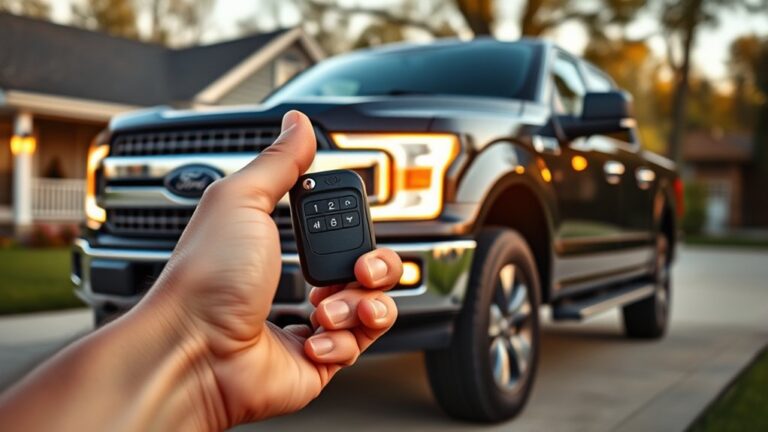
If you want to know how to remote start your Ford F-150, it’s a convenient way to get your truck warmed up or cooled down before you even step inside. You can start it remotely using the key fob or the FordPass app, provided your truck is equipped with the necessary features.
To begin, press the lock button on your key fob. Then, use the model-specific remote start command. The system will check that the doors, hood, and tailgate are all securely closed before it fires up the engine.
Keep in mind, a few conditions can prevent the remote start from working. That’s where understanding the details becomes helpful to ensure your Ford F-150 starts smoothly every time.
Key Takeaways
- Make sure the F-150 has factory remote start and all doors, the hood, and the tailgate are closed.
- Press the lock button once, then press the remote start button sequence on the key fob.
- The truck verifies the coded signal, checks safety conditions, and then starts the engine automatically.
- Stay within range and replace a weak key fob battery if the truck does not respond.
- Use FordPass to remote start from anywhere with cell service and confirm the command succeeded.
How to Remote Start a Ford F-150
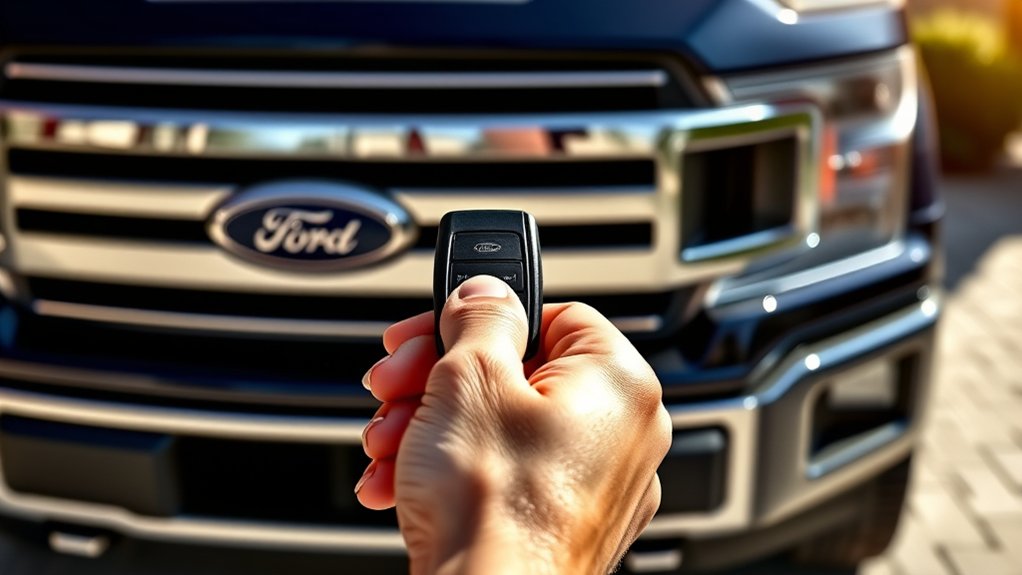
To remote start a Ford F-150, first make sure your truck is equipped with the factory remote start system or a compatible Ford key fob. Close all doors, then press the lock button once.
Within a few seconds, press the remote start button twice, or the lock button sequence your model requires. The parking lamps should flash, and the engine should start. If it doesn’t, verify you’re within range and that the hood, doors, and tailgate are fully closed.
You can repeat the command once to extend run time on supported models. Use the key fob only when the truck is in park. Keep discussion ideas focused on the procedure, not unrelated topics. Check your owner’s manual for model-specific button layouts and start limits.
How Ford F-150 Remote Start Works
When you press the remote start button on the key fob, your F-150 sends a coded signal to the truck’s receiver. If the truck accepts that signal, it triggers the engine start sequence and powers the ignition and fuel systems.
Before startup completes, the truck runs safety system checks to confirm conditions are safe for remote starting.
Remote Key Fob Signal
Your Ford F-150’s remote start begins with a signal from the key fob: when you press the remote start button, the fob sends a coded radio frequency command to the truck’s receiver. You’re using the remote key as a secure transmitter, so the truck only responds to an authorized code match.
Keep the fob within range and pointed away from metal objects, walls, or electronics that can cause signal interference. If the truck doesn’t respond, check the battery in the remote key first, then try again from a clearer location.
The receiver verifies the signal before it lets the system proceed, which helps prevent accidental activation. This communication step happens quickly and silently, and it’s the foundation for every remote start cycle.
Engine Start Sequence
Once the truck confirms the remote signal, the engine start sequence begins by checking system conditions, including gear position, hood status, and battery voltage. If everything matches, the control module energizes the starter and commands fuel and ignition delivery.
You’ll hear the engine crank, then settle into a fast idle to warm fluids and stabilize output. During this period, the climate system may run at a preset level, and the dash stays in a reduced-power state until you enter.
Remote start doesn’t drive fuel economy changes directly, but repeated idling can add unnecessary fuel use. Keep up with tire maintenance, because proper inflation helps the truck move efficiently once you’re ready to drive.
When you press the brake and take control, normal operation resumes immediately.
Safety System Checks
Before the truck will authorize remote start, it runs a series of safety checks to make sure the vehicle is in a safe, controlled state. You’ll see the system verify that the hood is closed, the transmission is in Park, and the doors are secured before it sends ignition commands.
It also checks battery voltage and key presence to prevent unintended operation. This safety check sequence protects you and the truck while supporting two word idea 1 and two word idea 2 logic in the control module.
| Check | Result |
|---|---|
| Hood closed | Required |
| Transmission in Park | Required |
If any input fails, remote start won’t engage. You should correct the condition, then try again.
Start Your Ford F-150 With the Key Fob
To remote start your Ford F-150 with the key fob, press the lock button once, then press the remote start button twice within three seconds. You’ll see the parking lamps flash, and the engine will crank automatically if the truck accepts the command.
Keep the fob within range and stand clear of the vehicle while it starts. If you need to stop the engine, press the remote start button twice again. This routine isn’t affected by an unrelated topic or a random concept, because the sequence depends on the truck’s programmed security system.
If the truck doesn’t respond, check that all doors are closed and the hood is latched. After startup, the truck runs on its preset timer and stays locked.
Use FordPass to Remote Start Your F-150
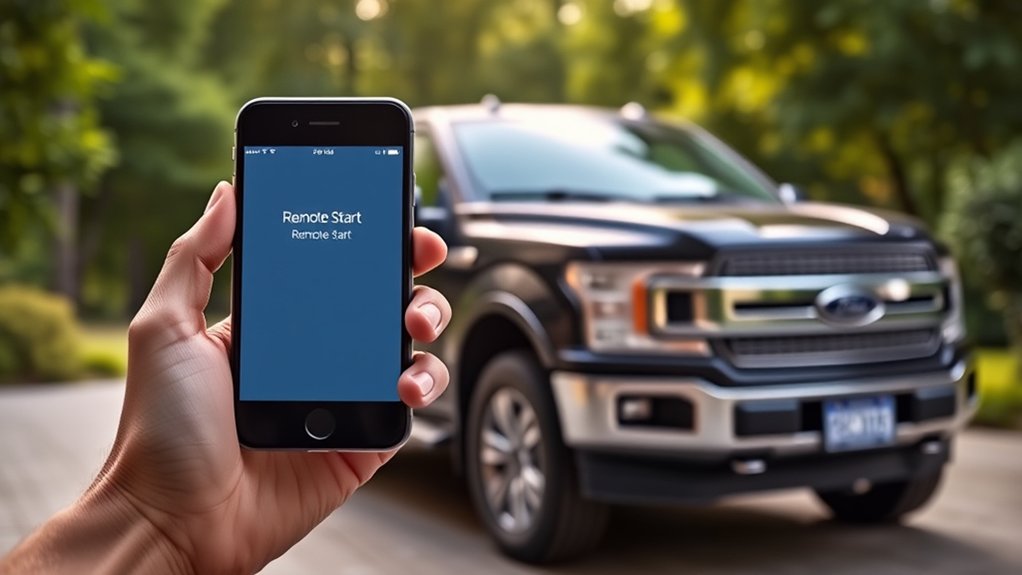
Open the FordPass app on your phone and tap the Remote Start command to start your F-150 from anywhere your truck has cellular service and your account is properly linked. You’ll see a confirmation when the command goes through, and the engine will run for the preset duration.
Use this feature when you want quick cabin conditioning without touching the truck. FordPass also lets you lock or unveil doors and check vehicle status, which supports discussion idea one for everyday convenience.
For discussion idea two, remote start gives you a controlled way to prepare the cab before you arrive. Keep the app updated and sign in with the same Ford account linked to your vehicle so the command stays available and responsive.
What to Check Before Remote Starting Your F-150
Remote starting your F-150 works best when you verify a few basics first. Check that your key fob or FordPass app has a strong signal, the truck’s battery is charged, and the hood, doors, and tailgate are fully closed. Make sure the vehicle is in Park and the climate settings are ready for the cabin.
If you use remote charging on electrified models, confirm the charging session is stable before you start. Inspect your tires for obvious low pressure or damage, and note whether tire rotation service is due, since proper maintenance supports reliable operation.
Also, clear snow, ice, or debris from sensors and exhaust areas. A quick pre-start inspection reduces unnecessary delays and helps the system respond as designed.
Why Your Ford F-150 Won’t Remote Start
If your Ford F-150 won’t remote start, the cause is usually a safety or system fault that the truck detects before it allows ignition. You should look for door ajar warnings, a hood latch fault, low fuel, or an active check engine light.
Key fob signal loss, a disabled setting, or a recent battery issue can also block the command.
| Cause | What it means | Action |
|---|---|---|
| Safety fault | Truck won’t authorize start | Clear the alert |
| Signal issue | Fob command didn’t reach truck | Retry closer |
| System fault | Module rejected start | Diagnose codes |
Don’t chase an unrelated topic like accessories first. Instead, verify the exact warning, then correct it. A random tip: replace the fob battery if range suddenly drops.
Set Climate Settings for Remote Start
You can adjust your climate preferences so the truck starts with your preferred temperature, fan speed, and defrost settings. If you use MyFord Mobile, check that its remote-start options match the settings saved in the vehicle.
Save the remote-start configuration in the system so your Ford F-150 applies those climate settings each time it starts remotely.
Adjust Climate Preferences
Before you activate remote start, set the cabin exactly how you want it through the climate controls or the FordPass app. Choose your preferred temperature, fan speed, and defrost mode so the truck can reach a stable cabin temperature before you get in.
For better climate comfort, enable heated or ventilated seats if your F-150 has them, and confirm the system is set to auto when you want the truck to manage airflow on its own.
If you usually park in extreme heat or cold, adjust the target temperature before shutting off the ignition. These settings stay ready for the next remote start cycle, so you don’t need to reconfigure them each time.
Keep your preferences consistent, and you’ll step into a more comfortable cab every time.
Use MyFord Mobile
Use the MyFord Mobile app to set remote-start climate behavior from your phone, so the truck begins warming or cooling the cabin the way you want. Open the climate menu, then choose your preferred temperature, fan speed, and defrost direction before you start the engine.
The app sends those commands to your F-150, so the system can match your settings when you press remote start. Check that your phone has service and that the truck’s modem is connected.
If you’ve just had an oil change or installed new tires, this process stays the same; those service items don’t affect climate control. Use the app anytime you want a consistent cabin setup, especially in extreme heat or cold, and verify the response on the next start.
Save Remote Start Settings
After you set your preferred cabin behavior in MyFord Mobile, save those remote-start climate settings so the truck applies them automatically on the next start. You’ll typically confirm remote start compatibility, then choose heat, A/C, rear defrost, and seat options.
Use the app to store each preference before you exit.
| Setting | Action |
|---|---|
| Temperature | Select your target cabin temp |
| Fan speed | Choose low, medium, or high |
| Defrost | Enable windshield and rear glass |
| Seats | Save heated or ventilated mode |
| Confirmation | Tap Save and verify sync |
Keep the key fob range in mind if you test the system manually; saved settings still depend on successful remote start activation.
Frequently Asked Questions
Can I Remote Start My F-150 From Inside My House?
Yes, you can, if your F-150 supports remote start and you’re within range. Remote start feasibility depends on key fob signal or app access.
Check your settings, then test from inside safely.
Does Remote Start Affect My F-150 Battery Life?
Yes, remote start can slightly drain your F-150’s battery, but regular driving usually offsets it. You should monitor battery maintenance and charging habits, especially in cold weather, to keep voltage stable and starting power reliable.
Can I Remote Start a Ford F-150 in Winter?
Yes, you can remote start your Ford F-150 in winter. You’ll improve remote start safety and winter prep by clearing exhaust areas, checking fuel, and warming the cab before driving.
Is Remote Start Available on All F-150 Trim Levels?
No remote start availability varies by F 150 trims, and you’ll need to check equipment packages carefully. You can’t assume every model includes it; the surprise is that some lower trims require an upgrade or aftermarket solution.
Can I Extend the Remote Start Run Time?
Yes, you can extend remote start run time on some Ford F-150s by using a second remote start command before shutdown. You’ll need a manual override only if your system limits extended duration.
Conclusion
Now you know how to remote start your Ford F-150, whether you’re using the key fob or FordPass. Keep your doors, hood, and tailgate closed, confirm the truck is locked, and watch for any warning lights or settings that could block the start.
When everything checks out, your F-150 wakes up like a well-trained workhorse, ready to warm the cab and idle safely until you climb in and drive.
By following these steps, you can easily and confidently remote start your Ford F-150 whenever you need to.


