How to Remote Start a Ford Explorer
As an Amazon Associate we earn from qualifying purchases.
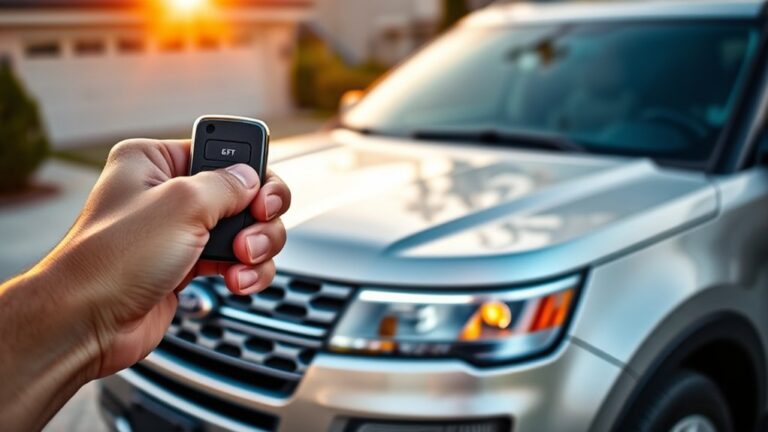
To remote start your Ford Explorer, you can use the key fob or the FordPass app, but the vehicle has to meet a few safety checks first. You’ll need it in Park, with the hood and doors secured and the ignition off.
If those conditions are met, the system can start the engine and begin cabin conditioning. The exact sequence is simple, but a few details decide whether it works or not.
Key Takeaways
- Press the lock button, then press the remote start button twice within a few seconds on the key fob.
- Or use the FordPass app and tap remote start if your Explorer has connected services enabled.
- Make sure the Explorer is in Park, doors and hood are closed, and the vehicle is in a safe, ventilated area.
- Confirm activation by flashing exterior lamps and the engine starting; climate settings may turn on automatically.
- To stop or extend remote start, press the remote start button again or use the FordPass app before the timer expires.
How Ford Explorer Remote Start Works
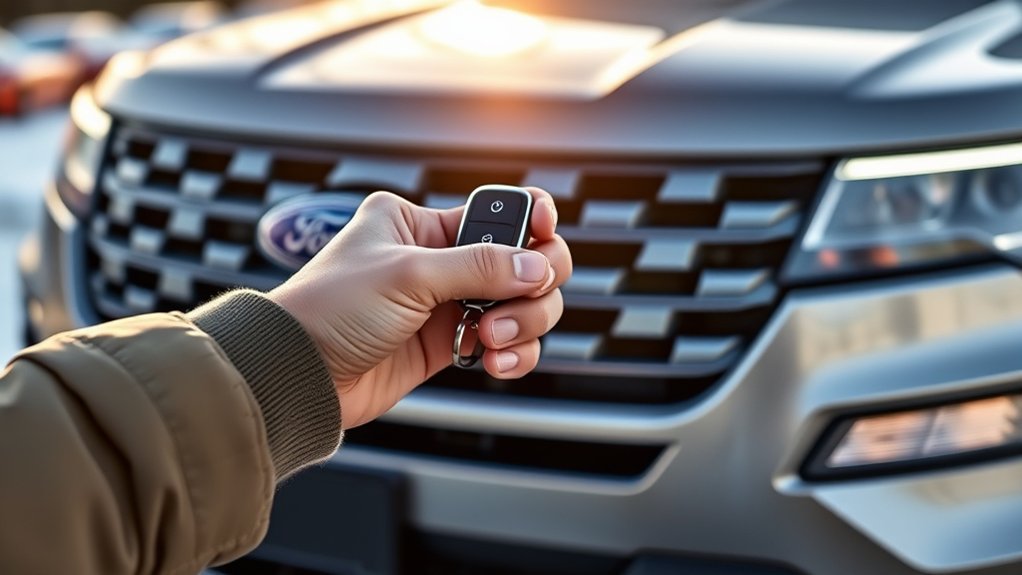
Ford Explorer remote start lets you start the engine from outside the vehicle using the key fob or FordPass app, as long as the vehicle is equipped with the feature and the system detects valid security conditions.
Ford Explorer remote start lets you start the engine from outside the vehicle, if equipped and security conditions are met.
You trigger the command, and the body control module verifies door status, hood status, shift position, and alarm state before allowing crank. If conditions pass, the engine starts and idles at a controlled speed.
Your climate settings activate to precondition the cabin, but the vehicle stays locked. Remote start can improve comfort without adding miles, which may support fuel economy by reducing cold-start driving.
It can also limit wear from repeated short trips, helping lower maintenance costs. The system shuts off automatically after a set time or if you press a cancel command.
Remote Start With the Key Fob
To remote start your Ford Explorer with the key fob, press the lock button, then press the remote start button twice within a few seconds. Your Explorer’s engine should start and the exterior lamps should flash to confirm activation.
If it doesn’t start, check that the hood is closed, the vehicle is locked, and the battery is charged.
Key Fob Button Sequence
With the key fob in hand, you can remote start your Ford Explorer by pressing the lock button first, then pressing the remote start button twice within a few seconds. Stand within range and keep the fob pointed toward the vehicle for reliable signal transfer.
Use this sequence exactly to reduce input errors and support driving safety and vehicle maintenance.
| Step | Action | Purpose |
|---|---|---|
| 1 | Press lock | Secure the doors |
| 2 | Press remote start twice | Send the start command |
| 3 | Wait briefly | Allow the system to respond |
| 4 | Approach the vehicle | Verify the sequence |
If the Explorer doesn’t react, repeat the sequence with firm, deliberate presses. Avoid extra button inputs, since they can interrupt the command and waste time.
Engine Start Confirmation
After you trigger remote start, check for confirmation right away: the parking lamps should flash, the engine should start, and the instrument cluster may display a remote-start message. If you don’t see these cues, the command may not have registered, the hood may be open, or a fault may block operation.
Verify the fob is within range and the Explorer is in PARK with all doors closed. A successful start also lets you hear idle speed stabilize, which helps you distinguish normal operation from a failed attempt.
If repeated attempts fail, review engine diagnostics through the vehicle’s messages or a scan tool. In a garage, keep garaged security in mind and ensure ventilation before leaving the vehicle unattended.
Use FordPass to Start Your Explorer
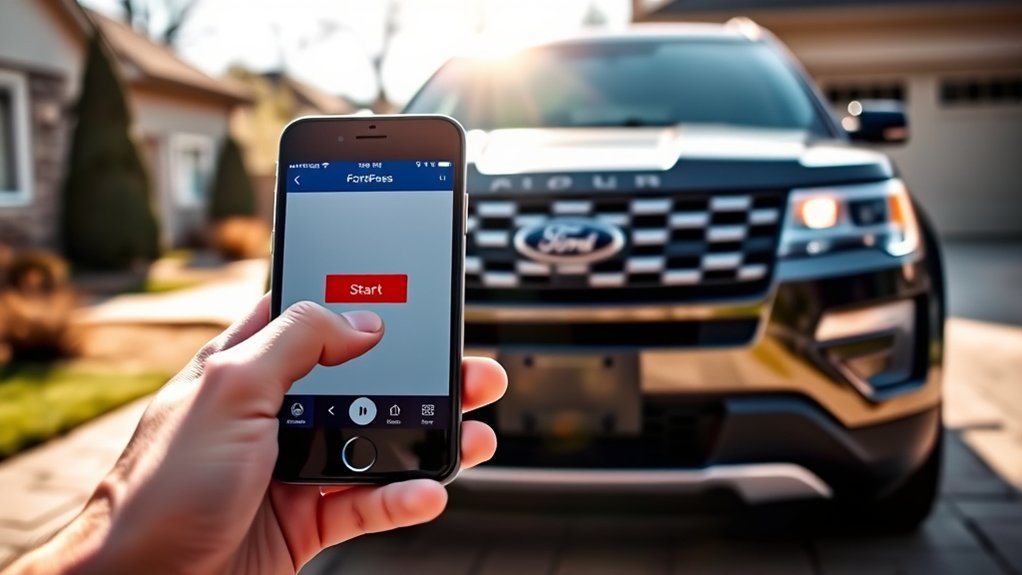
Open the FordPass app on your phone and tap the remote start command for your Explorer. The app sends a start request to the vehicle through Ford’s connected services, so use a stable data connection.
If you completed remote installation of FordPass features, the command should appear in your vehicle controls. Keep your phone charged, and maintain battery maintenance on both the phone and vehicle key systems to avoid interruptions.
After you tap start, the app displays confirmation when the engine responds. You can then monitor the cabin status from the app before you enter.
If the command fails, retry once after checking your signal and app session. Use the shutdown control in FordPass when you’re ready to stop the engine remotely.
Remote Start Requirements for Your Explorer
Before you use FordPass or the key fob, your Explorer has to meet a few conditions for remote start to work. You need a factory-equipped remote-start system, an active FordPass account, and a vehicle within cellular range. Keep the ignition off, doors closed, and the hood latched.
A strong key-fob battery and updated software help maintain response time.
| Requirement | Check |
|---|---|
| Equipment | Factory remote start installed |
| Access | FordPass signed in and paired |
| State | Doors closed, hood shut |
You should also keep the battery charged, because low voltage can limit command delivery. If you manage Home security, note that remote start won’t replace physical access control. Good Recycling habits help you maintain battery health and reduce unnecessary replacement parts.
Why Remote Start Won’t Work?
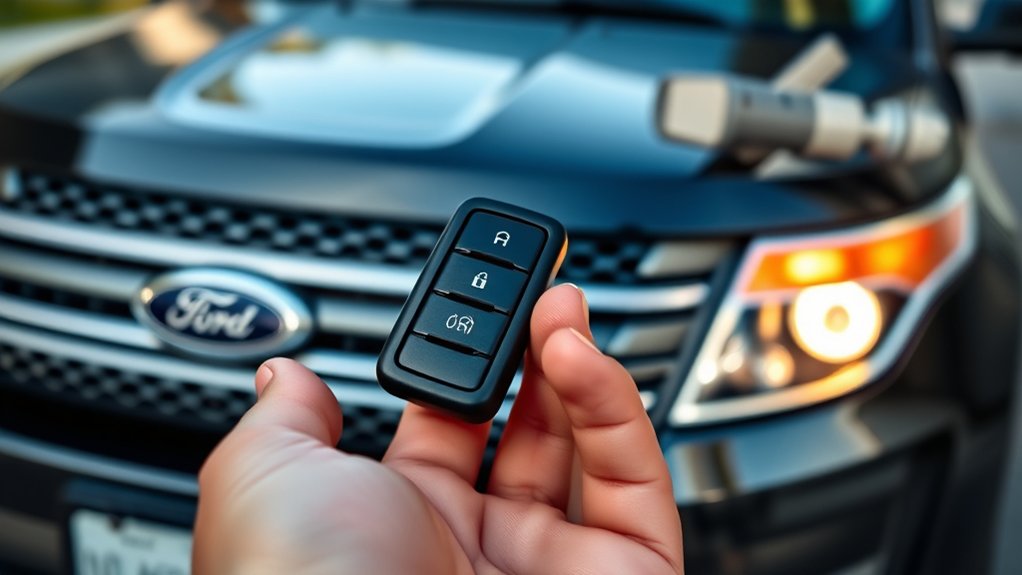
Remote start won’t work if your Explorer fails any required condition, such as a locked or open hood, an unlatched door, a weak vehicle battery, or an unsupported vehicle configuration. You also need the ignition off, the transmission in Park, and the key fob within the system’s operating range.
If the vehicle has already been started remotely twice without a drive cycle, the command won’t execute again until you drive it. Signal interference can block communication, but don’t drift into unrelated topic details or off topic ideas when diagnosing the system.
Check the instrument cluster for confirmation messages, because they indicate whether the request was accepted or rejected. When one prerequisite is missing, the Explorer deliberately ignores the remote start command to protect the vehicle and maintain safe operation.
Common Remote Start Problems
Once you’ve ruled out the basic conditions, the next step is to identify the most common remote start faults on a Ford Explorer. You’ll usually see a dead key fob battery, a door, hood, or liftgate ajar signal, or an engine fault that blocks the command.
Common remote start faults on a Ford Explorer usually start with the fob, an ajar switch, or an engine fault.
Check the vehicle display and listen for confirmation chirps; they often point to the failed input. If your tech gadgets are active nearby, keep them from interfering with the fob signal. For travel hacks, test remote start before you leave so you can isolate intermittent issues.
Replace weak fob batteries first.
Verify every closure switch reads closed.
Scan for diagnostic trouble codes.
Confirm the vehicle is in Park and fully locked.
How to Extend or Cancel Remote Start
You can extend the remote run on your Ford Explorer by pressing the remote start command again before the timer expires.
To cancel remote start, press the lock button and then the remote start button, or use the key fob sequence specified for your model. These controls let you manage engine runtime quickly and safely.
Extend Remote Run
Need more time? You can extend remote run on your Ford Explorer by pressing the remote start button again before the current session expires. The vehicle accepts one extension if conditions stay within system limits, including fuel level, hood status, and secure doors.
Don’t confuse this with an unrelated topic or an irrelevant concept; the command only manages engine runtime.
- Press remote start again from the key fob.
- Confirm the parking lamps flash normally.
- Stay within the allowed runtime window.
- Check the instrument cluster for active status.
If the system rejects the command, the Explorer won’t extend run time, and you’ll need to cycle the process from the start. Keep the fob close and the vehicle unobstructed for reliable response.
Cancel Remote Start
If you decide you don’t need the engine to keep running, cancel remote start by pressing the remote start button on the key fob again while the system is active. This command stops the engine immediately and restores normal ignition control.
You can also let the run cycle end naturally, but don’t confuse that with an unrelated topic or an off topic idea about manual shutdown procedures.
| Action | Result |
|---|---|
| Press remote start again | Engine stops |
| Open a door | System may cancel |
| Wait for timeout | Run ends automatically |
Use the fob only within range, and verify the parking lamps flash off. If the Explorer won’t cancel, check battery state and lock status before retrying.
Remote Start Range and Limits
How far can a Ford Explorer’s remote start actually reach? Your Explorer’s remote start usually works within the key fob’s rated range, but terrain, structures, and interference can reduce that distance fast. Don’t assume line-of-sight guarantees performance; remote start misconceptions often ignore range limitations caused by walls, metal, and nearby radio traffic.
Expect shorter range indoors or in parking garages. Use the fob’s signal only within its designed field. Weak batteries can cut effective transmission distance. Obstructions and interference can block command delivery.
If your vehicle doesn’t respond, you may be outside the usable range or dealing with a signal barrier. In practice, remote start is dependable only when conditions stay favorable and the fob communicates clearly with the Explorer.
Safety Tips for Remote Start
Remote start works best when you pair range awareness with basic safety checks. Before you activate it, confirm the Explorer is in Park, the hood is closed, and no occupants or pets are nearby.
Confirm the Explorer is in Park, the hood is closed, and no occupants or pets are nearby.
You should verify fuel level, battery health, and that the area is well ventilated. Use safety planning by checking your route to the vehicle and keeping the key fob secure.
For weather considerations, clear snow, ice, or debris from exhaust outlets and windows before driving. Never remote start in a closed garage or any enclosed space, since exhaust gases can accumulate fast.
If the system fails to start, don’t keep retrying blindly; inspect the vehicle status and follow the owner’s manual.
Frequently Asked Questions
Can Remote Start Activate the Heated Seats Automatically?
Yes, you can have heated seats activate automatically if your Ford Explorer’s settings support it.
You’ll also want to limit battery drain by checking the climate presets and battery condition before remote starting.
Does Remote Start Work on Hybrid Ford Explorer Models?
Yes, you can remote start many hybrid Ford Explorer models, but you’ll face remote start limitations and hybrid powertrain considerations.
You should confirm your trim, key fob, and settings support it, because capability can vary.
Can I Remote Start My Explorer From Inside My House?
Yes, you can remote start your Explorer from inside your house, if remote start feasibility stays within range and indoor starting constraints don’t block the signal. Think of a quiet key turning across walls.
Will Remote Start Unlock the Doors First?
No, remote start won’t unlock your doors first; you’ll need remote locking or your key to enter.
It starts the engine for engine warm up while keeping the doors secured until you release them.
Does Remote Start Drain the Explorer’s Battery Quickly?
Not usually; remote start uses extra battery power, but you won’t drain it quickly if your Explorer’s battery is healthy.
You should watch for battery maintenance needs and reliability concerns, especially in cold weather.
Conclusion
To remote start your Ford Explorer, first ensure the vehicle is in Park, the doors are closed, the hood is latched, and the ignition is off.
Next, use your key fob or the FordPass app to activate the remote start system. The Explorer’s built-in safety checks act like a gatekeeper, preventing any unsafe starts.
If the vehicle does not respond, double-check all the requirements and try again. By following these steps, you can quickly warm or cool your cabin and enjoy the convenience of remote starting your Ford Explorer.


