How to Program f150 Garage Door Opener
As an Amazon Associate we earn from qualifying purchases.
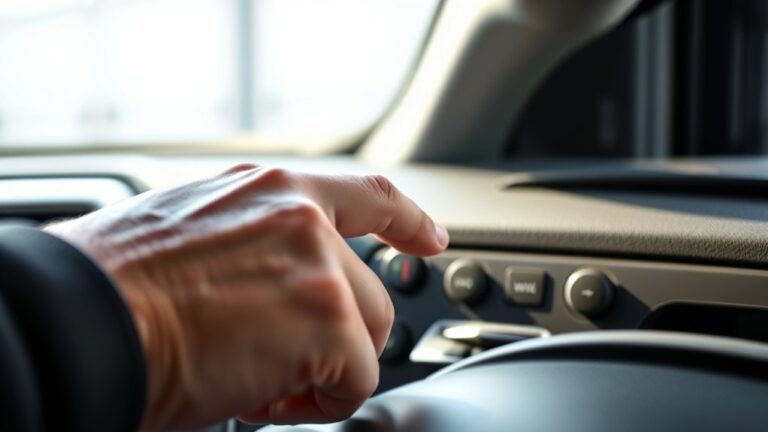
Like a key in a hidden lock, programming your F-150 garage door opener can seem simple until the signal won’t sync. You’ll need a compatible system, a powered vehicle, and access to the HomeLink buttons.
Clear old settings if needed, then hold the right buttons in sequence and match the remote at close range. If the indicator won’t change, the fix is usually closer than you think.
Key Takeaways
- Confirm your F-150 has a compatible HomeLink garage door opener system and check the opener’s manual for model compatibility.
- Turn the ignition to accessory mode, then hold the first and third HomeLink buttons until the indicator flashes rapidly to clear memory.
- Hold the desired HomeLink button while pressing the original remote near the overhead console until the light changes from slow to rapid flashing.
- Test the programmed button; if it fails, use the garage opener’s learn button for rolling-code systems and retry from closer range.
- Reprogramming may require erasing memory first, checking the remote battery, and keeping the ignition on during setup and testing.
What You Need Before You Start
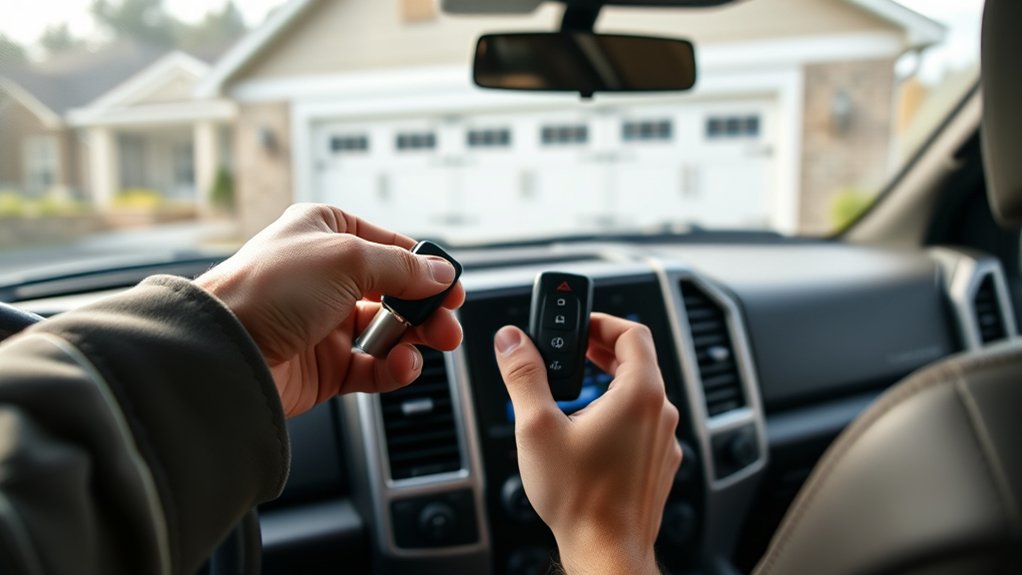
Before you begin, make sure your F-150 has a compatible built-in garage door opener system, the garage door opener is powered and functioning, and you have the original handheld remote or access to the opener’s learn button. Check remote compatibility and confirm the opener matches your garage door types before installation.
Review safety considerations: clear the area, verify door sensors work, and keep powered tools nearby only if the mounting setup requires them. Note wall control limits, since some systems restrict learn mode access.
Allow enough programming time, especially if your remote uses rolling codes. Gather model numbers, battery info, and any manual reference sheets. These details help you identify the correct steps, reduce errors, and avoid unnecessary resets during setup.
Program the F-150 Garage Door Buttons
Now, program the F-150’s garage door buttons by turning the ignition to accessory mode and locating the HomeLink buttons in the overhead console. Press and hold the first and third buttons until the indicator light flashes rapidly, then release them.
Next, hold the desired button you want to assign while you position your garage door remote close to the console. Press and hold the remote button and the selected F-150 button at the same time until the HomeLink light changes from slow to rapid flashing.
Repeat if needed for a second garage door unit. Keep the remote steady, and don’t interrupt power during setup. When the light confirms storage, your F-150 has saved the signal and the button is ready for use.
Sync the Opener With Your Garage Door
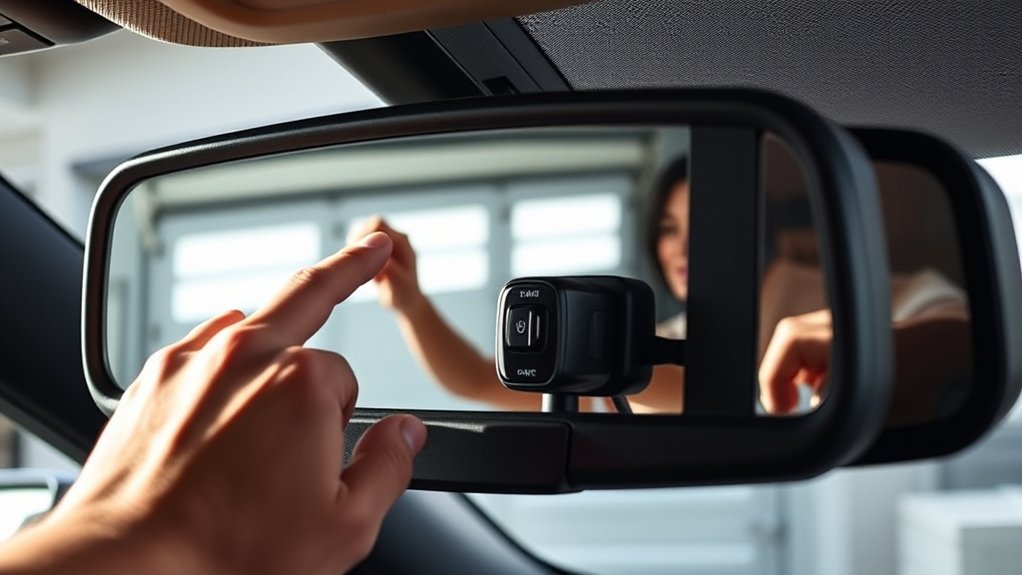
With the F-150 button stored, press and release the programmed HomeLink button to test the connection with your garage door opener. If the opener doesn’t respond, verify sync compatibility between the truck system and the opener model.
Check the opener’s learn function, code type, and frequency band against Ford’s HomeLink support data. Then move the vehicle closer to the door and ensure the ignition is on, because weak range can interrupt pairing.
If your unit uses rolling code, you may need to repeat the learn-step sequence on the opener motor. Confirm opener compatibility before retrying, since some older units need a bridge device or remote transceiver.
Keep the opener antenna intact and unobstructed. Once the system matches, the HomeLink signal should remain stored for regular use.
Test the Signal and Door Response
Press the programmed HomeLink button and watch the garage door closely for any movement or response. Confirm the testing signal reaches the opener by standing within normal operating range and holding the button until the indicator changes.
You should see immediate door response: the door opens, closes, or starts moving briefly before stopping.
Keep the vehicle parked safely during testing. Verify the opener light flashes or activates. Repeat the test once to confirm consistency. Note any delay in activation or partial movement.
If the door responds correctly, the programming worked. If response is weak or inconsistent, retest from a closer position and check that you’re using the correct button. Avoid repeated rapid presses, because they can mask the actual signal behavior.
Fix Common Programming Problems
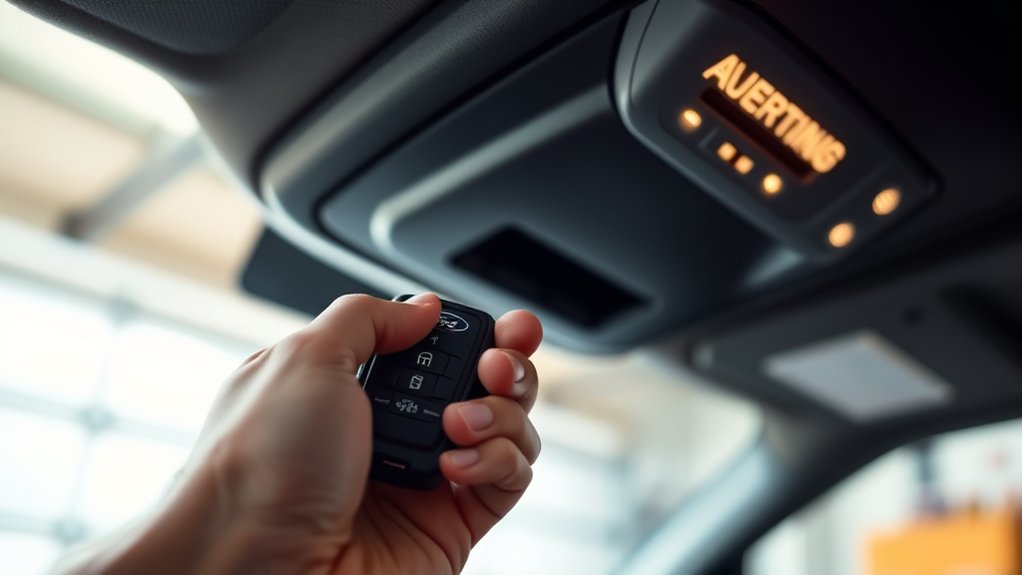
If the F150 garage door opener doesn’t program correctly, check the most common causes first: weak signal range, the wrong HomeLink button, or an incompatible opener code. Move the truck closer, replace weak batteries, and verify you pressed the intended button.
If the opener still fails, inspect the wiring and sensor alignment for improper wiring or loose connections.
| Problem | Check | Action |
|---|---|---|
| Weak signal | Range | Park closer |
| No response | Button choice | Retry correctly |
| Faulty setup | Wiring | Inspect connections |
Confirm the garage unit supports rolling-code pairing and that safety lock features aren’t blocking transmission. Review the opener manual for compatibility, because incorrect settings can create security concerns.
If error persists, reset the opener head unit before trying again.
Reprogram Your F-150 Buttons
To reprogram your F-150 buttons, first clear the stored button memory so the system starts fresh. Then press the desired button and sync it with the new garage door opener using the opener’s learn mode.
Once the indicator confirms pairing, test the button to verify it works correctly.
Reset Button Memory
When your F-150 buttons won’t respond as expected, clear the stored memory before you reprogram them. Press and hold the two outer buttons until the indicator changes, then release to reset memory. This erases prior button pairing data without affecting the vehicle.
Verify the ignition is on, but the engine stays off. Hold the buttons steadily; don’t tap them. Watch for a rapid flash or color change in the light. Recheck the buttons after reset memory completes.
If the indicator never changes, repeat the hold sequence with firm pressure. After the reset, your buttons are ready for fresh programming steps. Keep the remote nearby, and work methodically to avoid skipped inputs.
Pair New Opener
Next, pair the new opener by linking your F-150 button to the garage door remote signal. Hold the remote 1–3 inches from the overhead console, then press and hold the chosen button until the indicator flashes. Repeat until the light changes steadily.
Confirm garage compatibility before you continue; some rolling-code systems need an additional learn step at the motor unit.
| Step | Action | Result |
|---|---|---|
| 1 | Position remote near console | Strong signal |
| 2 | Hold button 10 seconds | LED flashes |
| 3 | Test button | Door moves |
| 4 | Press opener learn button | Sync completes |
| 5 | Retest twice | Reliable operation |
If it doesn’t respond, clear memory and pair new again.
Check the Remote Battery and Range
Before you reprogram the F-150 garage door opener, verify the remote battery has enough charge and the opener is within range. A weak cell can prevent signal transmission, so check battery voltage if your opener responds inconsistently.
Verify the remote battery is charged and the opener is within range before reprogramming.
Stand close to the door and perform range testing from the driver seat, then compare results with the garage interior. If the opener works only at short distance, replace the battery before continuing.
- Confirm the battery contacts are clean and seated.
- Test the remote with the ignition on.
- Press and hold the button for a full cycle.
- Note any delayed or partial responses.
If the signal fails near the door, the remote likely needs service. This step isolates power and distance issues before programming.
Improve Garage Door Opener Performance
If the remote battery is good and range still seems weak, improve the garage door opener’s performance by reducing signal interference and making sure the vehicle and opener are aligned correctly. Park within clear line of sight, then test the Homelink button while the engine’s off and on.
Remove or relocate nearby LED lights, Wi-Fi routers, and other RF sources that can mask the signal. Clean the opener lens and verify the antenna hangs straight down.
If response remains inconsistent, reset the module and reprogram it, not through faux troubleshooting but with direct checks. Also confirm the opener has stable power; weak outlets, tripped GFCIs, or unstable alternative power sources can reduce receiver sensitivity. Fine-tune position until activation is immediate and repeatable.
Frequently Asked Questions
Can the F-150 Buttons Control Three Different Garage Doors?
Yes, you can program the F-150’s buttons for three different garage doors, depending on system compatibility. Its versatile compatibility supports multi-door control, letting you assign each button to a separate opener.
Does Homelink Work With Rolling Code Garage Door Openers?
Yes, HomeLink works with rolling code openers; you’ll press the vehicle button, then the opener’s learn button, so the system syncs rolling code rolling security. You’ll need a compatible receiver and proper pairing.
Can I Program the Opener Without the Original Remote?
Yes, you can sometimes program it without the original remote, but only if your opener supports garage coding through the learn button.
Like a locked door with a spare key, remote replacement may still be needed.
Will Programming Erase My Existing Garage Door Remote Codes?
No, programming your F-150 opener usually won’t erase existing remote codes; it adds one transmitter. With new technology, some systems reset during security risks or full reprogramming, so you should verify your opener’s manual.
Can I Use the F-150 Opener With Gate Operators Too?
Like a bridge between systems, yes, you can use your F-150 opener with some gate operators if they support compatible rolling-code signals.
Check keyless entry compatibility and vehicle integration specs, then program the transmitter accordingly.
Conclusion
Now you can finish programming your F-150 garage door opener with confidence. You have the steps, the sync process, and the troubleshooting basics to get the system working smoothly.
If the signal still fails, check the remote battery, move the transmitter closer, and try again. Once it responds correctly, your garage door should open like magic at the press of a button.
This will save you time and make daily access effortless, completing the process of how to program your F-150 garage door opener successfully.


