How to Program a Ford Garage Door Opener
As an Amazon Associate we earn from qualifying purchases.
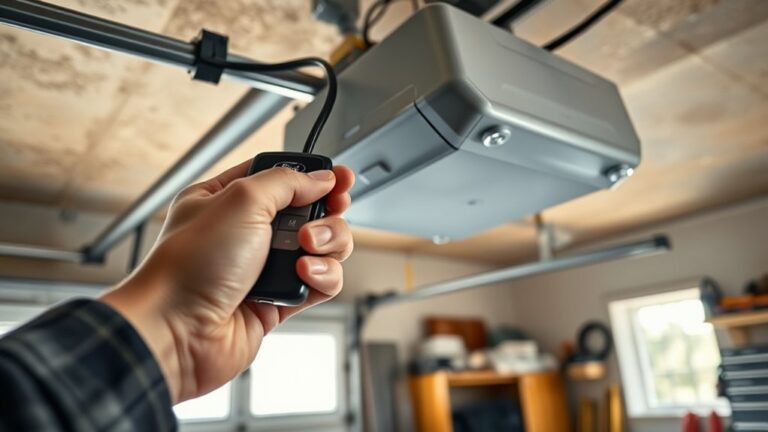
You’ve got a Ford garage door opener in your vehicle, but it won’t work until you program it correctly. Start with your vehicle in Park, ignition on, and a known working remote.
Next, locate the HomeLink buttons on the mirror, visor, or overhead console. From there, the process shifts from simple button presses to a timing step that can make or break the sync.
Key Takeaways
- Put the Ford vehicle in Park, ignition on, and locate the three HomeLink buttons on the mirror, visor, or overhead console.
- Use a garage remote with a fresh battery and confirm it matches your opener’s frequency and rolling-code system.
- Press and hold the desired HomeLink button until the indicator changes, then press the garage remote to start pairing.
- For rolling-code openers, press the opener’s Learn/Smart button, return to the vehicle, and press the programmed HomeLink button again.
- Test each button individually, verify the door opens and closes properly, and repeat programming if range or interference issues occur.
What You Need to Program a Ford Garage Door Opener
Before you start, make sure you have the Ford vehicle with the built-in garage door opener, the garage door remote you want to copy, and a working garage door system to test against. You’ll also need your vehicle in Park, the ignition on, and access to the overhead console controls.
Check that the remote has a fresh battery and matches the opener frequency; a weak signal can block setup. Keep the garage area clear so you can verify operation safely. Don’t confuse this task with an unrelated topic or an irrelevant concept, because you’re preparing only the equipment needed for programming.
If your garage door opener uses a rolling code system, confirm the manufacturer instructions are available. Having these items ready helps you complete the process efficiently and avoid interruptions.
Program Your Ford Garage Door Opener Step by Step
Start by locating the HomeLink buttons in your Ford, usually on the overhead console or rearview mirror. Press and hold the desired button until the indicator light changes, then activate your garage door opener’s learn or sync mode.
Complete the pairing by following the opener’s confirmation signal and testing the door with the programmed button.
Locate HomeLink Buttons
Where are the HomeLink buttons in your Ford? You’ll usually find the HomeLink controls on the lower area of the rearview mirror, the overhead console, or the visor panel, depending on your model.
Inspect the driver-side cabin trim for a small cluster of three programmable buttons labeled with icons or dots. These are the HomeLink switches you’ll use for button pairing.
Confirm each button’s position before you start, since Ford places them in different locations across trims. If you don’t see them immediately, check the mirror housing and headliner for a recessed panel.
Once located, note which button is closest to your seating position so you can access it quickly during setup. Keep the area clear so your hand can reach the controls without interference.
Sync Garage Door Opener
Press and hold the HomeLink button you want to program while you simultaneously press and hold your garage door opener’s remote control button, keeping both devices close together. Watch the indicator light in your Ford. It should flash slowly, then speed up once the system learns the signal.
Release both buttons when the light changes. If your opener uses rolling-code security, press the opener’s “Learn” or “Smart” button on the motor unit, then return to the vehicle within 30 seconds and press the programmed HomeLink button for two seconds.
Repeat if needed until the door responds. This new tech improves convenience without affecting user privacy, since the signal stays local and isn’t stored online. Test the button twice to confirm reliable synchronization.
Set Up a Rolling-Code Garage Door Opener
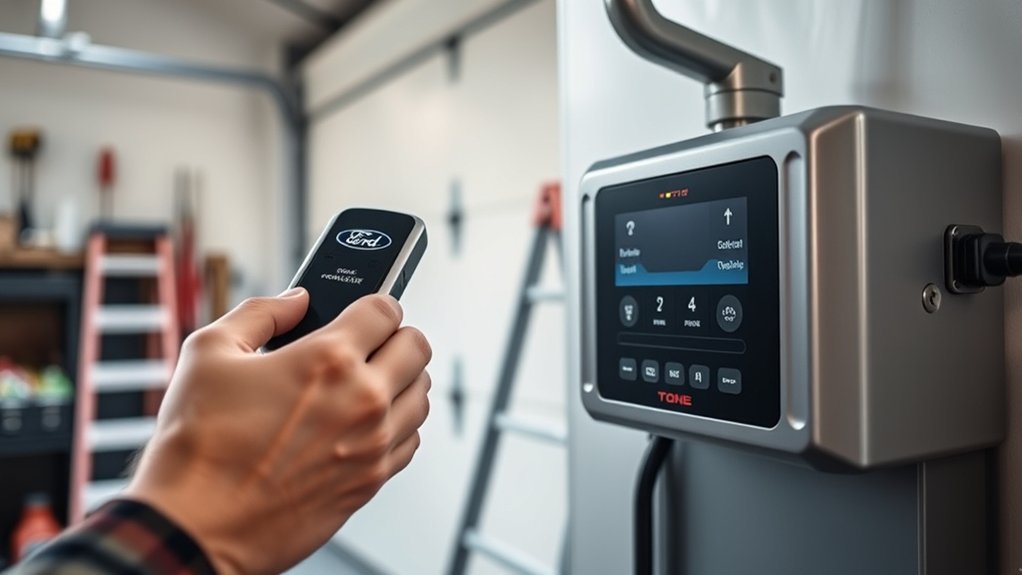
If your garage door opener uses rolling-code security, you’ll need to sync the remote through the vehicle’s HomeLink system and then complete the pairing at the opener itself. First, confirm driving compatibility between your Ford model and the opener’s frequency range, because mismatched systems won’t learn the code.
Keep the original handheld remote nearby, then press and hold the HomeLink button in the cabin until the indicator changes. Next, use the opener’s learn or smart button on the motor unit within the required window. Press the programmed HomeLink button again to transmit the new rolling code.
This method improves security and addresses privacy concerns by changing the access signal each time. Store the handheld remote only after the system accepts the pairing.
Test Your Ford Garage Door Opener
Press the Ford garage door opener from the expected operating range and verify that the signal reaches the receiver reliably. Confirm that the door opens and closes fully with each button press, and watch for any delayed or incomplete response.
If the result is inconsistent, repeat the programming check and reprogram the opener until it performs correctly.
Verify Signal Range
Once you’ve programmed the Ford garage door opener, test the signal range by standing near the garage and then at increasing distances while you press the trained button. Start within a few feet, then move to the driveway, street, and farther away if needed.
This signal range check helps you confirm the remote transmits reliably under normal conditions. Keep the vehicle pointed toward the garage during frequency testing so you can isolate weak transmission issues.
If the opener responds consistently at short and moderate distances, your setup is likely correct. If performance drops off early, note the range where it fails and repeat the test after repositioning the vehicle or removing nearby interference sources.
Use the same button each time and maintain a steady press for accurate results.
Confirm Door Response
Watch the garage door as you press the programmed Ford button to confirm the opener responds correctly. You should see the door begin its cycle within a second or two. If it moves, stops, or reverses unexpectedly, note the exact behavior before you continue.
Stand clear of the path and keep hands away from moving parts while confirming operation. Check that the opener light, motor sound, and travel direction match normal use.
If the door doesn’t react, repeat your troubleshooting steps from the prior setup: verify the vehicle is in range, the ignition is on, and the opener isn’t locked out. A proper response confirms the link between your Ford system and the garage unit, so you can proceed with confidence.
Repeat Programming Check
Now that the opener responds correctly, repeat the programming check to make sure the Ford garage door opener stores the code reliably. Press the programmed button again and confirm the door cycles from closed to open and back without hesitation.
If it doesn’t respond, reenter the code and retest before moving on. Watch the reversing controls during each run; the door should reverse when it meets resistance, then stop cleanly.
Inspect door sensor alignment as well, because misaligned sensors can interrupt a valid signal and make the test appear inconsistent. Run the sequence two or three times, using the same button each time.
A successful repeat test confirms the memory, the transmitter, and the opener all communicate properly under normal operating conditions.
Fix a Ford Garage Door Opener That Won’t Sync
If your Ford garage door opener won’t sync, start by clearing the pairing and reprogramming it from scratch. Verify the remote battery, then confirm the opener’s indicator light responds when you press the remote.
Move the vehicle close to the garage door unit and remove nearby electronic interference. Check that you’re using the correct HomeLink button and holding it steadily during the learn attempt.
If you need a how to quickstart approach, follow the vehicle manual sequence exactly and watch for the LED change. Avoid common mistakes like releasing the button too early, skipping the erase step, or programming while the door system is in lock mode.
If the signal still fails, inspect the opener’s antenna wire and make sure it hangs straight.
Reprogram Your Ford Garage Door Opener
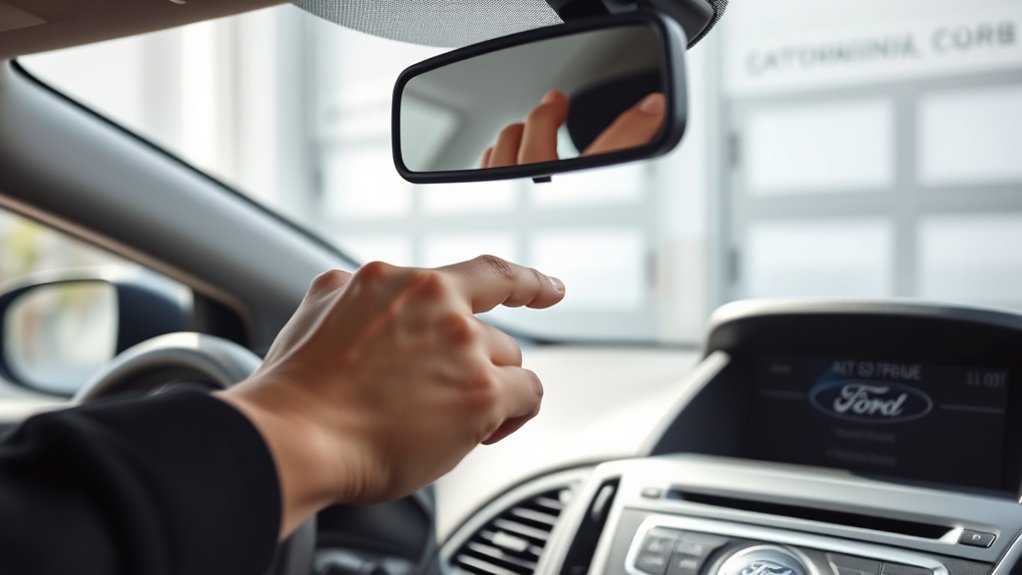
To reprogram your Ford garage door opener, first clear the existing HomeLink memory so the system can learn the signal again from scratch. Press and hold the two outer HomeLink buttons until the indicator light changes from solid to rapid flashing, then release them.
Turn the ignition on, park safely, and keep the opener remote nearby. Hold the remote within a few inches of the HomeLink control, then press and hold both buttons until the HomeLink light flashes rapidly.
Next, press the garage door opener’s learn button on the motor unit, then return to the vehicle and press the programmed HomeLink button for two seconds. Repeat if needed until the door responds. This reset supports reliable home automation and maintains driving safety.
Program Multiple Garage Doors in Ford
Once your first Ford HomeLink button works, you can program the remaining buttons the same way for separate garage doors. Move to the second button, then repeat the transmitter-learning sequence for the next opener.
Program the remaining Ford HomeLink buttons the same way for each separate garage door.
Hold the button you want to assign until the indicator changes, then press the garage door remote until the system confirms pairing. Test each door individually to verify correct operation and prevent overlap between channels.
If your vehicle supports three buttons, label each opener mentally so you know which door responds to each control. Check garage safety by confirming the door reverses properly and the path is clear before use.
Use garage lighting to inspect the opener lights, sensors, and indicator flashes during setup.
Frequently Asked Questions
Which Ford Models Support Built-In Garage Door Programming?
You’ll find built-in garage door programming on many Ford models with HomeLink-equipped mirrors or visors, especially model year compatibility from mid-2000s onward. Check aftermarket compatibility too, since trims and options vary by model and package.
Can I Program a Ford Opener Without the Original Remote?
Yes, you can sometimes program it without the original remote if your opener supports learn-mode pairing. You’ll need the garage unit’s button and maybe a battery replacement in the transmitter for reliable remote pairing.
How Do I Erase Old Garage Door Codes From Ford?
Erase codes by holding the Ford HomeLink buttons and the two outer buttons until the indicator flashes rapidly, then release. You’ll clear memory.
Update firmware only if your vehicle supports it.
Does Garage Door Opener Programming Affect Homelink Security?
Yes, programming usually doesn’t weaken HomeLink security, and 1 in 5 owners report privacy concerns. You should verify device compatibility, then reprogram using rolling-code protocols, because they protect against replay attacks and unauthorized access.
Can I Use One Ford Button for Two Different Homes?
You can’t use one Ford button for two homes; you’ll need separate buttons or remotes. If you move to a new garage, reprogram that button.
With multiple vehicles, keep each HomeLink profile distinct.
Conclusion
By now, you can program your Ford garage door opener with confidence, like tuning a key to a lock that finally clicks. You’ve gathered the right tools, synced the HomeLink buttons, and tested the signal for smooth operation.
If the opener still hesitates, recheck the learn mode and repeat the steps carefully. With a little patience, your Ford’s system should open the door as reliably as a handshake.
Following these steps ensures your Ford garage door opener works seamlessly every time.


