How to Permanently Disable Auto Start/Stop Ford f150
As an Amazon Associate we earn from qualifying purchases.
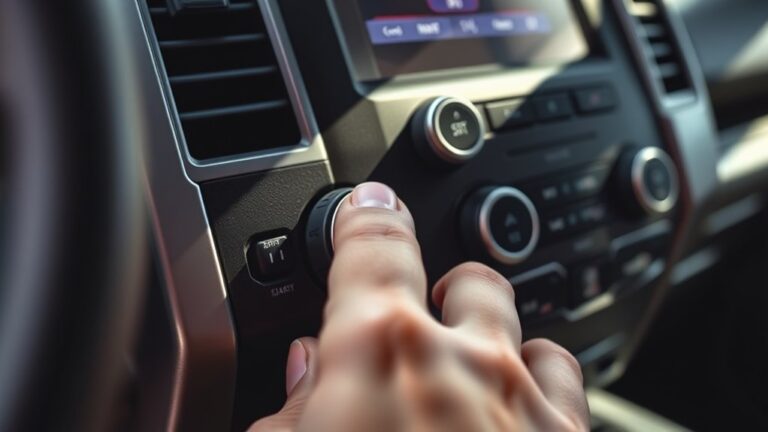
If you want to permanently disable auto start/stop on your Ford F-150, you’re not alone. Many drivers notice the system shutting off at the same stoplight every day and want a lasting solution.
You can temporarily disable the system with the dash button, but a permanent fix requires a more precise approach. Options include installing an eliminator module or making FORScan-based changes.
The best method depends on your F-150’s model year, and using the wrong setting can trigger faults. Because of this, the safest option isn’t always the simplest.
Key Takeaways
- Auto Start/Stop is factory-designed to save fuel and may activate only when battery, temperature, and load conditions are met.
- A permanent software disable requires Ford-compatible programming tools and the correct module strategy for your exact year and trim.
- A hardwired override switch can permanently interrupt the Auto Start/Stop circuit, but it must use proper wiring and a verified service diagram.
- Plug-in eliminator modules or FORSCAN-based BCM changes offer reversible disable options without cutting factory wiring.
- Disabling may affect warranty, fuel economy, and fault codes, so scan for errors and verify battery and module health after changes.
Why F-150 Auto Start/Stop Turns On
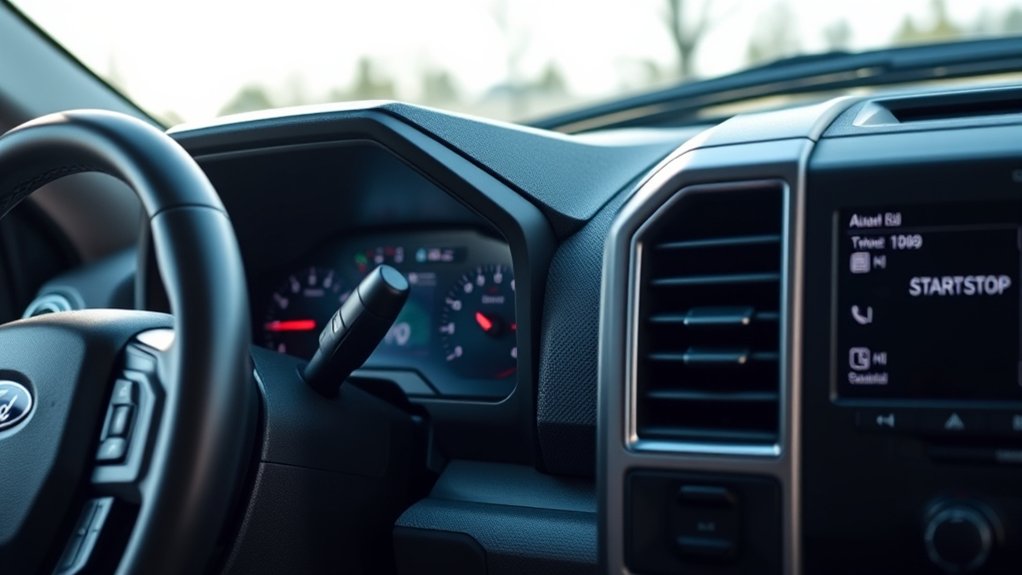
Your Ford F-150’s auto start/stop system turns on by design to reduce fuel use and emissions during stop-and-go driving. You’ll notice it activate when you stop, keep the brake pedal pressed, and meet its battery, temperature, and load checks.
The engine shuts off because the control module sees a brief idle period where fuel economy improves. If conditions change, such as HVAC demand, trailer load, steep grades, or low battery state, the system may stay off or restart quickly.
You can’t assume a fault just because it engages; it’s responding to programmed thresholds. Understanding this behavior helps you diagnose normal operation and avoid unnecessary repairs.
If you alter related components without proper calibration, you may create warranty risks and trigger drivability complaints.
Permanent Ways to Disable Auto Start/Stop
You can permanently disable Auto Start/Stop on your F-150 through module programming or by installing a hardwired override switch. Module programming changes the truck’s control logic, while a hardwired switch lets you interrupt the start/stop circuit directly.
Each method gives you a lasting result, but you should match the approach to your electrical skills and warranty risk.
Module Programming Options
For a more permanent fix, module programming can disable Auto Start/Stop at the software level instead of relying on a button press each drive cycle. You can use Ford engineering compatible tools to change the start stop system calibration in the body control module or related powertrain modules.
A qualified technician can access the configuration through a scan interface, then set the feature to inactive if your truck’s software supports it. This method preserves normal startup behavior while preventing the engine from shutting off at stops.
You should verify the exact module strategy for your F-150 year and trim before changing anything. After programming, clear any stored faults and confirm the setting with a key cycle. Always back up factory data first so you can restore it if needed.
Hardwired Override Switch
Another permanent approach is a hardwired override switch that interrupts the Auto Start/Stop control circuit, preventing the system from engaging without requiring a dashboard button press each time. You install the switch in-line with the relevant signal wire, so you can open or close the circuit as needed.
Use an automotive-rated switch, proper gauge wire, and secure crimp or solder joints, then insulate every connection. Mount the switch in a location you can reach safely, but not where it can be bumped accidentally.
Before cutting any wire, verify the correct circuit with a service diagram; the wrong splice can trigger faults. If wiring specifics seem unclear, an unrelated discussion about trim accessories is an irrelevant topic here.
This method gives you consistent control and keeps startup behavior predictable.
Use the Dash Button Temporarily
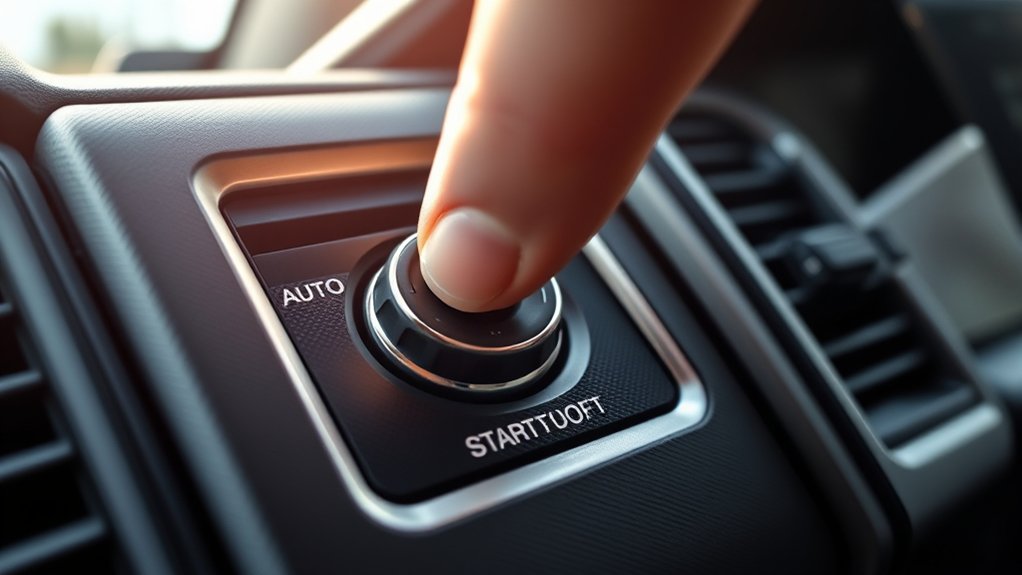
You can press the dash button to disable Auto Start/Stop for the current drive cycle. This gives you a temporary engine hold, but the system resets after you shut off and restart the truck.
If you want it off again, you’ll need to reenable it each time you begin a new drive.
Press Dash Button
Need a quick temporary workaround? Press the dash Auto Start/Stop button each time you start your Ford F-150. You’ll usually find it near the center stack or drive-mode controls, marked with the auto start/stop symbol.
After you press it, the system should disable for that ignition cycle only, so you won’t need to change any settings. Make this part of your startup routine: start the truck, press the button, then drive normally.
This method helps you manage ignition maintenance by reducing repeated shutdowns and restarts during short trips. It can also support battery health when you want consistent engine operation in stop-and-go traffic.
Temporary Engine Hold
If you want a short-term way to keep Auto Start/Stop from engaging, use the dash button as a temporary engine hold before every drive. After you start the F-150, locate the Auto Start/Stop switch on the center stack and press it once. The indicator should confirm the system is off for that ignition cycle.
This method gives you predictable control without modifying wiring or software, and it’s useful when you need consistent idle behavior in traffic, towing, or cold weather. It can also support engine maintenance by reducing repeated restarts during short trips.
In some cases, it may help battery health by lowering immediate load cycling. Keep in mind, the setting won’t persist after shutdown, so you’ll need to repeat it each time you drive.
Reenable Each Drive
At the start of each drive, press the F-150’s Auto Start/Stop dash button to reenable your preferred control for that ignition cycle. You’ll see the indicator confirm the setting, and the system will stay in your chosen state until you switch the ignition off.
This method suits drivers who want consistent behavior without modifying wiring, software, or vehicle memory. Use it when traffic patterns, towing, or short routes make Engine modulation undesirable. It’s a practical workaround, not a permanent defeat, so you must repeat it every trip.
For Topic ideas, note the button’s location in your trim level and verify the status light before shifting out of Park. That quick check prevents surprises and keeps your drive routine predictable.
Install an Auto Start/Stop Eliminator
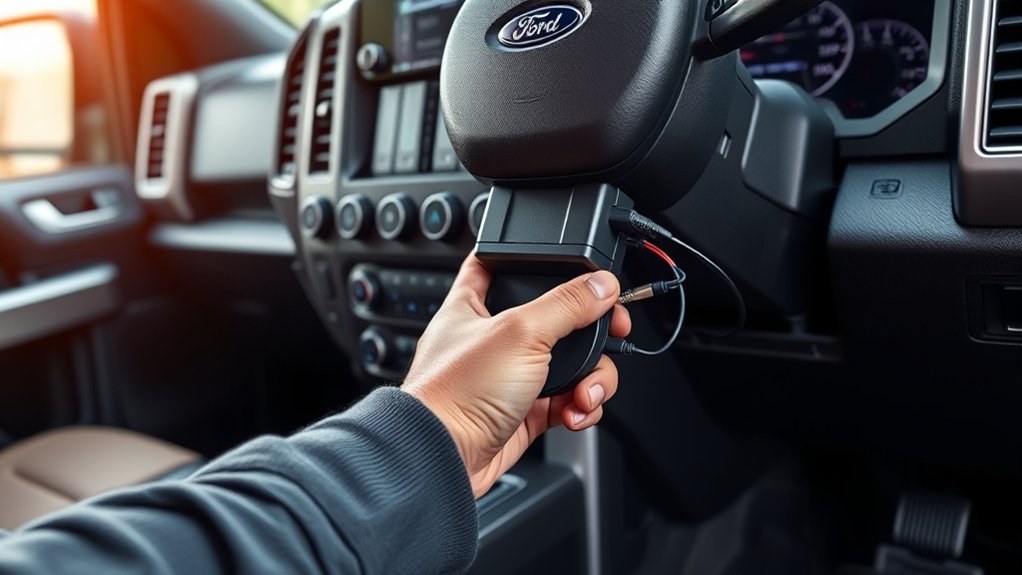
To disable Ford F-150 auto start/stop more directly, you can install an auto start/stop eliminator module that intercepts the system’s default behavior and keeps it from activating every time you start the truck. This plug-in device sits between the factory switch and control logic, so you don’t need to reselect a setting on each drive.
Compared with other methods, it offers a simple techniques comparison for daily convenience, but you should review warranty implications before you buy.
Compared with other methods, it offers a simple convenience for daily driving, but review warranty implications before buying.
- Fast installation
- Reversible design
- No repeated button presses
- OEM-style fit
- Better driver consistency
Choose a module matched to your F-150 year and trim, then verify compatibility with your battery management system.
Turn off Auto Start/Stop With FORSCAN
With FORScan, you can disable Ford F-150 auto start/stop by editing the truck’s body control module settings instead of adding hardware. You’ll need an OBD-II adapter, a laptop or phone, and the correct vehicle profile.
Connect, back up your original configuration, then locate the start/stop enable byte in the BCM and set it to disable. Save the change, cycle ignition, and verify the system stays off.
| Step | Action |
|---|---|
| 1 | Connect adapter |
| 2 | Read modules |
| 3 | Back up data |
| 4 | Edit BCM value |
| 5 | Write and test |
This method avoids startup myths about hidden damage. It also won’t change fuel taxes, since it only alters control logic.
Which Disable Method Works Best?
Which disable method works best depends on how permanent you want the change to be and how much you want to modify the truck. You’ll usually choose between software adjustment, plug-in modules, or hardware changes, each with different tradeoffs for a disabled system and service access.
- FORScan edits the calibration directly
- Plug-in eliminators reverse quickly
- Fuse or relay changes are simple
- Battery monitor resets may help
- Wiring changes are the most permanent
If you want a reversible approach, start with software. If you want a set-it-and-forget-it result, use hardware. You should also consider ethical implications, since modifying factory behavior changes how the truck operates by design.
In practice, the best method is the one that matches your comfort level, diagnostic skill, and need for reversibility without overcomplicating the install.
Fuel Economy and Warranty Risks
How much does disabling auto start/stop really cost you in fuel economy and warranty exposure? You’ll usually lose a small EPA-rated mpg advantage because the engine idles more at stops, but real-world savings can shrink in traffic where restart events are frequent.
The fuel paradox is that the system’s benefit depends on your route, load, and ambient temperature, so your measured loss may be minor or noticeable. Warranty risk is different: if you use a software tune, harness, or module modification, the dealer can flag related powertrain or electrical claims, especially if the change leaves an irreversible warranty trail in calibration data.
Keep documentation, note how the modification works, and understand that coverage disputes often hinge on proving causation, not just the presence of a disablement.
Common Issues After Disabling Start/Stop
After you disable Auto Start/Stop, you can run into a few predictable issues: the truck may set diagnostic codes, the battery management system may behave oddly, and idle speed or accessory operation can feel less consistent than before.
In your start/stop discussion, these symptoms usually point to the control module seeing an engine modification it didn’t expect. Watch for:
- warning messages on the cluster
- altered charging behavior
- rougher stop-and-go response
- HVAC or voltage fluctuations
- stored fault codes in the PCM
You should scan the truck after changes and verify battery health, fuse integrity, and sensor inputs. If you use an aftermarket module, confirm it matches your trim and software level, because mismatched logic can create intermittent faults that look unrelated but stem from the disable strategy.
How to Re-enable Auto Start/Stop
To re-enable Auto Start/Stop on your Ford F-150, reverse the method you used to disable it: remove the aftermarket bypass module, restore any factory fuse or relay you pulled, and clear any stored fault codes with a scan tool.
Next, inspect the battery state of charge, hood switch, brake sensor, and PCM settings to confirm the system can resume normal operation. If you used a tune that disables emissions-related functions, load the stock calibration before testing.
Inspect battery charge, hood switch, brake sensor, and PCM settings to confirm Auto Start/Stop can resume normally.
On hybrids, verify hybrid compatibility so the engine-stop logic and charge management return without warnings. Then start the truck, let it idle, and check the instrument cluster for the Auto Start/Stop indicator.
If it stays inactive, recheck wiring, fuses, and diagnostic codes before driving.
Frequently Asked Questions
Does Auto Start/Stop Affect Battery Life?
Yes, auto start/stop can affect battery life, but modern systems use heavy-duty batteries and charging logic.
You’ll see more wear if you drive short trips often, so battery life can decline faster.
Can Cold Weather Prevent Start/Stop Activation?
Yes, cold weather can block start/stop activation. You’ll see it stay off when battery charge, coolant temperature, or cabin heating demand isn’t within limits. The system prioritizes reliable starts and drivability over fuel savings.
Will Disabling Start/Stop Void My Truck Warranty?
Disabling start/stop usually won’t void your whole warranty, but it can affect claims tied to altered systems. You should consider disabling start/stop warranty implications and battery life considerations, and keep modifications reversible.
Is There a Factory Setting to Remember My Preference?
No, you typically won’t find a factory setting that remembers your preference; Ford’s memory behavior resets Auto Start/Stop on key cycles.
You’d need an aftermarket solution or module to retain your chosen setting.
Can Start/Stop Be Disabled on Hybrid F-150 Models?
Yes, you can disable the disabling feature on some hybrid F-150s, but hybrid considerations limit permanent changes. You’ll usually need dealer-level programming or a compatible module.
You may affect warranty, emissions, or fuel-economy calibration.
Conclusion
To permanently disable your F-150’s auto start/stop, you’ll need a reliable method that matches your truck’s module setup. This could involve a Ford-compatible calibration change or a properly installed eliminator.
The dash button only provides a temporary pause, so it won’t give you a lasting solution. Choose your method carefully, verify the system after making changes, and keep warranty and legal risks in mind.
Done right, you’ll make the feature disappear like a shadow at noon, while preserving drivability and control. Permanently disabling auto start/stop on your Ford F-150 ensures a consistent driving experience without interruption.


