How to Decode a Ford Vin Number
As an Amazon Associate we earn from qualifying purchases.
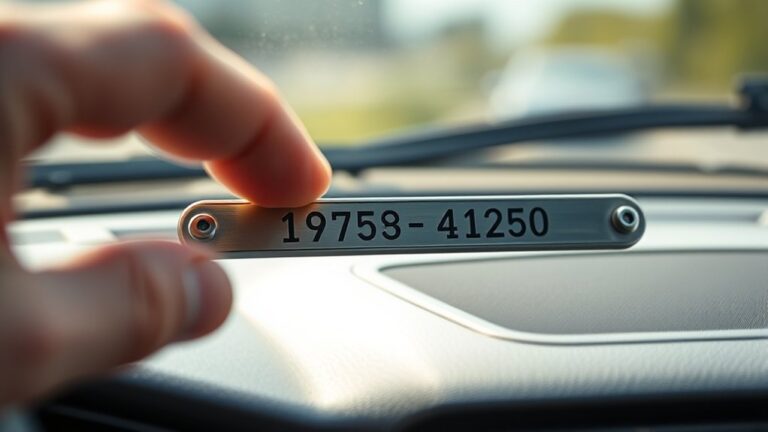
To decode a Ford VIN number, you first need to locate the 17-character code and break it into sections that reveal the manufacturer, vehicle attributes, engine, plant, and sequence number.
You can verify details against the door label and title to avoid errors, but the key is knowing which character matters most.
Once you start matching each position, the VIN begins to expose far more than just a serial number.
Key Takeaways
- Locate the 17-character VIN on the dashboard plate and driver door label, then confirm both match exactly.
- Decode the VIN by segment: WMI, vehicle descriptor, check digit, model year, assembly plant, and production number.
- Use character 10 for model year, character 11 for assembly plant, and characters 12–17 for the production sequence.
- Read character 8 to identify the engine code, then verify it with Ford’s engine code chart or decoder tool.
- Compare decoded results with the title, registration, and vehicle labels to ensure accurate Ford VIN decoding.
How to Decode a Ford VIN Number
To decode a Ford VIN number, start with the 17-character code stamped on the vehicle and read it in fixed segments: the first three characters identify the manufacturer and region, positions four through eight describe the model, body style, engine, and restraint system.
The ninth is the check digit, the tenth shows the model year, the eleventh identifies the assembly plant, and the final six digits are the production sequence number. You can verify each block against Ford reference tables to confirm configuration data.
Use engine basics to interpret displacement or fuel type, but don’t infer performance beyond the code’s scope. Treat color codes separately, since they usually appear on labels, not in the VIN.
Read every character carefully, because one digit can change the exact vehicle specification and factory record.
Find the Ford VIN
You can find the Ford VIN on the dashboard VIN plate, visible through the windshield on the driver’s side. Check the driver door label next, since Ford also places the VIN there on many vehicles.
Use both locations to confirm the full 17-character VIN before you decode it.
Dashboard VIN Plate
The dashboard VIN plate usually sits at the base of the windshield on the driver’s side, where you can read the Ford VIN from outside the vehicle. This dashboard placement gives you a fast check point before you open the door or start the engine.
The vin plate meaning is simple: it displays the unique identifier Ford assigned to your vehicle.
- Inspect the lower windshield edge.
- Read the 17-character VIN through the glass.
- Compare each character carefully.
- Record it exactly for decoding.
You should verify all letters and numbers, because a single error changes the result. If glare blocks the plate, shift your angle or clean the glass.
Use this location first, since it’s the most accessible Ford VIN source.
Driver Door Label
Next, check the driver door label, since Ford often prints the VIN on the certification sticker along the door jamb. Open the driver’s door and inspect the latch side, pillar, or edge of the door itself.
You’ll usually see a white or silver label with vehicle weight ratings, tire data, and the 17-digit VIN. Match every character carefully; one incorrect digit can break registration, car insurance, or dealership negotiations.
If the sticker is dirty or faded, clean the surface gently and use a flashlight to read the code. Compare it with the dashboard plate and title documents to confirm consistency.
If the label is missing, damaged, or replaced, ask a Ford dealer to verify the VIN before you rely on it.
Understand the 17 VIN Characters
You can read a Ford VIN as 17 distinct characters, each assigned a specific code. You’ll need to break the string into position-based segments, because each location can indicate the manufacturer, vehicle attributes, model year, assembly plant, or serial number.
Once you map each character to its position-specific meaning, you can decode the vehicle’s core specifications with precision.
VIN Character Breakdown
Each Ford VIN breaks into 17 characters, and every position tells you something specific about the vehicle. You can read the code as a structured identifier, not a random string. This helps you verify specs for Ford maintenance and confirm vehicle aesthetics details before service or purchase.
- The first section identifies the manufacturer and region.
- The middle section groups model, body, engine, and restraint data.
- The ninth character serves as a check digit for validation.
- The final section distinguishes production sequence and assembly order.
When you break the VIN into these parts, you reduce decoding errors and compare records faster. Keep the full string intact, because each character supports accurate Ford identification and documentation.
Position-Specific Meaning
The 17-character Ford VIN assigns a defined meaning to every position, so you can decode the vehicle step by step instead of guessing from the full string. Positions 1-3 identify the world manufacturer and brand division. Positions 4-8 specify body type, engine, restraint system, and model details.
Position 9 is the check digit, which validates the sequence. Position 10 reveals the model year, and position 11 shows the assembly plant. Positions 12-17 form the production number.
You should verify each segment against vin history records to confirm originality, especially when aftermarket modifications may have altered components. This position-specific method lets you isolate mismatches, spot errors, and compare the VIN with title, service, and build data quickly and accurately.
Decode the World Manufacturer Identifier
Start by locating the first three characters of the VIN, which form the World Manufacturer Identifier (WMI). You use these characters to identify Ford manufacturing origin and verify compliance with VIN standards. The WMI tells you who built the vehicle and where the manufacturer is registered.
- Check the first character for the country code.
- Read the second character for the manufacturer designation.
- Use the third character for the division or plant family.
- Match all three characters against a reliable Ford VIN reference.
For Ford, the WMI confirms the vehicle comes from Ford or an authorized Ford division. This step lets you validate the VIN before you move to later sections. Keep the code exact, because one incorrect character changes the identification and can invalidate your result.
Decode the Vehicle Descriptor Section
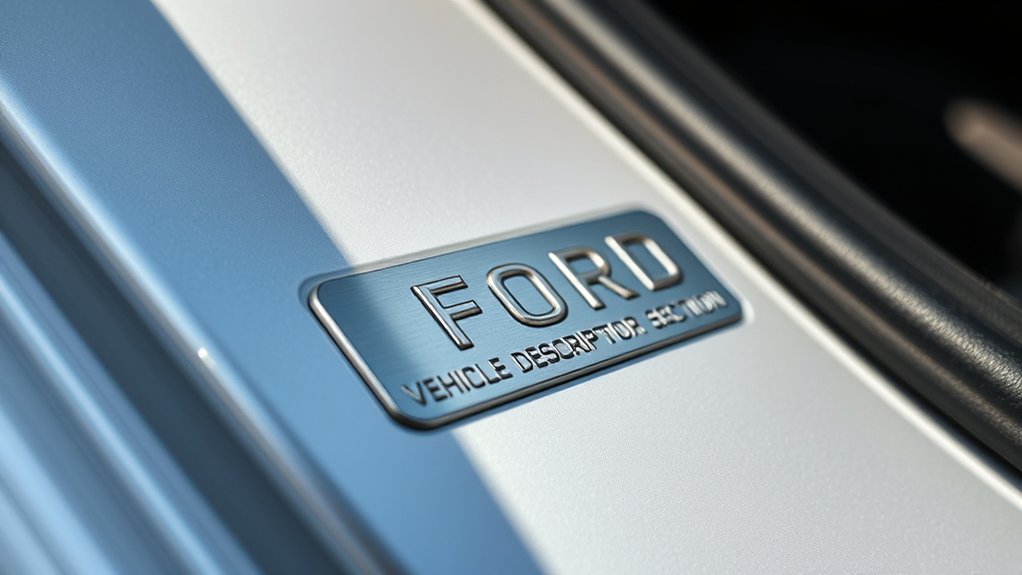
Next, decode the Vehicle Descriptor Section, which covers characters 4 through 8 of the Ford VIN and identifies the vehicle’s model, body style, engine, restraint system, and series. You’ll use these codes to narrow the exact configuration, not just the nameplate.
Ford assigns each character combination to a specific build pattern, so compare it against a reliable VIN decoder or factory reference. This step also supports identifying trim levels by separating base and upgraded equipment groups.
It doesn’t directly provide decoding color codes, but it helps confirm whether paint-related options belong to a given package. Read each character in order, because one mismatch can point to a different drivetrain or cab style. Keep the code list handy and verify all five positions together, not individually.
Check the Model Year Code
Check character 10 to confirm the model year, because Ford uses a standardized year code in that position. You can verify the code against Ford’s VIN chart to identify the exact model year. This step helps you separate late-production carryovers from the next year’s lineup and clarifies production timing.
- Read the 10th character exactly as printed.
- Match it to Ford’s year-code table.
- Confirm the decoded model year with the vehicle documents.
- Use the result to narrow build-date expectations.
Don’t guess from trim, styling, or registration dates. The code gives you the authoritative model year, and it’s the best reference when you need precise identification during Ford VIN decoding.
Find the Assembly Plant Code
The assembly plant code appears in character 11 of the VIN and identifies the Ford factory where the vehicle was built. You can match this single letter or number to Ford plant records to pinpoint the exact location of final assembly.
Use it to confirm whether your vehicle came from a specific plant, which can help you compare build details across the assembly line and verify regional production patterns. The code may also indicate differences in trim handling, body routing, or paint process logistics, since those steps often vary by facility.
Read the VIN carefully and note only character 11; don’t confuse it with adjacent codes. Once you’ve identified the plant, you can cross-reference it with Ford VIN charts for a precise build-origin check.
Identify the Ford Engine Code
Now, look at character 8 in the Ford VIN to identify the engine code. You can match this single letter or number to Ford’s engine chart to confirm the exact engine block and fuel type. This code tells you what powertrain Ford installed, so you’ll avoid guesswork when checking parts, service records, or specifications.
- Read character 8 only.
- Match it to the Ford code list.
- Verify the engine block family.
- Confirm the fuel type.
Because Ford reuses some codes across model years, check the full VIN context before you rely on the result. A correct engine code helps you identify displacement, configuration, and emissions setup fast.
Use a Ford VIN Decoder Tool
A Ford VIN decoder tool can speed up the process by parsing the 17-character code and returning the vehicle’s model, engine, body style, assembly plant, and year. You enter the VIN exactly as shown, and the tool maps each character to its meaning.
This gives you a fast reference for how to verify vin details against the door label, title, or registration. Use a reputable decoder to keep the results accurate and consistent across Ford cars, trucks, and SUVs.
For pain free code breaking, let the tool handle the pattern recognition while you review the output for model year, plant code, and trim data. Then compare the decoded fields with the vehicle itself to confirm you’ve matched the correct Ford configuration.
Avoid Common Ford VIN Mistakes
Watch for small VIN errors that can throw off the entire decode. You should verify every character against the dash plate, title, and door label. Don’t confuse 0 with O, 1 with I, or 5 with S.
Check the 17-character length, since missing or extra digits invalidate the result.
- Compare the VIN in two locations to confirm it matches.
- Read each character under strong light to catch smudges.
- Use a Ford-specific decoder, not a generic lookup.
- Record trim, engine, and plant codes exactly as shown.
These checks help you avoid bad parts orders, wrong history reports, and misleading assessments. Keep marketing strategies and historical milestones out of the decode process; they don’t affect VIN interpretation.
Frequently Asked Questions
Can a Ford VIN Reveal Previous Accident History?
No, you can’t rely on a Ford VIN alone for accident history. You’ll need vehicle records, verifying VIN accuracy, and assessing aftermarket modifications to identify prior damage, title events, or repairs accurately.
Does a Ford VIN Show the Exact Trim Level?
No, your Ford VIN usually won’t spell out the exact trim level because convenience would be too easy. You can decode series and options, but you’ll often need a build sheet to confirm trim level and paint color.
Can I Use a VIN to Check Factory Options?
Yes, you can use a VIN to check factory options through vin decoding, but you’ll usually need a dealer report or build sheet.
It’ll show factory options installed at production, not every later modification.
Will a VIN Tell Me if a Ford Was Recalled?
Yes, your VIN can help you check recall verification for a Ford, but it won’t show accident history.
You’ll need Ford’s recall lookup or NHTSA’s database to confirm open recalls accurately.
Can a Ford VIN Verify the Vehicle’s Original Paint Color?
No, you can’t verify original paint color from a Ford VIN alone; it’s just a fingerprint, not a paintbrush.
You’ll need the build sheet, door sticker, or ownership history for confirmation.
Conclusion
Once you’ve decoded your Ford VIN, you’ll probably notice how a tiny string of characters can reveal a vehicle’s identity with almost suspicious clarity. That’s the irony: the code looks cryptic, yet it’s the fastest way to verify model, engine, plant, and year.
Still, you can’t afford to guess. You’ve got to read every character carefully, cross-check the door label, and confirm the details. Precision here saves you from very expensive surprises later.
Mastering how to decode a Ford VIN number ensures you get accurate information every time, protecting you from costly mistakes down the road.


