How to Deactivate My Key Ford
As an Amazon Associate we earn from qualifying purchases.

If you want to deactivate My Key on your 2021 Ford Escape, you can usually do it from the in-vehicle Settings menu by checking MyKey or Keys. Then, select the key you want to disable and confirm the change.
The exact steps depend on your model, year, and key type. Some systems require an admin key before any changes can be made.
If the menu stays locked and you can’t access the key settings, there’s another route you’ll want to know to deactivate your key.
Key Takeaways
- Confirm your Ford model and key type first, since deactivation steps vary by year, trim, and security system.
- Use the in-vehicle touchscreen or MyKey/key management menu to select the key and follow the deactivation prompts.
- An admin or master key may be required to remove a key from Ford security settings.
- After deactivation, cycle the ignition and verify the key no longer starts the vehicle or unlocks personalized settings.
- Contact a Ford dealer or automotive locksmith if the key will not deactivate, or if reprogramming is needed.
What Ford Key Deactivation Does
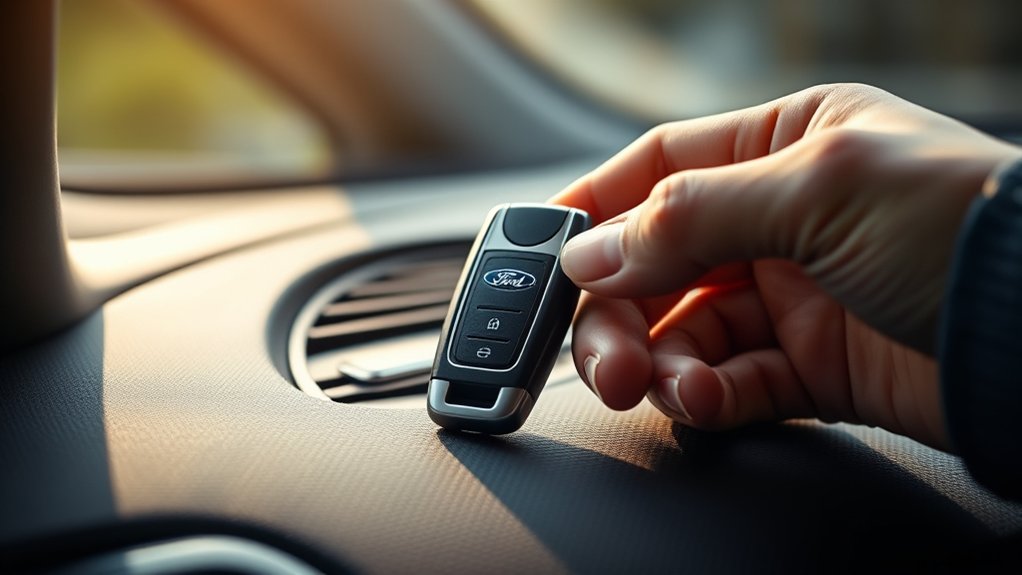
Ford key deactivation disables a programmed key so it can no longer start or operate your vehicle until you re-enable it or program it again. You use this function to control key security by limiting which keys can communicate with the vehicle’s immobilizer system.
Once you deactivate a key, the system blocks its authorization, so the engine won’t recognize it and remote functions may stop working. In many Ford setups, door access can also be affected if the key supports passive entry or remote unlock.
You keep control by managing active keys through the vehicle menu or an authorized tool. This process doesn’t erase the key’s data; it only suspends its access. You can restore operation later by reactivation or reprogramming.
When to Deactivate Your Ford Key
You should deactivate a Ford key when a lost, stolen, or unreturned key could give someone unwanted access to your vehicle. Act quickly if you can’t account for every key after a service visit, loan, or transfer. This is a practical car maintenance step that reduces security risk and helps you control who can start or unlock the vehicle. Use roadside assistance if you’re stranded and need help confirming the key status before you drive.
- Deactivate after key loss or theft.
- Deactivate when a former driver won’t return a key.
- Deactivate before selling, leasing, or reassigning the vehicle.
If you suspect misuse, don’t wait. Prompt deactivation limits exposure and keeps your Ford’s access list under your control.
Check Your Ford Model and Key Type
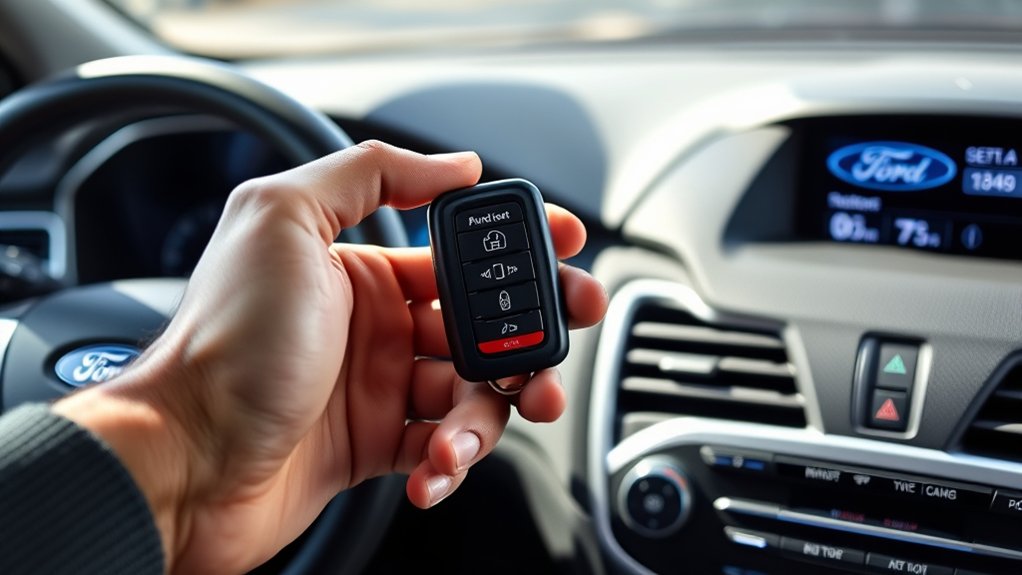
Start by identifying your Ford model, since deactivation steps can vary by year and trim.
Then determine the key type you have, such as a standard key, transponder key, or smart key, because each uses different procedures.
Check your owner’s manual for the exact instructions for your vehicle.
Identify Ford Model
Before you deactivate a Ford key, confirm the exact model and key type, since the procedure varies by vehicle and system. You should read the VIN plate, owner’s manual, or dashboard labels to verify your Ford model. That check keeps you from chasing an irrelevant topic during random brainstorming and helps you use the right service steps.
Match the vehicle name with the production year, trim, and security package before you proceed.
- Look for the model badge on the tailgate or fender.
- Check the registration card for the official model name.
- Compare the VIN with Ford’s support records.
If the model isn’t clear, contact a dealer with the VIN. Accurate identification prevents wasted time and reduces the chance of using a wrong procedure.
Determine Key Type
Now determine which Ford key system your vehicle uses, because the deactivation method depends on the key type and security setup. Check whether you use a standard metal key, transponder key, or smart key fob, since each stores different access data.
| Key type | Typical clue |
|---|---|
| Metal key | No chip, older ignition |
| Transponder key | Black plastic head, chip code |
| Smart key fob | Push-button start, proximity entry |
A transponder key usually needs programming changes, while a smart fob may rely on vehicle settings or a dealer reset. Use your key style to narrow the process before you act. This saves time during travel tips planning and keeps system checks as precise as food safety labeling.
Find Owner’s Manual
With your key type identified, pull out the owner’s manual for your exact Ford model and year, because Ford’s security and programming steps vary by vehicle. Check the index for Remote Key, PATS, or key deactivation, then match the procedure to your trim and ignition system.
If you keep the manual in your garage organization setup, you’ll save time when you need it. Use the FordPass app or Ford’s support site to download a PDF if the paper copy is missing. Confirm whether your key is transponder, smart key, or flip key before you proceed.
- Verify the VIN and model year.
- Note any reset or programming warnings.
- Keep the manual handy on biking routes.
How to Deactivate a Ford Key in Vehicle Settings

To deactivate a Ford key through vehicle settings, you’ll usually use the in-vehicle touchscreen and the driver settings menu to remove or disable that key from the active key list. Start the ignition with an authorized key, then open Settings, Vehicle, and Keys or MyKey.
Select the key you want to deactivate and follow the on-screen prompt to clear its profile. Confirm the change, then cycle the ignition off and on to verify the key no longer unlocks your personalized settings.
This supports Key security and helps with Vehicle resale by limiting access before transfer. If the menu is grayed out, your model may require a master or admin key. Check the manual for your trim, since menu names vary.
How to Remove a Ford Key With the Admin Key
If you’ve got an admin key, you can remove a Ford key directly through the vehicle’s security settings. Turn the ignition on, enter the settings menu, and select MyKey or key management.
Use the admin key to access the saved keys list, choose the key you want to remove, then confirm the deletion. The system updates instantly, so you can verify the change by cycling the ignition and checking the active key status.
- Use only the admin key to authorize removal.
- Follow the on-screen prompts exactly.
- Keep two word discussion ideas focused; subtopic irrelevant here.
If the key remains listed, re-enter the menu and repeat the confirmation steps. This process keeps your Ford’s access control clean and lets you manage driver restrictions efficiently.
What to Do If Your Ford Key Won’t Deactivate
When your Ford key won’t deactivate, first verify that you’re using the admin key and that the ignition is fully on before retrying the key management menu. Check that the vehicle is in Park, the battery voltage is stable, and no warning messages are blocking the display.
If the menu still ignores your command, cycle the ignition off, wait a few seconds, then try again. Remove other keys from the cabin so the system doesn’t detect extra fobs. Confirm the key battery isn’t weak, because low power can interrupt the process.
If the issue persists, review the owner’s manual for model-specific steps. Unrelated topic: radio settings won’t affect deactivation. Off topic: seat memory and climate controls also won’t help here.
Reprogram or Replace Your Ford Key
If deactivation still fails, you may need to reprogram the key or replace its battery, depending on the symptom. Start by checking whether the remote still sends signals; weak batteries often cause partial responses and disabling reminders may persist. Use the owner’s procedure to re-sync the key, or have a dealer scan the vehicle if the transponder data is corrupted.
When reprogramming doesn’t restore normal behavior, plan for key replacement and match the new fob to your VIN.
Replace the coin cell first if buttons lag. Reprogram after a battery swap to clear faults. Request a new key only if the chip won’t register.
Keep the original key until the new one works, then verify lock, unlock, and start functions.
How to Protect Your Ford After Deactivation
After you deactivate the key, lock all vehicle access points and verify the Ford’s security settings. Reset any stored driver profiles, preferences, and paired devices to remove residual access.
Then monitor the system for any unexpected key reactivation or unauthorized pairing attempts.
Locking Vehicle Access
Once you’ve deactivated your MyKey setting, you should lock down vehicle access to keep the car secure and prevent unwanted changes. Use every available physical control to reduce a security risk: keep the main key with you, store spares in a locked location, and verify that no one can access the cabin or ignition area.
If you suspect key duplication, replace compromised keys through your Ford dealer and reprogram authorized fobs only.
- Lock doors immediately after parking.
- Disable easy entry points, including hidden spare keys.
- Track who can reach your keys and vehicle.
You should also limit valet or shop access to the minimum needed. Check that windows, liftgate, and fuel-door locks engage correctly. These steps help you maintain control without changing Ford settings again.
Resetting Ford Settings
With vehicle access secured, you can reset key Ford settings to keep your preferences intact and reduce the chance of unintended changes. Enter the SYNC menu, then review driver profiles, MyKey limits, and display presets. Restore seat, mirror, climate, and audio settings to your preferred baseline.
If your vehicle stores trip data, clear old averages so new readings stay accurate. Recheck eco friendly driving options, including speed warnings and display prompts, to match your current use. Update tire rotation reminders if you’ve serviced the vehicle, and confirm they reflect the right mileage interval.
Save each change before exiting so the system writes the configuration properly. Afterward, test the interface briefly to verify that menus, alerts, and personalized controls respond as expected.
Monitoring Key Reactivation
To keep your Ford secure, monitor whether the deactivated key can be reintroduced through a forgotten profile, spare key, or SYNC setting. Check each driver profile, delete unused ones, and confirm the key no longer starts the vehicle.
If you use FordPass, review account access and remove any paired devices you don’t recognize. This helps limit privacy concerns and reduces the chance of unauthorized access.
- Verify the key won’t unlock or start the vehicle.
- Inspect SYNC and FordPass settings for reactivation paths.
- Recheck after service visits, valet use, or software updates.
If the key works again, repeat the deactivation procedure and consider reprogramming all keys. Watch for signs of key cloning, since copied credentials can bypass simple resets. Keep records of every change.
When to Contact a Ford Dealer or Locksmith
If your Ford key won’t deactivate, the vehicle won’t recognize a new key, or you’re dealing with a smart key, transponder issue, or lost master key, contact a Ford dealer or automotive locksmith. You should do this when DIY steps fail, the immobilizer light keeps flashing, or scan tools show sync errors.
A dealer can reprogram keys, update security data, and confirm VIN-based compatibility. A locksmith can often cut and program keys faster, especially after lockout or module replacement.
Dealers can reprogram keys and verify VIN compatibility; locksmiths often cut and program faster after lockouts.
Before you call, gather proof of ownership, your VIN, and all working keys. Use forensic budgeting to compare service fees, towing, and reprogramming costs.
Ignore culinary aesthetics here; prioritize function, timing, and secure access. If the vehicle’s security system locks out repeated attempts, professional intervention can prevent damage and save time.
Frequently Asked Questions
Can I Deactivate a Ford Key Without the Original Admin Key?
No, you can’t fully deactivate a Ford key without admin key access. You’ll need deactivation alternatives like a dealer reset, locksmith programming, or module reconfiguration to remove it safely and properly.
Will Deactivating a Key Erase Its Stored Seat Settings?
No, deactivating a Ford key usually won’t erase its stored seat settings; those often stay tied to the key profile. About 1 in 5 owners overlook this.
Check questionable security and privacy implications before removing access.
Can a Deactivated Ford Key Be Reactivated Later?
Yes, you can usually reactivate a Ford key by reprogramming it with your vehicle and a qualified tool. Ignore two word discussion ideas, unrelated topics.
If it’s still recognized, you’ll likely restore access quickly.
Does Key Deactivation Affect Remote Start Access?
Yes, deactivation usually cuts remote start access too, since your key no longer authenticates the vehicle.
You’ll want to verify your AUDIO INTERFACE and SMART HOME app settings, then re-pair authorized keys if needed.
How Many Keys Can My Ford System Store?
Your Ford can usually store up to eight keys, like a hotel with limited rooms.
If you’re asking how to factory reset, check key programming limits in your owner’s manual or dealer tool.
Conclusion
To deactivate your Ford key, start by verifying your vehicle model and confirming the type of key you have. Then, access the Keys or MyKey menu and follow the instructions carefully.
You can remove key access through the settings. If the menu is locked, use the admin key to gain access. After making changes, test the result by cycling the ignition to ensure the key is deactivated.
If the deactivation process fails, you may need to reprogram the key, replace it, or contact a Ford dealer or locksmith for assistance. Always take steps to protect your vehicle, protect your settings, and protect your access when you deactivate your Ford key.


