How Do You Reset the Door Code on a Ford
As an Amazon Associate we earn from qualifying purchases.
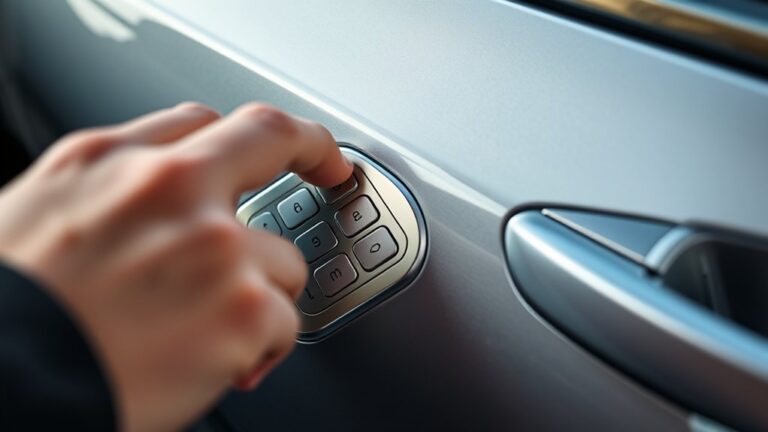
To reset your Ford door code, you first need the factory code from the owner’s manual, glove box label, or dealer records tied to your VIN. This factory code is essential to begin the process of resetting your Ford door code.
Once you enter that code, the keypad enters programming mode, and you can set a new five-digit code by pressing 1-2 within five seconds. The next step is simple, but a small mistake can stop the process and leave the code unchanged.
Key Takeaways
- Find the factory code in the owner’s manual, glove box, trunk, or body control module label.
- If you can’t find it, use the VIN and proof of ownership to get it from a Ford dealer.
- Enter the factory code on the keypad, then press 1-2 within five seconds to enter programming mode.
- Type your new five-digit code, press 1-2 again to save it, and wait for the locks to cycle.
- Test the new code immediately, and check battery, keypad, and wiring if the reset fails.
How to Find Your Ford Door Code
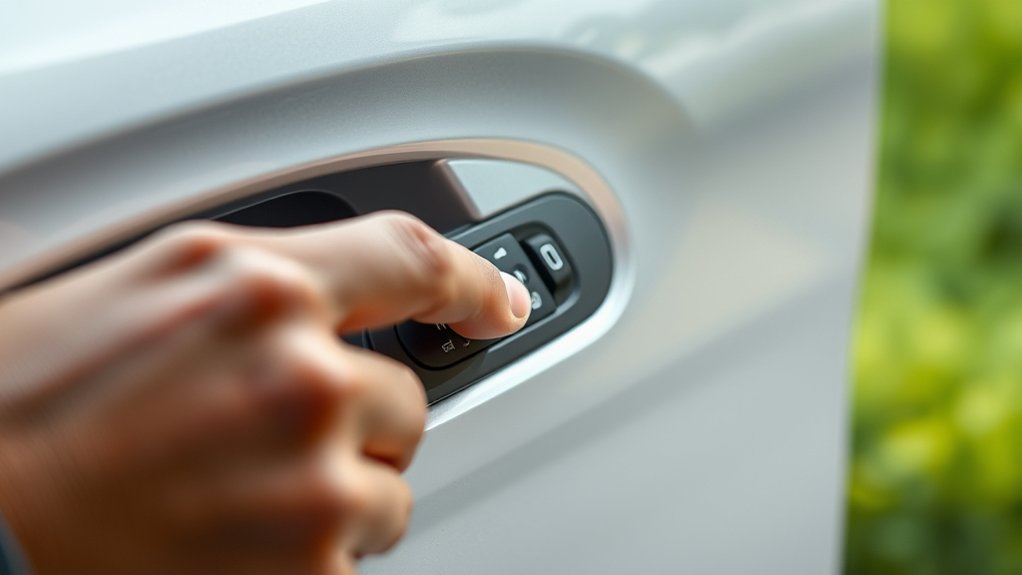
To find your Ford door code, start by checking the vehicle’s owner’s manual and the documentation packet that came with the car, because the factory code is often listed there. Next, inspect the glove box, center console, or fuse panel area for a factory label or card that shows the code.
If you can’t locate it, use your VIN and proof of ownership to contact a Ford dealer or authorized service center; they can verify the code from your vehicle record. Keep the code in a secure place and avoid sharing it casually, since strong security practices help reduce unauthorized access and privacy concerns.
If your model uses an access keypad, note the original code exactly, including all digits, before you proceed to any later programming steps.
How to Reset Your Ford Door Code
To reset your Ford door code, first locate the factory code on the keypad, in the owner’s manual, or on the module label. Once you’ve confirmed the factory code, enter it on the keypad to activate programming mode.
Then enter your new 5-digit code within the required time and wait for the locks to cycle to confirm it’s set.
Locate Factory Code
Where do you begin? You locate the factory code first, because Ford requires it before you can reset the keypad. Check the owner’s wallet card, usually stored with registration papers, or inspect the vehicle’s glove box, fuse panel label, or module sticker.
On many models, the code appears on a white tag attached to the body control module or inside the trunk area. If you’ve misplaced it, contact a Ford dealer with proof of ownership; they can retrieve it from the VIN.
Keep the code secure and separate from personal notes. This step is as methodical as woodworking tips for measured cuts and as organized as garden landscaping plans, so you can proceed without guesswork.
Enter New Code
Next, enter the factory code on the keypad to put the system into programming mode. Within five seconds, press the 1-2 button. The locks should cycle once to confirm you’re ready to input a new code.
Type your desired five-digit code on the keypad, using only numbers you can remember. Press 1-2 again to store it. The locks should cycle a second time, confirming the change.
If they don’t, reenter the factory code and repeat the sequence carefully. Test the new code immediately to verify the door unlocks. If you’re distracted by an unrelated topic or an off topic discussion, stop and restart the procedure so you don’t miss the timing.
Keep the factory code in a secure place for future programming or reset steps.
How to Program a New Ford Door Code
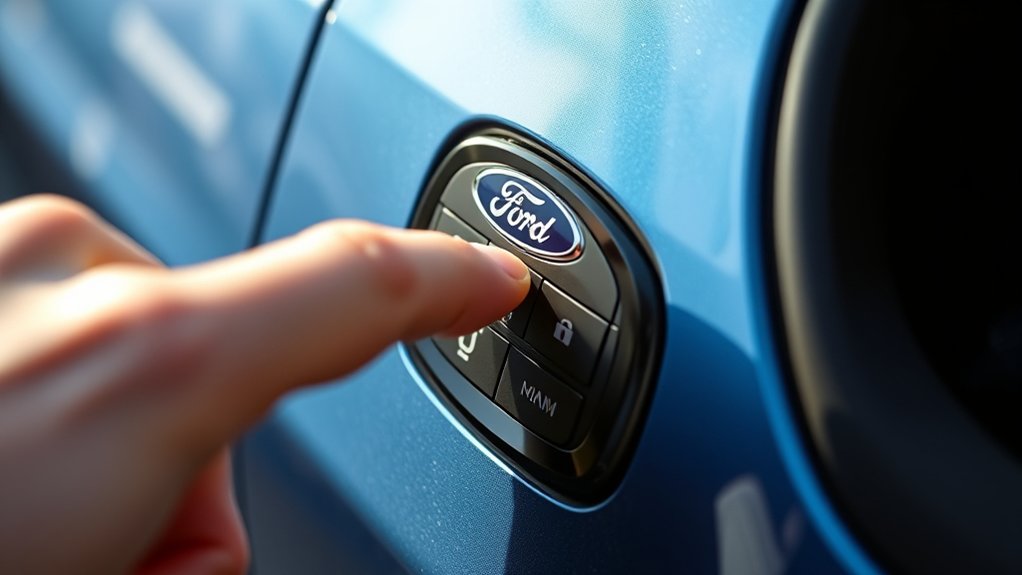
Before you program a new Ford door code, make sure you have the factory code, because you’ll need it to enter programming mode. Enter the factory code on the keypad, then press the 1/2 button within five seconds. The locks should cycle to confirm access.
Immediately enter your new five-digit code, using only numbers you can recall easily. Press 1/2 again to store it. Wait for the locks to cycle a second time; that confirms the new code is saved.
If the locks don’t respond, repeat the sequence with exact timing. Keep the keypad clean and dry, since weather patterns can affect button response, and follow the vehicle’s security steps like you’d follow marketing strategies: carefully, consistently, and without skipping any step.
How to Add a Temporary Code
Locate the keypad access feature on your Ford’s door or outside keypad. Enter the temporary code using the keypad buttons in the correct sequence.
Confirm the entry so the temporary code stays active for the access period you set.
Locate Keypad Access
To add a temporary keypad code, you first need to access the Ford keypad system through the driver’s door. Open the door fully and locate the factory keypad on the exterior handle or B-pillar. You’ll use this access point to confirm the system is active before proceeding.
Keep the vehicle in park; on an automatic transmission, that helps prevent unintended movement while you work. Check that the key fob is nearby and the battery isn’t weak, since low voltage can interrupt keypad response. Proper access also supports routine engine maintenance by letting you secure the vehicle after service.
- Verify the keypad is clean and visible.
- Confirm the driver’s door unlocks normally.
- Note the factory code location for accurate setup.
Enter Temporary Code
Now enter the factory code on the keypad, then immediately press the 1 2 button to start the temporary-code sequence.
Next, type your new temporary code on the keypad. Use five digits unless your Ford module specifies a different length.
The system stores this code only for the current session or until you clear it, depending on model. After the final digit, wait for the locks to cycle or the keypad light to confirm acceptance.
If the locks don’t respond, re-enter the factory code and repeat the sequence carefully. Do not mix this step with any irrelevant topic or unrelated concept, because both can distract from the required input order.
Confirm the temporary code works by testing it once, then proceed to the next programming step.
How to Reset Without the Factory Code?

If you don’t have the factory code, you can still reset the door keypad by retrieving the keyless entry module’s stored code or by reprogramming the system through the vehicle’s diagnostic interface. You’ll usually find the module behind trim panels, so check your owner manual before removing anything. Keep your tools organized during car maintenance and garage organization to avoid damaging clips or connectors.
- Locate the module label and record the permanent code.
- Enter the code on the keypad, then press the reset sequence.
- Use a scan tool only if your model supports keypad reprogramming.
After you confirm the new code, test every button and save the code in a secure place. Don’t share it casually, and avoid repeated failed entries that can trigger a lockout.
How to Reset a Used Ford Door Code
When you buy a used Ford, you should reset the door code right away so the previous owner’s access no longer works. Locate the keypad entry system and confirm you’re in programming mode with the vehicle’s ignition on. Enter the five-digit factory code if you have it, then press 1•2 to begin adding a new personal code.
Choose a code you can remember, enter it within five seconds, and watch for the locks to respond. If the old code still functions, repeat the sequence and store the new code securely. Avoid simple sequences tied to weather patterns or cooking tips, because predictable numbers are easier to guess.
Keep your replacement code confidential and document it separately from the vehicle papers for future reference only.
How to Test Your New Code
Test your new Ford door code by entering it on the keypad and watching for the locks to cycle, which confirms the code was accepted. Next, repeat the entry once to verify consistent response and confirm your security protocol is active.
If the locks respond correctly, you’ve programmed the system properly and can rely on the code for daily access.
- Enter each digit slowly and accurately.
- Observe the lock cycle before using the code normally.
- Record the code in a secure location for reference.
Use the keypad in the same sequence every time, since timing errors can reduce reliability. If the vehicle doesn’t respond as expected, review the code entry process before contacting customer support for guided assistance.
Common Ford Door Code Problems
If you can’t reset the code, first confirm you still have the factory code, since a forgotten factory code will block setup. Next, check for keypad entry errors, including wrong button sequence or delayed presses, because those can prevent access.
If the code still won’t work, inspect the battery and wiring, since low voltage or a loose connection can disable the system.
Forgotten Factory Code
Can’t find your Ford’s factory door code? Check the owner’s manual packet, the glove box card, or the security label in your vehicle records. If the code’s missing, use your VIN and proof of ownership to request it from a Ford dealer or authorized service center.
Keep the code with your vehicle maintenance records, not in the cabin, and share it only with a trusted emergency contact. This prevents lockout delays and preserves access during service.
- Verify the exact model year before requesting a lookup.
- Confirm your VIN matches the registration and title.
- Store the recovered code in a secure, separate location.
If you still can’t retrieve it, schedule a dealer inspection; they can identify the correct factory code quickly and document it for future use.
Keypad Entry Errors
Keypad entry errors usually come from timing, a wrong code, or an incomplete press sequence, so start by entering the code slowly and exactly as programmed. You should press each digit once, then wait for the confirmation tone before trying again.
If the keypad rejects the entry, verify that you’re using the correct factory or user code and that you’re not pausing too long between presses.
| Check | Action |
|---|---|
| Code sequence | Re-enter all digits in order |
| Input speed | Press each button firmly, once |
| Confirmation | Listen for the lock response |
If mistakes continue, clean the keypad and retry during routine car care. Treat the keypad like precision equipment, much like windshields repair work that fails when alignment is off.
Battery or Wiring Issues
When the door code still won’t work, check the vehicle’s battery and wiring first, because low voltage or a loose connection can stop the keypad from sending a valid signal. Inspect the battery terminals for corrosion, and verify the battery voltage meets Ford’s specification.
Trace the keypad harness for pinched, frayed, or disconnected wires, especially near the driver door and fuse box. If you recently jump-started the truck, recheck the system after charging.
- Confirm battery health before programming again.
- Repair damaged wiring to restore keypad communication.
- Review your car warranty and vehicle maintenance records for covered electrical service.
A stable power supply is essential; otherwise, the code reset won’t take.
How to Change Codes on Keyless Entry Models
To change the code on a Ford keyless entry model, first enter the current factory or programmed code on the keypad, then press the 1-2 button within five seconds. You’ll hear the locks cycle, confirming programming mode.
Enter your new five-digit code, then press 1-2 again to store it. Test the code immediately and verify that each door unlocks smoothly. Use this method only on compatible models, since procedures can vary.
| Step | Action | Result |
|---|---|---|
| 1 | Enter existing code | Unlocks programming mode |
| 2 | Press 1-2 | Signals entry window |
| 3 | Input new code | Saves the setting |
Accurate entry supports road safety and fuel efficiency by reducing distractions and unnecessary stops.
How to Keep Your Ford Door Code Secure
How can you keep your Ford door code secure? Treat it like a credential. Don’t share it casually, and avoid storing it in obvious places. If you write it down, place it in a locked file, not the glove box.
Use strong access control, and change the code if anyone outside your trusted circle learns it. For added protection, follow two word ideas1 and two word ideas2 as reminders to manage exposure and audit access.
- Limit disclosure to essential users only.
- Review code use after service, valet, or resale.
- Reset the code immediately if compromise is possible.
You should also delete photos of the code from your phone and keep your owner’s manual secure.
Frequently Asked Questions
Can I Reset the Door Code Without Entering the Old Code?
No, you generally can’t reset it without the old code; you’ll need the factory code or a dealer scan. This protects unlocking mechanics and security implications, so you shouldn’t bypass the system.
Do All Ford Models Use the Same Door Code Procedure?
No, you don’t use the same procedure across all Ford models; a 2022 F-150 may differ from a Focus.
Check your owner’s manual, because reliable programming and regional differences can change keypad resets.
How Long Does a Ford Door Code Reset Take?
A Ford door code reset usually takes 5 to 10 minutes. You’ll spend most time locating the factory code, entering the reset procedure, and checking timing considerations for keypad response and confirmation lights.
Will Resetting the Code Erase My Personal Settings?
No, resetting the code usually won’t erase your personal settings. You’ll keep bright memories and dark defaults intact.
During the reset procedure, watch for battery impact, but your saved seat, mirror, and climate preferences should remain.
Can I Reset the Code Using the Fordpass App?
Yes, you can’t usually reset the door code through FordPass alone; you’ll need the vehicle’s keypad or settings menu. Use app integration for locking features, then follow the reset procedure in the truck.
Conclusion
Your Ford’s door code is the key that unblocks convenience, but treat it like a hidden compass, not a roadside sign. Locate the factory code, enter it, and program your new five-digit code with care.
Test it, confirm it works, and store it securely. If you can’t find the original code, use your VIN and proof of ownership to recover it.
Protect that code like a locked gate—because it guards your vehicle’s access. Knowing how to reset the door code on a Ford ensures your car stays both accessible and secure.


